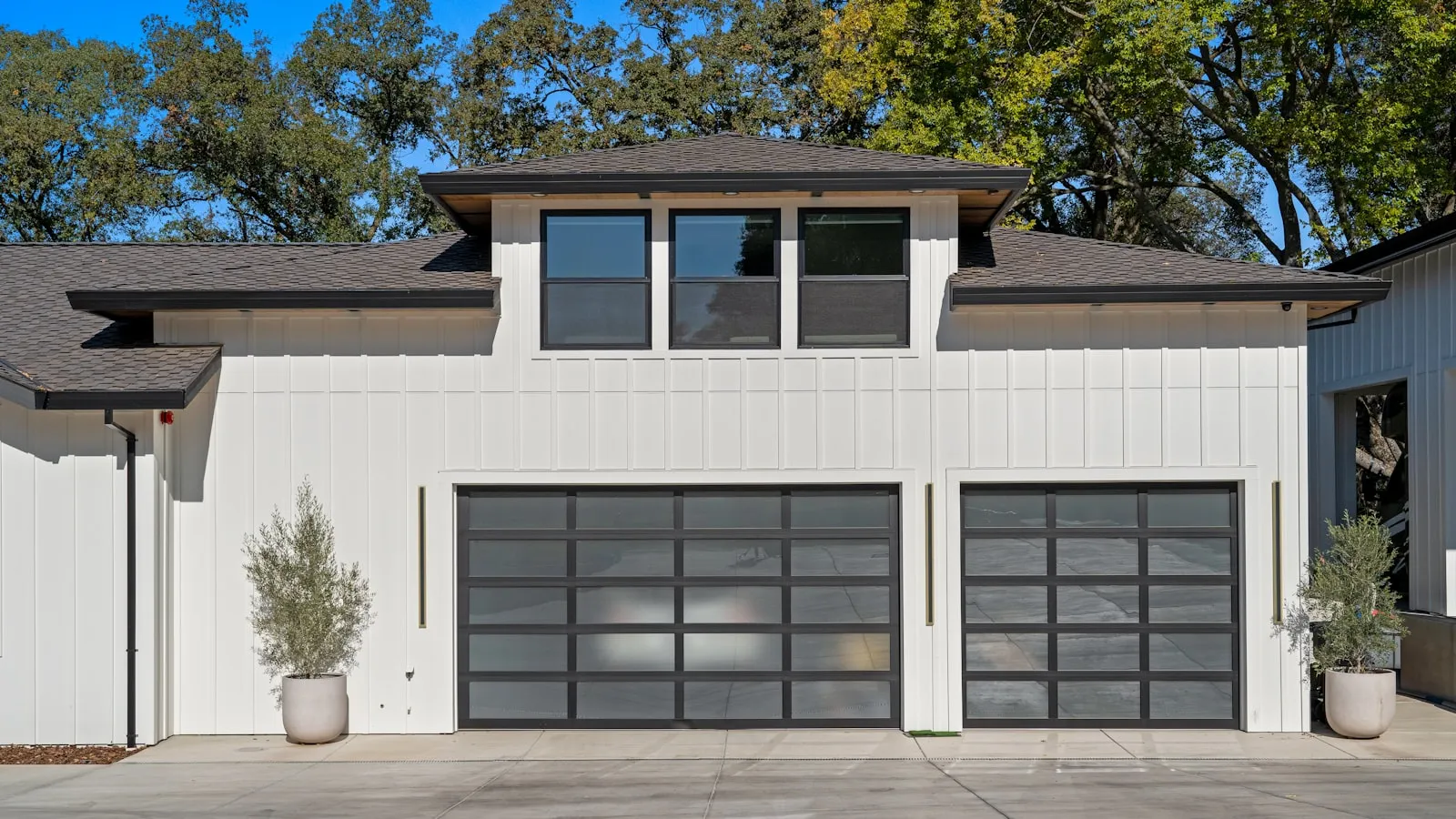
A new LiftMaster with short remote range is almost always a frequency problem — the unit ships on 315 MHz, a congested band where interference collapses the receiver’s reach, and the fix installers reach for is switching it to 390 MHz. The remote that once worked from down the block now needs you almost under the door, and in most cases the opener isn’t defective. It’s the radio. The one catch is that not every board switches the same way, so confirm the method for your specific model before buying a 390 MHz remote.
Why the frequency is the first thing to check
A number of newer LiftMaster openers operate on 315 MHz. That band has quietly become one of the more congested corners of the unlicensed spectrum — it shares space with a growing pile of consumer electronics — and when the noise floor around the opener rises, the receiver’s usable range falls. Owners of the affected units report range collapsing from “works from the street” to “works from a car-length away,” with the handheld remote and an in-car HomeLink transmitter both affected.
Because openers on this band are unlicensed devices, they’re required to tolerate this kind of interference rather than fight it — the FCC Part 15 rules explain why that’s the deal these devices operate under. The practical consequence is that the fix isn’t “make the interference stop.” It’s “get onto a quieter channel, and clean up the noise you control.”
The switch installers reach for: move to 390 MHz
Many LiftMaster boards support more than one frequency, and the common professional fix for a range-troubled 315 MHz unit is to move it to 390 MHz — a band that’s cleaner on a lot of properties. In practice that usually means pairing a 390 MHz remote (an 893MAX is the one installers name most) and re-learning it, or selecting the frequency on boards that expose that option.
The important caveat: the exact method varies by model. Some units switch by simply learning a different-frequency remote; others don’t. Confirm the procedure for your specific opener against its manual or LiftMaster support before you buy a remote on the assumption it’ll work. And note that 390 MHz isn’t magically better everywhere — interference is local. The value of a dual-frequency opener is that it lets you land on whichever band is quieter where you actually live.
Clean up the interference you control
Frequency aside, the biggest range killers usually sit within a few feet of the motor head:
- LED and CFL bulbs in the opener. The single most common local cause. Many bulbs throw broadband RF noise, and one screwed into the opener’s own socket sits right next to the receiver. LiftMaster prints a warning about this under the socket. Swap to incandescent or opener-rated bulbs and retest.
- Cameras, PoE, and networking gear. A security camera and its power-over-Ethernet injector, mounted near the garage, are frequent offenders. So are cellular boosters and solar inverters.
- The antenna wire. The thin wire hanging from the control board is the antenna. If it’s coiled, cut short, tucked up, or shadowed by metal, range drops hard. It should hang straight down, fully extended, away from metal surfaces.
Work through these before assuming the opener is bad. If range is still poor after a frequency move and an interference cleanup, run the gate and garage opener diagnostic to rule out the receiver itself.
If it’s the in-car HomeLink specifically
If the poor range is only from your car — the handheld remote is fine — the problem may be on the vehicle side rather than the opener’s. Metallized windshields and mirror-mounted transmitters have their own range story; HomeLink range troubleshooting covers that separately from the opener-side issue described here.
Where Proxly fits
An honest, relevant note. Everything above is about the opener’s radio receiver — the part that listens for a remote. Proxly doesn’t use it. The Hub triggers the opener through its wired button input, the same two terminals a wall button uses, so a weak or noisy RF receiver doesn’t affect Proxly’s arrival trigger at all. It won’t fix your handheld remote’s range — that’s the opener-side job described here — but it does mean hands-free arrival doesn’t depend on the band your opener happens to ship on. If you’re fighting a range gremlin and rethinking how the door gets triggered, getproxly.com/beta is where to follow what we’re building.
References
- LiftMaster Support — official documentation on opener frequencies, compatible remotes, and antenna guidance for residential units.
- FCC Part 15 — the rules governing unlicensed operation on the 300–400 MHz bands that garage and gate openers use, and the interference these devices must accept.
Frequently asked questions
- The most common reason on recent units is the frequency. A number of newer LiftMaster openers operate on 315 MHz, a band that has become congested with interference from LED bulbs, cameras, networking gear, and other electronics. When the noise floor near the opener rises, the receiver's usable range drops — sometimes to a car-length. It usually isn't a defective opener; it's a radio-environment problem.
- Some LiftMaster boards support more than one frequency, and installers commonly move a range-troubled unit to 390 MHz by pairing a 390 MHz remote (such as an 893MAX) and re-learning it, or by selecting the frequency on boards that expose that option. The exact method depends on the model, so confirm it against your opener's manual or LiftMaster support before buying a remote — not every unit switches the same way.
- The frequent culprits sit close to the opener: LED and CFL bulbs in the motor head, nearby security cameras and their PoE injectors, cellular signal boosters, and solar inverters all emit RF noise. A coiled, cut, or metal-shadowed antenna wire also cuts range badly. Rule these out by swapping to incandescent bulbs, and make sure the antenna hangs straight down, clear of metal.
- Not universally — it depends on your local radio environment. 315 MHz has become more crowded in many areas, so 390 MHz is often cleaner and gives better range there. But interference is location-specific; on some properties 315 MHz is fine. The reason a dual-frequency opener helps is that it lets you move to whichever band is quieter where you live.
Why does my new LiftMaster have such short range?
How do I switch a LiftMaster opener to 390 MHz?
What interferes with garage door opener range?
Is 390 MHz better than 315 MHz?
Keep reading
What Is a Gate Opener's Duty Cycle and Why It Matters
Duty cycle tells you how hard a gate opener motor can work before it needs to cool down. Here's what the spec means, how to calculate your requirements, and what happens when you ignore it.

FAAC SimplyConnect Review: Setup, App Experience, and the Cloud Question
FAAC SimplyConnect adds WiFi app control to FAAC gate openers through a dealer-installed module. Here's what it does well, where it falls short, and what to know before adding it.
Mighty Mule Alternatives for Driveway Gates: What to Buy Instead in 2026
Mighty Mule works for light-duty gates. When you need better reliability or hands-free access, these are the alternatives worth considering for your driveway.