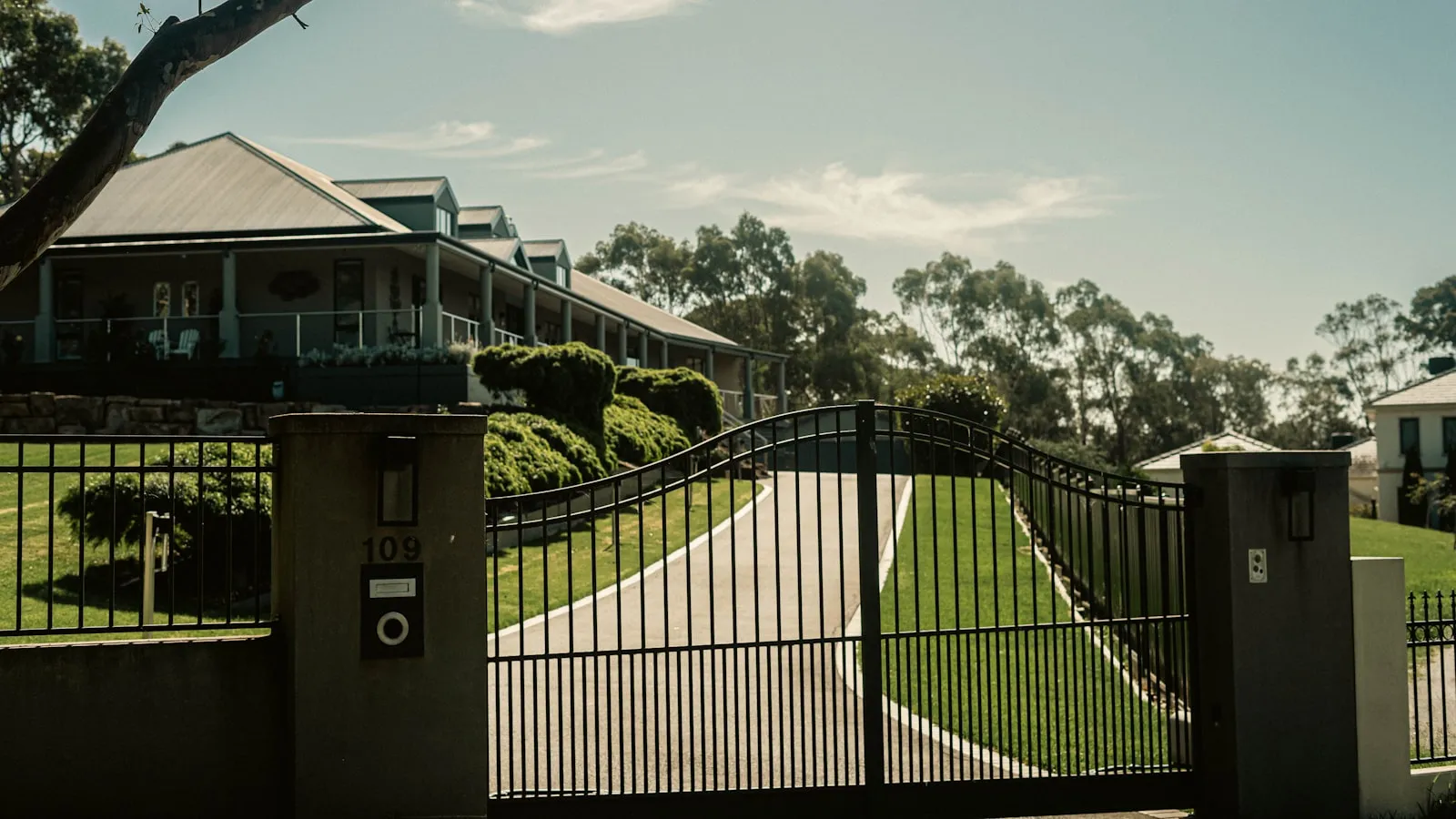
Every residential gate opener works the same way, no matter the brand or price. A motor moves the gate, a control board runs the logic, a radio receiver hears your remote, and low-voltage terminals let anything trigger it. A $400 opener and a $4,000 one share those four parts, and once you can read the control board you can troubleshoot most gate problems, add almost any accessory, and pick the right replacement.
This piece is for the moment it doesn’t.
Reading a control-board photo is enough to troubleshoot 80% of gate problems, install almost any accessory (keypad, vehicle-detection loop, hands-free trigger), and pick the right replacement when an opener eventually dies. The mechanism hasn’t really changed since the 1990s. Knowing it once is enough.
What’s inside the metal box
Every residential gate opener — regardless of brand, regardless of whether it cost $400 or $4,000 — has the same four parts.
-
The operator. The motor plus whatever drive mechanism converts rotation into gate motion. This is the loud part you can see.
-
The control board. A green or brown circuit board behind a metal cover, usually held in by one screw. This is the brain. It takes signals from triggers (clickers, keypads, HomeLink, whatever) and decides whether to open, close, stop, or ignore the request.
-
The receiver. A small radio module, either built into the control board or wired in separately. It listens for signals from your clicker and your car’s HomeLink button. Almost always 315 MHz, 390 MHz, or 433 MHz.
-
The wiring. Low-voltage screw terminals on the control board where you connect anything that triggers the gate: the clicker receiver, a keypad, an intercom, a vehicle-detection loop, a Wi-Fi module. Two wires per device, usually.
That’s it. A 2026 opener and a 1995 opener have the same four parts. What changed is the software around them, not the architecture.
The operator — three drive types you’ll see
A residential gate weighs somewhere between 300 and 800 pounds. The operator that moves it is rated for 600 to 1,500 pounds. That 2-3x oversizing is why a decent opener lasts 10-15 years of daily cycling. The same ratio sets the operator’s duty cycle — how many open-close cycles it can run per hour before thermal protection intervenes — which matters more than most buyers realize on a busy driveway.
How it actually moves the gate depends on the gate type:
Swing arm openers
If you have a swing gate — the kind hinged on one side that pivots open — you almost certainly have a swing arm operator. It mounts on the gate post and connects to the gate via an articulating arm or a linear actuator (a piston).
Common models in this category:
- LiftMaster LA400 — the most common articulating-arm operator in US residential. Lives behind the post, throws the gate open in 12-18 seconds.
- Mighty Mule MM571W — the DIY tier. Linear actuator. Cheaper, lighter-duty, popular for homeowners installing their own gate.
- FAAC 391 — Italian. Hydraulic articulating arm. Quieter and smoother than electric, more expensive.
- DoorKing 6500 — heavy-duty articulating swing arm. Common on bigger commercial-residential properties.
Articulating arm = elbow-like joint that opens 90+ degrees. Linear actuator = piston that extends and retracts. Either works. Articulating arms tend to be quieter; linear actuators tend to be cheaper.
Slide gate openers
If your gate slides sideways on a track or roller wheels, you have a slide gate operator. The mechanism is a gear (the pinion) riding along a toothed metal strip (the rack) bolted to the bottom of the gate. The motor turns the pinion, the gate moves along the rack.
Common slide openers:
- LiftMaster CSL24U / CSW24U — the residential-commercial workhorses. 24V DC, battery-backup capable, rated for up to 50-foot gates.
- FAAC 740 / 741 — Italian slide operators. The 740 is the residential standard, 741 is the heavy-duty version.
- DoorKing 9100 / 9150 — workhorses in California gated communities and estates. Heavy, slow, basically indestructible.
- Nice Apollo 1500 / 1550 — Apollo is Nice’s US brand. The 1500 series is the most common Apollo slide opener for residential.
The faint metallic clack-clack-clack while the gate moves is the rack-and-pinion engaging. Normal sound.
Underground rams
If your gate appears to open with no visible operator, you have an underground ram. A hydraulic or electromechanical piston is buried in a concrete vault under the post, and an embedded arm pushes the gate open from below.
These are premium installations — usually $8,000-15,000 just for the operator. The benefit is invisibility; the drawback is that any maintenance requires digging.
- FAAC 770 — the residential underground hydraulic ram standard.
- Nice X-Bar / X-Metro — Nice’s underground residential line.
- Marantec Synergy 270 / 370 — German engineering, popular for estate-style installations.
If you have one of these, you probably know it. If you don’t know what you have, you don’t have one — they’re rare.
The control board — the part most homeowners never see
If you opened the metal cover on your gate motor (one screw, sometimes a latch) you’d see a green or brown printed circuit board roughly the size of a paperback. Along one or two edges of it: rows of small screw-down terminal blocks, each labeled with a short code.
Those terminals are how the world talks to your gate.
The most common labels you’ll see:
- OPEN — close this terminal to common (COM) for a moment, and the gate opens. Like pushing a button.
- CLOSE — same idea, but closes the gate.
- STOP — closes the safety-stop circuit. Some boards require this to be closed continuously for the opener to work at all.
- SBC (Single Button Control) — one terminal that cycles through open → stop → close → stop → open every time it’s triggered. Most clickers and HomeLink-style transmitters trigger SBC.
- COM — the common ground. Every other input gets paired with this.
- PB (Push Button) — same as SBC on some boards.
- FREE EXIT — a separate input for vehicle-detection loops buried in the driveway. When a car drives over the loop, the gate opens automatically.
- TIMER or TIM — auto-close timer adjustment.
Each brand uses slightly different labels. LiftMaster boards are usually clearly labeled “OPEN / CLOSE / STOP / COM.” FAAC uses “OP / CL / STOP / COM.” DoorKing has the most terminals (often 16-32 of them) because their boards are designed for commercial-grade installations with multiple loops, intercoms, and external receivers.
The key thing to understand: almost every trigger on a residential gate works by closing two terminals together for half a second. Your clicker. Your HomeLink button. Your keypad. A Wi-Fi smart-gate module. A vehicle-detection loop. They all do the same thing — momentarily short a terminal pair, just like pressing a physical button. That shared interface is why every way to open a gate or garage from your car ultimately lands on the same two terminals.
This is why a Proxly Hub wires into a 1998 LiftMaster opener as easily as a 2024 one. Two wires. Same terminals. Same behavior.
The receiver — where remote signals actually land
Inside almost every modern residential opener is a small radio receiver. It listens on a fixed frequency for a coded signal. When it hears a code it’s been programmed to recognize, it triggers the SBC terminal — same as pushing a physical button.
Frequencies you’ll encounter:
- 315 MHz — older LiftMaster, older Chamberlain, older HomeLink. The US default until the mid-2000s.
- 390 MHz — newer LiftMaster Security+ rolling-code remotes. HomeLink in vehicles 2014 and newer typically supports both 315 and 390.
- 433 MHz — European brands (FAAC, Nice, BFT, CAME). Newer HomeLink usually supports this too.
Your clicker transmits on one of those frequencies. Your car’s HomeLink module learned to mimic your clicker’s signal, on the same frequency, when you “programmed” it (the dance with the visor button and the LEARN button on the opener).
This is also why HomeLink fails so often. The visor button has to learn your specific clicker’s rolling-code algorithm, the battery in the visor module dies every 10-15 years, the alignment between your HomeLink frequency band and your opener’s receiver isn’t always perfect, and the signal has to travel through your windshield AND your gate’s surroundings without obstruction. It works, until it doesn’t — which is what sends a lot of owners looking for a HomeLink alternative.
A “smart gate” Wi-Fi module bypasses the radio receiver entirely — it just hard-wires into the OPEN/CLOSE/SBC terminals and triggers them via a cellular or Wi-Fi command. That’s why those modules are technically simple but unreliable in practice: they trade radio physics for network physics, and home Wi-Fi at the gate is often worse than radio at the gate.
How a gate opener differs from a garage door opener
These are often grouped together but they’re different products:
-
A garage door opener uses a single trolley running along a rail, pulling the door up. The motor is in your ceiling. The remote works inside your garage.
-
A gate opener uses one of the three drive types above, mounted outdoors, exposed to weather. The motor is at your gate post, sometimes 100+ feet from your house. The remote has to reach the gate from your car at the road.
The shared abstraction (motor + control board + receiver + terminals) is real, which is why HomeLink works for both. But the physical realities are different — gate openers deal with weather, longer signal distances, heavier loads, and outdoor installs.
If a product says it works for “garage doors and gates,” check that it specifically supports your gate opener’s voltage (most residential gates are 24V DC; most garage doors are AC line-voltage with low-voltage triggers) and your gate opener’s terminal layout.
Identifying what you have
If you don’t know what brand or model of opener you own:
-
Open the operator’s metal cover. Usually one or two Phillips screws or a latch on the side. Nothing breaks by looking.
-
Find the brand and model label. Look on the motor housing or on the control board itself. It’ll say something like “LiftMaster CSL24U” or “FAAC 391” or “DoorKing 6500.”
-
Take a phone photo of the control board. The whole board, terminals visible. This single photo tells any installer (or any compatibility check) exactly what brand it is, what year it was made, what terminals are available, and what’s already wired up.
-
Look for an installation date. Many installers write the install date on the inside of the cover with a Sharpie. That tells you whether parts are still in production and whether you’re approaching the typical 10-15 year lifespan.
Most “I don’t think Proxly will work with my gate” messages turn out to be supported openers as soon as a control-board photo arrives. The brand and model are almost always findable, almost always supported, and almost always have the same OPEN / COM terminals that every trigger device uses.
If you’re choosing a replacement rather than identifying what’s already installed, the Driveway Gate Opener Buyer’s Guide covers the full brand-by-brand breakdown, cost ranges, and the questions worth settling before you commit.
What changed in the last 20 years, and what didn’t
What changed:
- Battery backup is common now (24V DC openers run on a 12V battery when the power’s out)
- Rolling-code security replaced fixed-code security (each press of the clicker uses a new code, so signal copying is harder)
- Soft-start / soft-stop motor profiles reduce wear on the gate hardware
- LED status indicators on control boards make diagnostics easier
- Newer openers support digital diagnostic outputs over RS-485 or similar
What didn’t change:
- The terminal-block interface for triggers — same as 1995
- The 315 / 390 / 433 MHz radio receivers — same architecture
- The drive types (swing arm, slide, underground) — same mechanics
- The thing where you press a button and the gate opens — same experience
That last bit is the gap worth dwelling on. The hardware around your gate has gotten quieter, safer, and longer-lasting. The way you interact with it hasn’t changed. You’re still pressing a button, twice a day, every day, for the rest of the time you own the house.
There is a newer category of gate trigger that uses the vehicle itself as the credential — no button, no phone, no app to wake up. It wires into the same two terminals described above. Proxly is one product built around that idea.
Where to read more
For brand-specific specs and manuals:
- LiftMaster: liftmaster.com/professional/swing-and-slide-gate-operators
- FAAC: faac.biz
- DoorKing: doorking.com
- Nice / Apollo: niceforyou.com and apollogateopeners.com
- Mighty Mule: mightymule.com
For diagnostics, the most useful single resource is your specific opener’s installation manual — almost all manufacturers post these as PDFs. Search “[brand] [model] installation manual” and you’ll get the wiring diagram, terminal definitions, and dip-switch settings.
Frequently asked questions
- Ten to fifteen years of daily cycling for a decent-quality opener. The 2-3x oversizing of motor capacity relative to the actual 300-800 lb gate weight is what gets them past the decade mark.
- A swing gate opener uses an articulating arm or linear actuator (piston) to pivot a hinged gate open. A slide gate opener uses a rack-and-pinion gear that drives the gate sideways along a track. The mechanism is determined by the gate type, not the brand.
- Yes. Almost every residential gate opener has low-voltage terminals — typically labeled OPEN, CLOSE, STOP, SBC, or COM — that any trigger device connects to with two wires. The trigger device momentarily closes two terminals together, the same effect as pressing a physical button.
- Several causes. The HomeLink visor battery degrades over 10-15 years; the rolling-code algorithm in your clicker can fall out of sync; the signal has to pass through your windshield and the gate's surroundings; and the radio frequency of your HomeLink module and your opener's receiver have to align. Any of these can fail intermittently.
- Open the metal cover on the operator (usually one Phillips screw or a latch). Find the model label on the motor housing or control board — it will read something like LiftMaster CSL24U, FAAC 391, or DoorKing 6500. A phone photo of the control board, terminals visible, is enough for any installer or compatibility check.
- Not necessarily. Wi-Fi modules wire into the same low-voltage terminals as a hard-wired button, then trigger them via cellular or Wi-Fi command. This bypasses the radio receiver entirely, but it depends on home Wi-Fi reaching the gate reliably — and home Wi-Fi at the gate is often worse than radio at the gate.
- Most 24V DC operators built in the last decade support a 12V battery backup — typically 30-50 cycles per charge once the battery is installed. Check your opener's installation manual or spec sheet for a 'battery backup' or 'UPS' option. AC-line-voltage operators, which are less common in residential gates, usually don't support it without additional hardware.
How long does a residential gate opener last?
What is the difference between a swing gate opener and a slide gate opener?
Can I add a keypad, intercom, or smart-gate module to my existing gate opener?
Why does HomeLink stop working with my driveway gate?
How do I identify what brand and model of gate opener I have?
Are smart-gate Wi-Fi modules better than HomeLink?
Does my gate opener have battery backup for power outages?
Keep reading
What Is a Gate Opener's Duty Cycle and Why It Matters
Duty cycle tells you how hard a gate opener motor can work before it needs to cool down. Here's what the spec means, how to calculate your requirements, and what happens when you ignore it.

FAAC SimplyConnect Review: Setup, App Experience, and the Cloud Question
FAAC SimplyConnect adds WiFi app control to FAAC gate openers through a dealer-installed module. Here's what it does well, where it falls short, and what to know before adding it.
Mighty Mule Alternatives for Driveway Gates: What to Buy Instead in 2026
Mighty Mule works for light-duty gates. When you need better reliability or hands-free access, these are the alternatives worth considering for your driveway.