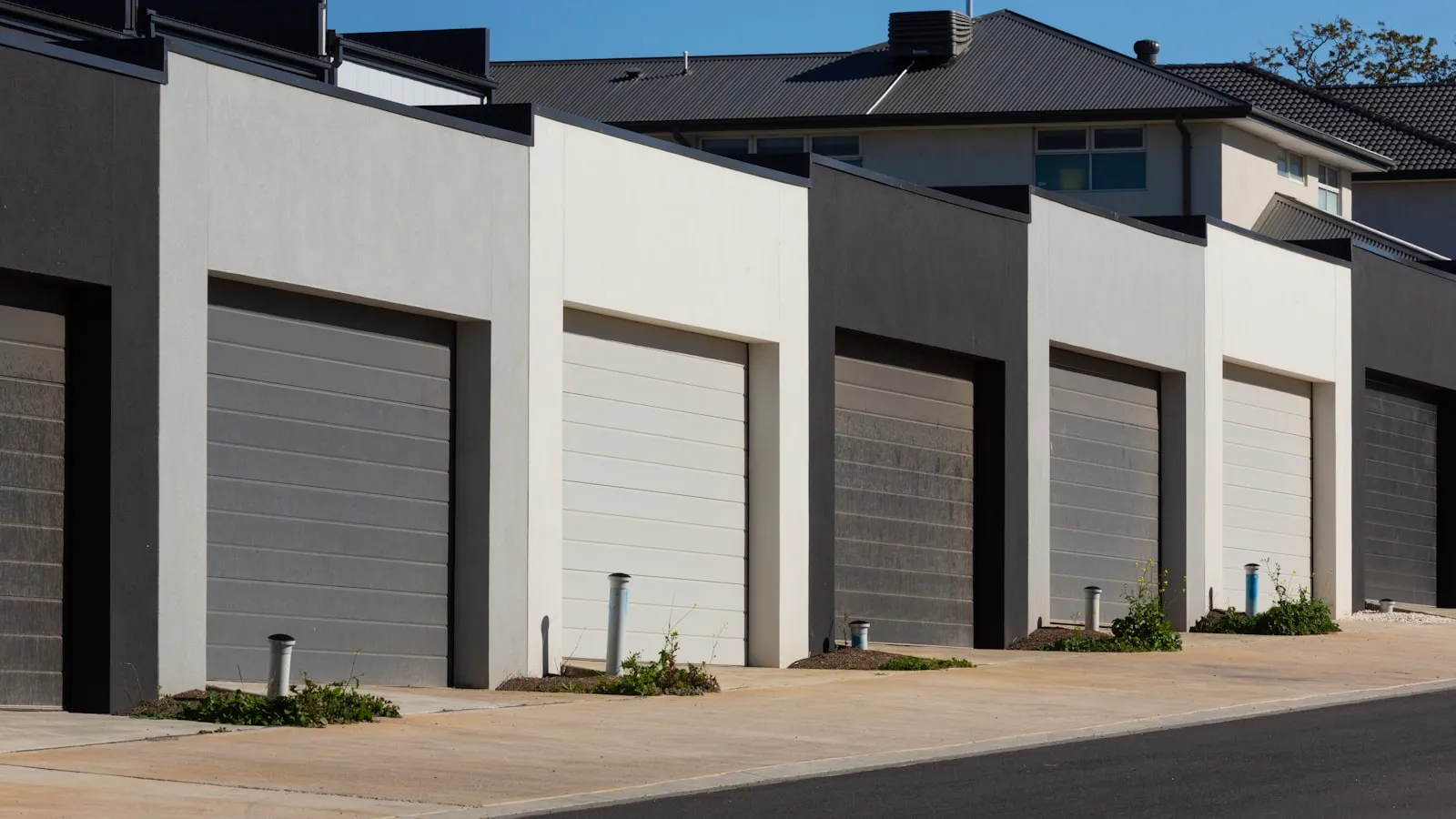
iSmartGate Pro sits in a specific slice of the gate retrofit market: app control for any opener, without the manufacturer lock-in of myQ or the subscription fees that follow some competing modules. The premise is a two-wire connection to your gate opener’s control board, a WiFi bridge, and your gate responding to a phone or a smart-home command.
Whether that premise holds for a driveway gate — not just a garage door — depends on what you actually need.
What it does
The core hardware is a small WiFi module that connects to the low-voltage control board of any gate or garage-door opener. Most residential openers have a pair of terminals labeled “Open/Close,” “Remote,” or similar — the same terminals a handheld clicker’s receiver uses. For a deeper look at how those dry-contact terminals work in the broader gate system, how a residential gate opener actually works covers the four-part mechanical picture.
The iSmartGate Pro module bridges those terminals under software control and adds:
- App-triggered open and close from anywhere with an internet connection
- A geofence zone in the iSmartGate app — set a radius around your address, and the app can send an open command when your phone crosses that boundary
- Integration with Apple HomeKit (Siri), Google Home, and Amazon Alexa
- An onboard sensor that reads whether the gate is currently open or closed, used for auto-close timers and status notifications
- Camera support via the iSmartGate Cam, an optional add-on
The Pro model supports up to three gates or garage doors from one unit, which is useful on a property where a driveway gate and garage door both need app control from a single app and one setup.
Installation
Two wires from the module to the gate opener’s control board, plus a power source — typically 12V from the opener’s auxiliary output or a separate adapter. Then WiFi pairing through the app. If you’ve paired a smart plug or thermostat, the process will feel familiar.
The location constraint is easy to miss until setup day: the module needs to be within reliable WiFi range of your home network. For a gate at the end of a long driveway, that often means a WiFi access point or extender at the gate column — an additional cost and a failure point that matters every time you pull up.
For gate openers that are HomeLink-compatible, the iSmartGate module coexists with a paired visor button — you don’t have to choose one or the other. HomeLink-compatible gate openers lists which opener boards support both.
Where it works well
iSmartGate Pro is the right tool when:
- Remote access is the main need — letting in a dog walker, a delivery driver, or a family member who doesn’t have a clicker, from anywhere with an internet connection
- Status monitoring matters — checking whether the gate is open or closed from the app, with notifications if it’s left open past a set time
- Smart-home rules are the goal — integrating gate open/close into a HomeKit scene, a Google routine, or an Alexa automation
- Multiple access points exist on the property — one unit managing the driveway gate and the garage door through one app
No ongoing subscription for any of that. Buy the hardware once and use it.
Where it falls short
The geofence feature deserves close scrutiny for gate-arrival use. When it works, it opens the gate as your phone enters the configured radius. In practice, three factors reduce its reliability for a driveway gate:
Phone GPS accuracy. Geofence zones smaller than a few hundred feet are inconsistent, especially indoors or in vehicles. The point where your car should trigger the gate is often within the accuracy margin of the phone’s reported location.
App background state. iOS and Android both throttle background app processes to save battery. A geofence event that arrives 30 seconds late is the gate-opening equivalent of no geofence at all.
Cloud round-trip. The geofence command goes from your phone through iSmartGate’s servers to the module at your gate. If your home internet is down, iSmartGate’s cloud is degraded, or WiFi at the gate column has dropped, nothing opens.
For a garage door where you’re already pulling in and can reach for a button, a delayed geofence is a minor annoyance. For a driveway gate at the end of a 200-foot run, arriving to a closed gate and then reaching for your phone to open it manually via the app is functionally the same as having no automation. You’ve added an app layer to what the clicker already did.
iSmartGate vs. myQ
The comparison most buyers consider first. myQ (LiftMaster/Chamberlain) is hardware-specific: it works with LiftMaster and Chamberlain openers only, and LiftMaster’s gate-specific operators have their own integration requirements. iSmartGate works with any opener brand and any control board with dry-contact terminals.
On subscription: myQ has moved toward paid tiers for certain integrations (its Apple Home connector carried a fee during several product generations). iSmartGate’s core features remain subscription-free.
For gate-specific use, both face the same WiFi dependency and phone-out step. Neither opens automatically without app interaction or a geofence trigger.
For a full side-by-side on the retrofit category, Remootio vs. iSmartGate covers the two closest competitors in detail, including the differences in how each handles local connectivity.
The verdict
iSmartGate Pro does exactly what it claims: app control and smart-home integration for any opener, without a subscription. For remote-access and smart-home automation use cases, it’s a clean, one-time-cost solution that works across opener brands.
For daily driveway-gate arrival — where the goal is the gate moving before you reach it, without touching your phone — the geofence delivers inconsistently. The cloud dependency is structural, not a firmware issue, so no update fixes it.
If you’ve ruled out iSmartGate and similar app-based modules and want to see what else covers this gap, iSmartGate alternatives for driveway gates maps the current options. A newer category uses a dedicated GPS tag on the windshield rather than a phone to trigger the gate, and removes the phone-out step entirely. That category is at getproxly.com/beta.
Last updated: 2026-08-30. This review is built from manufacturer documentation, public spec sheets, and patterns reported by owners in public forums. We have not purchased, installed, or operated this product ourselves, and we say so where a claim comes from an owner report rather than a manufacturer spec. Pricing, specifications, and availability may change after publication, so verify current details with the manufacturer before buying. Proxly is an independent product and is not affiliated with, sponsored by, or endorsed by iSmartGate or any other company mentioned here. All product names and trademarks are the property of their respective owners. Spotted an inaccuracy? Email getproxly@gmail.com and we’ll correct it.
Frequently asked questions
- Yes, as long as the opener has dry-contact input terminals — which most residential gate and garage-door openers do, including LiftMaster, FAAC, Nice/Apollo, DoorKing, and Mighty Mule. The module connects to the same terminals a wired remote or keypad would use.
- No. Core app control, geofencing, and status monitoring are included with the one-time hardware purchase. Some third-party integrations have carried separate fees in past versions — verify current terms at iSmartGate's site before buying.
- It has a geofence feature that sends an open command when your phone enters a set radius. In practice, consistency depends on phone GPS accuracy, app background access, and internet connectivity at both ends. It works, but not with the reliability of dedicated proximity hardware.
- Remote access and geofencing require an active internet connection. The geofence command routes from your phone through iSmartGate's cloud to the module at your gate, so a service outage or lost WiFi at the gate disables both features.
- The Lite handles one door or gate. The Pro supports up to three — useful if you have a driveway gate and one or two garage doors on the same property and want to manage them from a single unit and app.
Does iSmartGate Pro work with any gate opener?
Does iSmartGate require a monthly subscription?
Can iSmartGate open my gate automatically when I arrive?
Does iSmartGate work without internet?
What is the difference between iSmartGate Lite and Pro?
Keep reading
What Is a Gate Opener's Duty Cycle and Why It Matters
Duty cycle tells you how hard a gate opener motor can work before it needs to cool down. Here's what the spec means, how to calculate your requirements, and what happens when you ignore it.

FAAC SimplyConnect Review: Setup, App Experience, and the Cloud Question
FAAC SimplyConnect adds WiFi app control to FAAC gate openers through a dealer-installed module. Here's what it does well, where it falls short, and what to know before adding it.
Mighty Mule Alternatives for Driveway Gates: What to Buy Instead in 2026
Mighty Mule works for light-duty gates. When you need better reliability or hands-free access, these are the alternatives worth considering for your driveway.