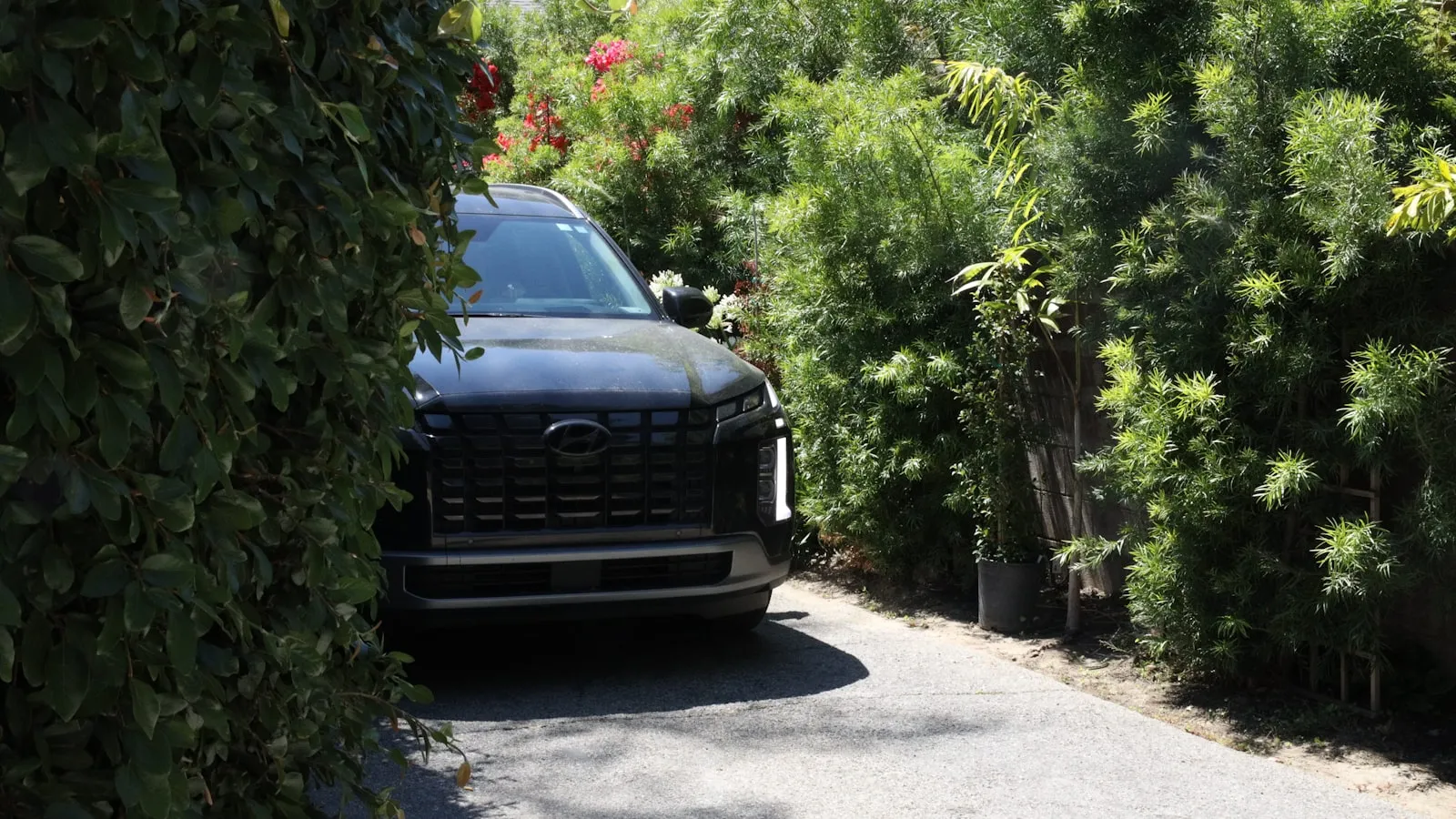
To program HomeLink on an Ioniq 5 or Ioniq 6, power the car on, hold the HomeLink button and a genuine OEM opener remote together until the mirror light flashes fast, then press the opener’s LEARN button and tap HomeLink three times. A generic or knock-off remote makes HomeLink show solid green but never opens the door — use a real OEM clicker from your opener brand. Garages and residential driveway gates follow the same steps; community and HOA gates usually won’t pair, because you can’t reach the gate’s LEARN button.
Where are the HomeLink buttons?
The Ioniq 5 and Ioniq 6 put HomeLink in the auto-dimming rearview mirror — three small square buttons along the mirror’s lower frame, labeled 1, 2, and 3 from left to right. The layout matches what Hyundai and Kia have used across their lineup for several years.
Not every trim includes the auto-dimming mirror. Check your own mirror: if three buttons are present, you have HomeLink. If the lower frame is smooth with no buttons, the option was not fitted on your build, and a compatible aftermarket mirror is the path forward.
One Hyundai-specific behavior worth knowing before you start: HomeLink is disabled when the ignition is off. The car must be powered on — in Ready or Drive mode — for the buttons to do anything. This surprises owners coming from GM vehicles, where HomeLink stays live briefly after shutdown.
The OEM remote rule
Across many documented cases on Ioniq 5, Santa Fe, and related Hyundai platforms, one pattern keeps surfacing: HomeLink accepts the signal from a generic or Amazon knock-off remote, shows solid green, then does nothing when the programmed button is pressed later.
The reason is that HomeLink is designed to replicate a genuine single-function OEM transmitter — not a multi-frequency universal remote or a knock-off clicker. Universal and aftermarket remotes can operate the opener just fine, but they don’t transmit the signal in a way HomeLink can cleanly capture and replay.
The rule: use a genuine OEM remote from the opener brand. For Chamberlain or LiftMaster openers, that means a clicker like the 893MAX or 971LM — a single-function remote from the Chamberlain Group. For Genie, a genuine Genie clicker. Same logic for any other opener brand.
If you don’t have the original remote, a replacement OEM one costs $20–40 and is the correct first purchase before attempting HomeLink setup. Buying a new garage door opener or spending hours on the ladder won’t fix what a $30 OEM remote would have fixed in two minutes.
Programming for a rolling-code opener
Most residential garage door openers sold after 1997 and virtually all current residential gate electronics use rolling code — the stored code changes with every press. HomeLink handles rolling code in two phases.
What you need:
- The car powered on
- A working OEM remote for your opener
- A clear view of the opener motor from inside the car (for the Phase 2 walk-up)
Phase 1 — capture the base signal:
- Hold HomeLink buttons 1 and 3 simultaneously until the mirror indicator flashes rapidly, then release. This clears any stored signal from the button you’re about to program.
- Position the OEM remote 2–3 inches below the mirror.
- Hold the HomeLink button you want to program with one hand. With the other, hold the OEM remote’s button.
- Keep both held until the HomeLink indicator switches from slow to rapid flash. Release both immediately when the pattern changes.
Phase 2 — synchronize the rolling code:
- Walk to the opener motor and press the LEARN button once — a brief press only, roughly one second. Do not hold the LEARN button. On Chamberlain and LiftMaster openers, holding it resets the unit and wipes all paired remotes, including any you programmed earlier. Some Hyundai manuals describe holding the button — ignore that instruction and follow the opener brand’s guide instead.
- Return to the car within 30 seconds.
- Press the HomeLink button three times, with a brief pause between each press.
- The indicator should go solid green. The opener motor light will typically flash to confirm pairing.
- Test: press the HomeLink button once and confirm the door or gate responds.
The full procedure for rolling-code openers across multiple car brands is covered at programming HomeLink for rolling-code openers.
Programming a driveway gate
Residential driveway gates use the same frequency bands and rolling-code schemes as garage door openers. The HomeLink procedure above applies without modification.
The practical differences are physical. The gate controller’s LEARN button may be inside a weatherproof box on a post or inside the motor housing — the location varies by brand (LiftMaster, FAAC, Apollo, DoorKing). Allow extra time to locate and access it before starting Phase 2.
Your car also needs to be close enough to the gate receiver for the captured signal to reach it during Phase 1. If the driveway is long, park within 20 feet of the gate post for the programming session.
For gates that use fixed code instead of rolling code (common on older installations before roughly 2000), Phase 2 is not needed — Phase 1 alone programs the button. If you’re unsure whether your gate uses rolling code, check the gate controller’s model spec sheet. Why HomeLink fails on driveway gates explains the frequency and protocol issues that cause pairing failures when the gate and car don’t match up cleanly.
Reading the indicator lights
The mirror indicator runs through three states during setup and operation:
| Indicator | Meaning |
|---|---|
| Solid orange | Button is empty — no signal stored |
| Rapid green flash | Signal stored, but invalid or incompatible — door won’t respond |
| Solid green | Signal stored and confirmed good |
If you have solid green but the door doesn’t move, suspect the remote used in Phase 1. A knock-off remote produces rapid green flash or a solid green that won’t fire — HomeLink recorded something, but it can’t replay it as a valid command. Clear the button (hold 1+3 until rapid flash, then release) and restart Phase 1 with a genuine OEM remote.
Community and HOA gates
Community gates — neighborhood entrances managed by an HOA or property management company — almost never cooperate with HomeLink programming.
The issue isn’t the Ioniq 5 or 6 specifically. Community gates are closed systems: the gate controller is locked inside a cabinet that residents can’t access. The LEARN button isn’t available to you, and even when the frequency is compatible, there is no way to complete the rolling-code pairing without cooperation from the property manager or gate service company.
Occasionally an HOA will program the gate to accept a specific transmitter for a resident. This requires their active involvement, and it’s rare. Most Ioniq 5 owners with a community gate at their neighborhood entrance end up carrying a dedicated fob or clicker for that gate alongside their programmed HomeLink for the private garage or residential driveway gate.
A 2024 Ioniq 5 Limited owner on r/Ioniq5 confirmed this boundary directly: HomeLink programmed to the private garage with no issues, but the neighborhood community gate — a closed system with no accessible program button — would not accept HomeLink from the Ioniq, even though other vehicles in the neighborhood had connected. The difference came down to frequency compatibility between the specific gate system and the Ioniq 5’s HomeLink module.
When the gate is yours and HomeLink still isn’t the answer
Some residential gate owners run into a different problem: the gate is theirs, the programming procedure works, but the button-press requirement adds friction they’d rather not have. The car approaches, they press the HomeLink button, the gate opens — and they’d like to remove the button press from that sequence.
There is a category of hardware built specifically for that job. Instead of teaching the car to fire a radio signal at the gate, it wires to the gate’s dry-contact input (the same two terminals that a wall button uses) and learns to recognize when your car’s Tag is approaching. Proxly’s system works this way: a small Tag on the windshield, a Hub at the gate controller. When your Ioniq pulls in, the gate opens — no button, no phone, no remote.
It doesn’t replace HomeLink for a shared neighborhood gate (the same wiring-access requirement exists), and it doesn’t help with community gates you don’t control. But for a privately owned residential gate where hands-free arrival is the goal, the category is worth knowing. The full picture of available options is at HomeLink alternatives for driveway gates.
If you want to follow what we’re building: getproxly.com/beta.
Reference
- Hyundai Ioniq 5 owner’s manual programming procedures and opener-brand-specific HomeLink guides: homelink.com — maintained by Gentex, HomeLink’s manufacturer.
Frequently asked questions
- No. HomeLink is part of the auto-dimming rearview mirror package. Check your mirror for three small buttons along its lower frame — if they're there, you have HomeLink. If the lower frame is smooth, the option wasn't fitted on your trim. An aftermarket Hyundai/Kia-compatible auto-dimming mirror can be retrofitted, but requires a matching wiring harness.
- Solid green means HomeLink stored a signal, but a generic or Amazon knock-off remote transmits a pattern HomeLink can't replay accurately. The fix is a genuine OEM clicker from your opener brand — Chamberlain, LiftMaster, Genie, or similar — programmed to the motor first, then used to train the HomeLink button. Rapid green flash is the tell that you've learned the wrong signal.
- Typically not. Community gates are closed systems — the property manager controls programming access and you can't reach the gate's LEARN button. Even when the frequency is compatible, you need the gate operator's active cooperation to pair your vehicle. This is a HomeLink boundary, not specific to Hyundai.
- No. Hyundai disables the HomeLink circuit when the ignition is off. The car must be powered on — in Ready or Drive mode — for the buttons to function. This differs from some GM vehicles where HomeLink stays active briefly after shutdown.
- Some Hyundai manuals describe pressing and holding the LEARN button on Chamberlain or LiftMaster openers. Holding the LEARN button resets the opener and erases all paired remotes. Follow the opener brand's instructions instead: a short press on LEARN, then train HomeLink from the OEM remote within 30 seconds.
- It needs to be fully powered on — in Ready mode, foot on the brake, the car showing ready to drive. Accessory power alone doesn't wake the HomeLink circuit in the mirror, so in ACC mode the buttons do nothing. That dead-button behavior reads like a broken mirror but is just an unpowered one. Press START with your foot on the brake first, then program.
- If your mirror has no HomeLink buttons, the car has no built-in opener. Your options are the opener's own remote or phone app — for example a myQ-compatible opener controlled from the myQ app — a universal visor remote clipped to the sun visor, or a windshield-mounted system that opens the gate or garage as you pull in. None of these rely on HomeLink; they work independently of it.
Does every Ioniq 5 and Ioniq 6 come with HomeLink?
Why does HomeLink show solid green but the garage door won't open?
Can I program HomeLink to a community or HOA gate?
Does HomeLink work when the Ioniq 5 or Ioniq 6 is off?
Why do Hyundai's own instructions sometimes break the setup?
Does the Ioniq 5 or 6 need to be fully on to program HomeLink, or is accessory mode enough?
Can I open my garage from an Ioniq 5 without HomeLink?
Keep reading

GMC Hummer EV HomeLink: Driveway Gate Setup and Timing
The Hummer EV weighs 9,063 lbs. Most driveway gates take 15-20 seconds to open. Here's how to program HomeLink and get the approach timing right.
Why Tesla HomeLink Fails on Driveway Gates (And the Fix That Isn't a Better Button)
Tesla HomeLink works reliably on garage doors. Driveway gates are a different problem. Here is what goes wrong and what fixes it.
Cybertruck Driveway Gate: Three Ways In, One Hands-Free
Cybertruck owners have three options for a driveway gate: built-in HomeLink, Tesla's geofence, or a GPS tag that opens at 300 feet with no button press.