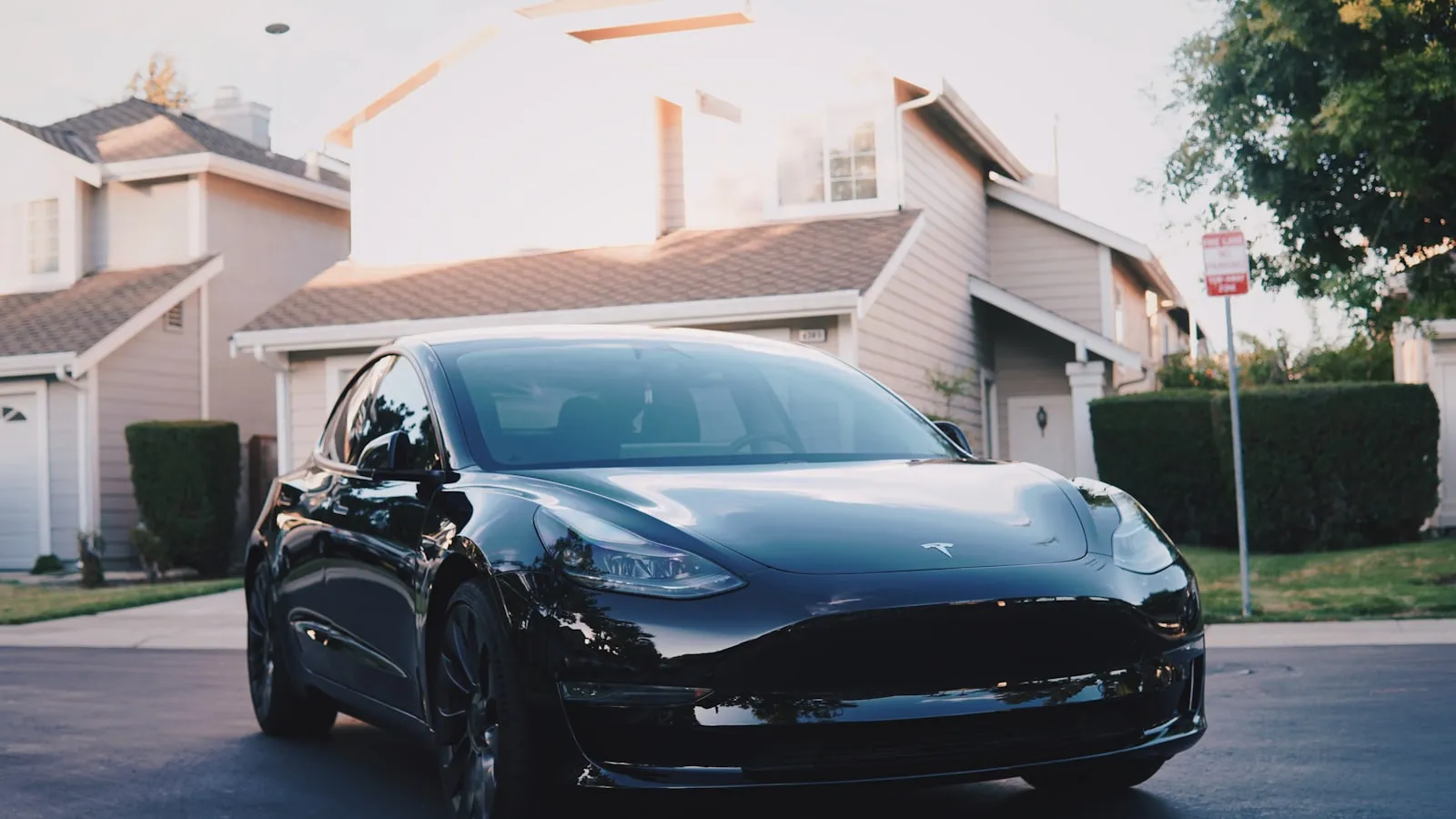
For an EV with a driveway gate, the order that works is press HomeLink about 100-130 feet out, pull through, park, then plug in. That way the gate reaches full open before you arrive, and the auto-close timer never reverses onto your charging cable.
Get the press point wrong and you idle at a half-open gate; set auto-close too short and it closes on the cord. Here is the approach timing, the two-channel gate-and-garage setup, and where to mount the charger.
How long a residential gate actually takes to open
Before timing anything, it helps to know your gate’s actual open-to-full-open cycle time. Most gate motors list it on the motor label or in the install documentation. Typical residential ranges:
- Swing gates (single leaf, 8-14 ft): 8-14 seconds
- Heavy swing gates with articulated arms: 12-18 seconds
- Slide gates (rack-and-pinion, up to 16 ft): 5-10 seconds
- Underground ram actuators: 10-18 seconds depending on gate weight
Run a stopwatch on your gate once before you think about HomeLink timing. That number determines how early you need to press.
When to press HomeLink on approach
At a typical driveway approach speed of 5-8 mph, 100 feet takes roughly 9-14 seconds to cover:
- At 5 mph: 100 feet takes about 13.6 seconds
- At 8 mph: 100 feet takes about 8.5 seconds
For a swing gate with a 10-second open time, pressing HomeLink at 100-130 feet puts you at the entrance just as the gate reaches full open. If you consistently arrive before the gate finishes, move the press point back to 150 feet. Slide gates open faster — 60-80 feet is usually enough. Test it at low speed before making it a habit.
One practical note: if you slow down sharply on the last stretch, the timing shifts. The first few arrivals are a calibration exercise, not a commitment.
Two channels for two devices
If your property has a driveway gate and a separate garage door, use two distinct HomeLink channels — one per device.
Assign the gate to Channel 1 and the garage to Channel 2. The typical workflow:
- On approach, press Channel 1 at 100-130 feet. The gate starts moving.
- Pull through the gate and into the driveway.
- Press Channel 2 as you approach the garage. The garage opens.
The common mistake is assigning both to one channel using the same physical remote. Gate operators and garage door openers use different rolling-code protocols, even when both carry the LiftMaster or Chamberlain name. The original remotes are different; the HomeLink channels must be too. For the full enrollment procedure — including the LEARN button handshake that rolling-code gate openers require — The Driveway-Gate Owner’s Complete HomeLink Guide has the steps for each opener type.
Auto-close settings and the charging cable
Most residential gate control boards include an auto-close timer: a configurable delay after which the gate reverses to closed automatically. On LiftMaster and Chamberlain boards, the setting is typically a trim pot or DIP switch labeled “TIMER TO CLOSE” or “AUTO-CLOSE DELAY.” The range is usually 0-120 seconds. Nice/Apollo and other brands label it differently; the install documentation will confirm.
For EV owners, the auto-close timer interacts with the charging cable in two ways.
Photo-eye interaction. UL 325 requires every residential gate operator to include a photoelectric safety beam mounted approximately 6 inches above the driveway surface. Anything crossing that beam — including a charging cable laid across the threshold — causes the gate to hold open and reverse if it was closing. This is a safety feature. The gate will not close on the cable as long as the beam is broken.
The implication: if your charger is inside the gate and the cable runs across the gate opening to reach your EV, the beam will keep the gate open while the cable is there. Auto-close will fire on its own once the cable clears the beam path.
Setting the timer. For most EV owners with a charger mounted 10-15 feet inside the gate:
- Set auto-close to at least 60 seconds if the cable occasionally crosses the beam path.
- Set it to 90 seconds if you often stop to grab bags before pulling fully in.
- Leaving auto-close disabled is also acceptable — some homeowners prefer to close manually.
The geofence limitation
Tesla, Rivian, and several other EVs include a geofence-triggered open feature: when the car enters a preset perimeter around your home, HomeLink fires automatically. For garage doors, this works reasonably well.
For driveway gates, it mostly does not. A tight geofence that avoids false triggers on a nearby road typically fires too close to the gate — by the time the geofence activates, there is not enough time for the gate to fully open before the car arrives. Widening the geofence to compensate can cause false opens when you pass the property for other reasons.
There is also the protocol issue: rolling-code gate operators require a specific LEARN button enrollment that the geofence feature does not accommodate. Why Tesla’s Geofence Does Not Work for Driveway Gates covers the technical reasoning in detail.
Where to mount the charger
For EV owners adding a Level 2 charger to a property with a driveway gate, charger position affects all of the above.
Mount the charger at least 10-12 feet inside the gate opening. That keeps the cable geometry clear of the photo-eye beam and gives the gate room to operate normally. A standard 20-25 foot J1772 cable reaches most parking positions comfortably from a wall-mounted charger at that depth.
If the charger is farther from the gate — mounted near the garage, for instance — the cable geometry is a non-issue. The main consideration then is cord length: confirm the cable reaches your EV’s charge port with a little slack before finalizing the mount location.
Beyond the button press
Every step above assumes a manual HomeLink button press. The gate starts moving when the driver chooses to press, which means distraction or a moment of inattention delays the sequence.
For homeowners who want the gate to start moving before they reach for anything, there is a category of solutions that works differently: a small tag mounted to the vehicle is recognized by a receiver at the gate when the car is 200-300 feet out, and the gate starts opening automatically. No button, no phone. The sequence — gate open, pull in, park, connect — runs on its own timing.
The broader context for how EV arrival orchestration fits together is in The Premium-EV Arrival Stack. For the tag-based hardware piece specifically, Proxly is building a system for residential driveway gates, pre-launch at getproxly.com/beta.
Reference
- LiftMaster gate operator installation documentation (timer-to-close configuration and photo-eye placement): liftmaster.com/support
Frequently asked questions
- No. Tesla's automatic garage open uses the HomeLink radio module and a geofence set near your home. It is designed for garage doors — not standalone driveway gate openers. The geofence typically fires too late in the approach for a gate that needs 8-12 seconds to open.
- For a residential swing gate that takes 8-12 seconds to fully open, press HomeLink when you are 100-150 feet from the gate. At a 5-7 mph approach that gives most swing-gate motors enough time to complete the arc before you reach the entrance.
- If the charging cable crosses your gate's photo-eye beam path, the gate treats it as an obstruction and stays open. If the cable runs clear of the beam, the auto-close timer runs normally. Set the timer to at least 60 seconds if your charger is near the gate threshold.
- Yes. HomeLink stores three channels independently. Assign the driveway gate to Channel 1 and the garage door to Channel 2. Each requires a separate training sequence. With both programmed, you open the gate on approach and the garage once you are inside.
- Vehicle-paired auto-open uses a dedicated tag mounted to the vehicle. The gate system recognizes the tag at 200-300 feet and starts the opener automatically — no button press required. HomeLink requires the driver to press a button each time, from inside the car.
Does Tesla's geofence feature open driveway gates automatically?
How early should I press HomeLink for a swing gate?
Will the auto-close timer close the gate on my charging cable?
Can I program HomeLink for both a driveway gate and a garage door?
What is vehicle-paired auto-open, and how does it differ from HomeLink?
Keep reading

GMC Hummer EV HomeLink: Driveway Gate Setup and Timing
The Hummer EV weighs 9,063 lbs. Most driveway gates take 15-20 seconds to open. Here's how to program HomeLink and get the approach timing right.
Why Tesla HomeLink Fails on Driveway Gates (And the Fix That Isn't a Better Button)
Tesla HomeLink works reliably on garage doors. Driveway gates are a different problem. Here is what goes wrong and what fixes it.
Cybertruck Driveway Gate: Three Ways In, One Hands-Free
Cybertruck owners have three options for a driveway gate: built-in HomeLink, Tesla's geofence, or a GPS tag that opens at 300 feet with no button press.