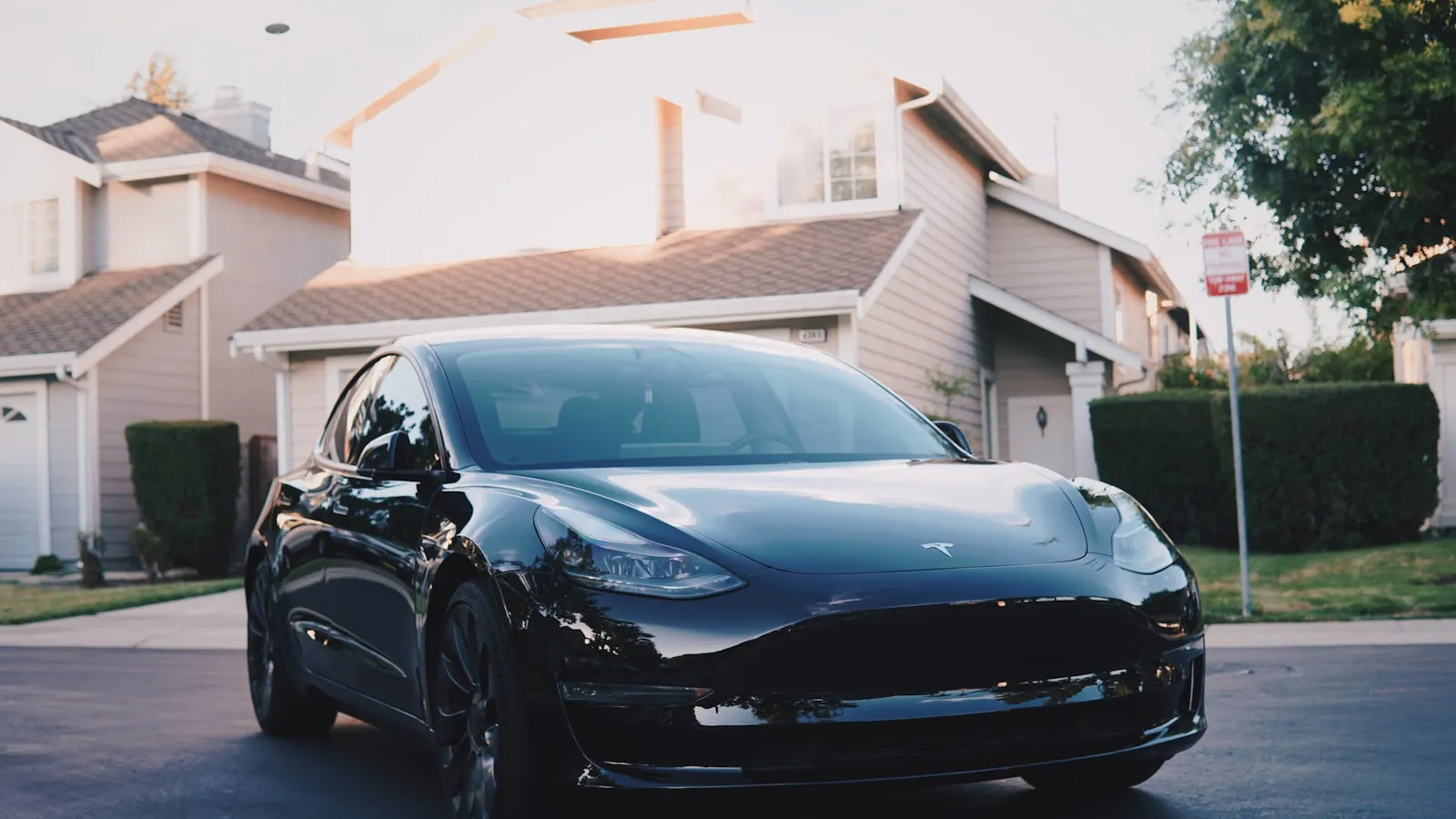
Most Tesla owners with a driveway gate try to pair HomeLink the same way they paired their garage door: hold the visor button, walk through the touchscreen, hope it works. About 60% of the time it does. The other 40% is what this piece is for.
LiftMaster is the most common residential gate operator brand in the US, and Tesla HomeLink supports both of LiftMaster’s rolling-code platforms (Security+, Security+ 2.0). The pairing flow is well-documented for garage doors but quieter for driveway gates, where the operator is typically further from the car, the radio environment is messier, and a small mistake during pairing tends to look like total HomeLink failure.
Here’s how to do it cleanly, plus the three places it usually goes wrong.
Before you start: identify the receiver
The opener on your gate is either Security+ (released 1996) or Security+ 2.0 (released 2011). The pairing procedure differs between them, and trying the wrong one is the most common first-try failure.
How to check:
- Walk to the gate operator’s motor housing. There’s a metal cover, usually held by a single Phillips screw or a snap latch.
- Open the cover. Look at the control board (or the receiver box if it’s a separate unit).
- Find the LEARN button. The button’s color is the giveaway:
- Yellow LEARN button = Security+ 2.0
- Purple, red, green, or orange LEARN button = Security+ (original)
- Note also the receiver label or motor housing sticker — it will say something like “myQ” or “Security+ 2.0” near a model number.
Write down which one you have. The rest of the procedure depends on it.
Pairing to Security+ (original)
This is the simpler flow.
- Move the Tesla within 20 feet of the gate operator’s antenna, in PARK, with the foot brake pressed.
- On the touchscreen, open Controls → HomeLink → Create HomeLink.
- Tap Add new HomeLink and follow the prompts to name the device (e.g., “Driveway Gate”).
- Press and hold the visor button you’d normally use for HomeLink until prompted.
- The car sweeps the frequency bands and identifies the gate’s signature. This step takes 30-90 seconds.
- When the touchscreen says “Press the LEARN button on your opener,” walk to the gate operator.
- Press and release the LEARN button. The LED lights for 30 seconds.
- Walk back to the car (or use the touchscreen on the way) and tap the HomeLink button on the screen within those 30 seconds.
- The gate should activate. The touchscreen confirms with “HomeLink trained successfully.”
If the gate doesn’t activate after the LEARN press, the receiver has timed out — start over from step 6.
Pairing to Security+ 2.0
This is where it gets fussier. Security+ 2.0 uses a tri-band radio (310/315/390 MHz) and requires a specific “training mode” on the opener that differs from a single-press LEARN.
- Move the Tesla within 20 feet of the gate operator, in PARK, foot brake pressed.
- On the touchscreen: Controls → HomeLink → Create HomeLink, name the device.
- Tap Add new HomeLink and follow the prompts.
- Press and hold the visor HomeLink button until the touchscreen prompts the next step.
- The car sweeps the bands. This step takes longer on Security+ 2.0 — up to two minutes — because three bands are being scanned.
- When prompted, walk to the gate operator.
- Press and hold the yellow LEARN button for 6 seconds (not a single press). The LED will blink, then stay solid. This puts the receiver into the Security+ 2.0 “training mode” specifically, not the legacy single-remote mode.
- Within 30 seconds of the LED going solid, press the HomeLink button on the visor (or the on-screen HomeLink button) once.
- The receiver’s LED extinguishes — that’s the confirmation.
- Test by pressing HomeLink from the driver’s seat.
The 6-second hold on step 7 is the most-missed step. A single press of a yellow LEARN button on a Security+ 2.0 receiver does NOT enable training mode; it puts the receiver into a different (legacy-compatible) state where Security+ 2.0 codes will not register reliably.
The three places it usually goes wrong
1. Wrong proximity during the sweep
HomeLink’s frequency sweep needs to see the receiver’s response. If you’re 75 feet from the operator at the end of the driveway, the sweep may pick the wrong band or fail entirely. The 20-foot guideline is conservative — get closer if you can. Some installers will tell owners to do the entire pair from directly in front of the operator with the car door open.
2. The wrong LEARN-button procedure
A Security+ 2.0 receiver looks like a Security+ receiver from a casual glance. The LEARN button on both is small and unobtrusive. The 6-second hold versus the single-press is the difference between a reliable pair and one that “works once and stops working tomorrow.” Always check the button color before you start.
3. Frequency mismatch reported as success
This is the subtlest failure. The touchscreen says “HomeLink trained successfully.” You press the visor button. The gate doesn’t move.
What happened: the car locked onto a frequency band that’s actually weaker than another supported band, and the receiver only fully responds on the stronger band. Symptoms include:
- Gate opens once at the moment of pairing, then never again.
- Gate opens 30% of the time, with no obvious pattern.
- Gate opens only if you’re within 5 feet of the receiver.
Fix: delete the HomeLink entry and re-pair from a tighter distance. Move the car to within 10 feet of the operator with a clear line of sight. The closer you are during the sweep, the stronger the receiver’s response, and the more likely HomeLink locks onto the right band.
What if it still doesn’t work after three tries?
Stop retrying. Three failed pair attempts at different distances and procedures means something other than the pairing flow is broken. Run through the checklist in why HomeLink stops working with your driveway gate — start with the test of whether a handheld clicker (any LiftMaster handheld, doesn’t have to be yours) also fails to open the gate.
If the handheld also fails, the opener or receiver is the problem and HomeLink can’t be the fix.
If the handheld works but HomeLink doesn’t after three pairing attempts, the radio path between the Tesla and the receiver is the root cause. Tesla windshields with metallic coatings (more common on Performance trims and the Plaid Model S) attenuate radio signal significantly, and some driveways are simply too long or too obstructed for HomeLink’s 100 mW transmitter to deliver a clean signal to the receiver.
When to stop fighting HomeLink
The pairing dance — 6-second LEARN holds, driving up to within 10 feet, deleting and re-creating entries — is the cost of a 1990s radio architecture being asked to serve a 2026 car. For most owners on most properties, the procedure above works on the first or second try. For owners on long driveways, in dense neighborhoods, or with coated windshields, HomeLink is intermittent regardless of how carefully it’s paired.
Two options are worth knowing about:
- LiftMaster myQ Wi-Fi module ($50-100) wires into the opener’s terminal block and bypasses the radio entirely. It depends on home Wi-Fi reaching the gate, which on a 100-foot driveway is often weaker than the original radio path. But for properties where Wi-Fi does reach, myQ is more reliable than HomeLink and gives remote check / close functionality the visor button can’t.
- Vehicle credentials — the car itself becomes the trigger, with no visor button, no phone foreground requirement, no LEARN procedure. Proxly is one company building this model specifically for Tesla owners with residential gates, using the car’s existing presence signal to open the gate as it arrives. It works on top of an unmodified LiftMaster operator (or any other brand) via the standard low-voltage terminals.
Neither replaces HomeLink universally — they each have their own failure modes (Wi-Fi outages, vehicle integration drift). But after three failed re-pairs in a year, the math has usually shifted, and one of these is the more durable answer than re-pairing for a fourth time.
Reference
- LiftMaster Security+ 2.0 LEARN procedure documentation: liftmaster.com
- Tesla HomeLink user manual section (current owner’s manual): tesla.com
- HomeLink compatibility chart by opener brand: homelink.com
Frequently asked questions
- All Model S and Model X since 2014, Model 3 from 2018 onward with the optional HomeLink module, Model Y from 2020 onward with the optional module. The module is software-enabled but requires the physical hardware — Teslas without HomeLink hardware can't be retroactively activated via software.
- Almost always frequency mismatch on a Security+ 2.0 receiver. Security+ 2.0 transmits across three bands (310, 315, 390 MHz), and Tesla's HomeLink module may have locked onto the wrong band during the initial sweep. Delete the HomeLink entry and re-pair from a closer distance — under 10 feet from the receiver — to force the strongest-signal band.
- Not for Security+ (pre-2011) or for the standard Security+ 2.0 LEARN flow. The standard procedure uses the LEARN button on the opener itself. Only the 'frequency training' edge case on Security+ 2.0 receivers requires a working LiftMaster remote — and even then, a borrowed remote from a neighbor with the same brand model works.
- Two reasons. First, the car must be in PARK with the foot brake pressed for the touchscreen pairing flow to enable. Second, the radio path from the visor through the windshield to the operator's receiver may be obstructed by the garage door, the house wall, or distance. Move the car to within 20 feet of the operator with a clear line of sight.
- Yes, but they're independent paths. HomeLink talks to the operator's RF receiver via radio; myQ talks to the operator's terminal block via Wi-Fi. Either can fail without affecting the other, which makes them useful redundancies. Many Tesla owners with a LiftMaster gate run both — HomeLink for the close-arrival press, myQ for remote check / close-from-anywhere.
- If you've tried pairing three times across two different procedures and HomeLink still won't work reliably, the problem isn't the procedure — it's the architecture. Long driveways, metallic windshield coatings, and other 315/390 MHz traffic in the area can all defeat the radio path. At that point, either a hard-wired Wi-Fi module (myQ) or a vehicle-credential system that bypasses the HomeLink radio entirely is the more durable answer.
Which Teslas have HomeLink?
Why does the Tesla touchscreen say HomeLink is paired but the gate doesn't move?
Do I need the LiftMaster handheld remote to pair HomeLink?
Why won't HomeLink train when I'm in my garage but the car is in the driveway?
Does HomeLink work with the LiftMaster Wi-Fi (myQ) bridge?
What if my Tesla HomeLink keeps failing on this gate?
Keep reading
Why Tesla's Geofence Feature Won't Open Your Driveway Gate
Tesla's geofence auto-opens a garage but goes quiet at a driveway gate. Here is why the two cases are physically different, and what options actually exist.
Rivian R1T HomeLink: Setup, Range, and Driveway Gate Pairing
How to program Rivian R1T HomeLink for a driveway gate, where to find the visor buttons, why rolling-code openers need an extra step, and what to expect from range.
HomeLink Programming for Rolling-Code Gate Openers: The Two-Step Fix
Most HomeLink setup guides skip the second step. For rolling-code gate openers, that omission is why the gate ignores the signal. Here's the complete two-step process.