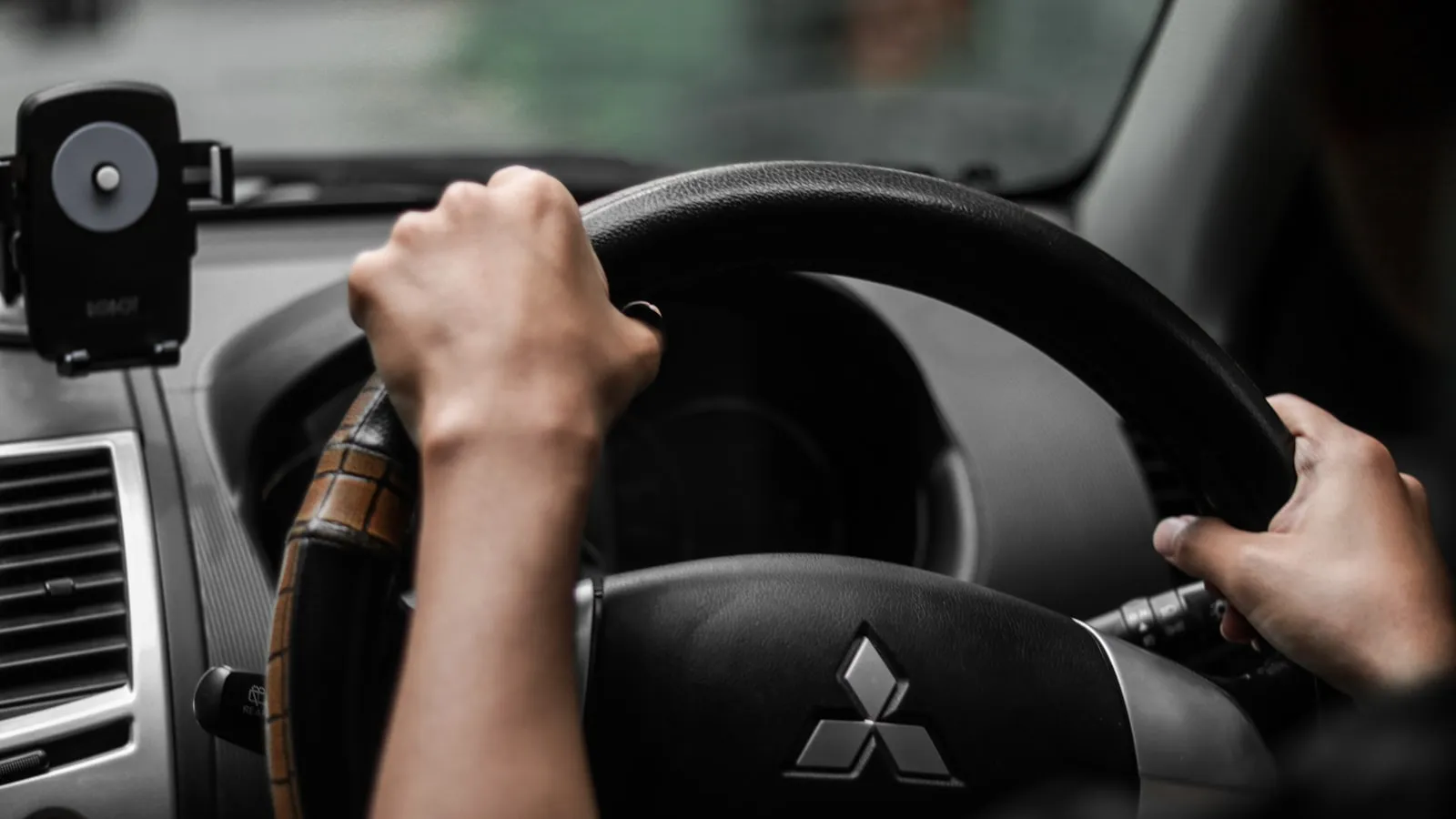
The Rivian R1T ships with HomeLink built into the driver-side sun visor — no aftermarket module, no retrofit bracket. For garage doors, most owners get it paired in a few minutes. Driveway gates are different, and the differences account for most of the complaints posted about Rivian HomeLink after the first week of ownership.
This guide covers where the buttons are on the R1T, the complete training sequence for driveway gate openers, why rolling-code systems require a step that the visor instructions don’t mention, and what “range” actually means at a driveway gate.
Where the HomeLink buttons are
On the R1T, three HomeLink buttons are embedded in the driver-side sun visor. They’re positioned along the lower edge and labeled by number or position depending on the production year. They are not on the overhead console — that’s where many other vehicles put them, so owners who have programmed HomeLink in another car sometimes look in the wrong place.
Before starting a fresh pairing, clear any previous programming. Hold the two outer HomeLink buttons simultaneously until the indicator LED switches from slow blinking to rapid flashing, then release. This wipes all three channels and puts the module in a clean state. If a dealership or previous owner programmed anything, this removes it.
What you need before starting
- The original handheld remote for your gate opener (not a universal replacement — the original is needed to capture the transmission pattern)
- Access to the gate operator’s control board, for rolling-code systems
- A clear approach path to the gate during pairing
If you don’t have the original remote, most gate operators built after 2005 support a LEARN-only pairing where you start from the opener’s control board rather than a remote. Check your opener’s manual for this variant before assuming the original remote is required.
Training HomeLink to your gate remote
Step 1 — Position the car close to the gate. Ten feet or less, if the driveway allows. This distance ensures HomeLink captures a clean signal even if the remote’s battery is low.
Step 2 — Hold the remote 1–3 inches from the HomeLink button. This close proximity matters. The visor’s internal antenna is not directional; keeping the remote extremely close compensates for the short range a depleted battery produces.
Step 3 — Press and hold both buttons simultaneously. Press and hold the chosen HomeLink button (1, 2, or 3) and the gate remote’s button at the same time. Continue holding until the HomeLink LED changes from slow blinking to rapid blinking, then release both.
Step 4 — Test. Press the trained HomeLink button once and watch the gate. If it opens, you’re done. Your gate uses a fixed-code protocol and no further steps are needed.
If the gate doesn’t respond, or opens once and then stops: continue to the rolling-code section below.
Rolling-code openers: the step that completes the pairing
Most residential gate operators installed since roughly 2005 use a rolling-code protocol — LiftMaster Security+, Security+ 2.0, Chamberlain Security+, and similar systems. These openers generate a new code on every use. HomeLink captures the transmission frequency and format in Step 3, but the gate receiver never authorizes it as a trusted device until a second step is completed at the control board.
The complete two-step enrollment for rolling-code openers is documented in our guide to programming HomeLink for rolling-code gate openers. The critical piece is Step 2 from that guide, which happens at the opener:
- Open the gate operator’s motor housing or control enclosure and locate the Learn button — typically yellow, purple, green, or red depending on the brand and era.
- Press and release the Learn button once. A small LED illuminates to signal that the opener is in enrollment mode. You have roughly 30 seconds.
- Walk to the R1T and press the trained HomeLink button once.
- The gate should respond — motor movement, an LED flash, or a relay click — confirming that the device was enrolled.
The most common failure is the 30-second window closing before you get back to the car. If you’re working alone and the gate is far from where you park during pairing, do a dry run to check the walking time before pressing Learn. If you miss the window, return to the control board and repeat from Step 1 of this section — you don’t need to redo the remote training.
If the gate opens once and then stops responding, the rolling-code sequence fell out of sync during Step 3 of the remote training. Clear the HomeLink channel (hold the two outer buttons until rapid flashing) and restart from the beginning. Holding the remote too far away in Step 2 is the usual cause.
What range to expect
The R1T’s HomeLink antenna is housed in the sun visor and transmits forward through the windshield. Rivian R1T windshields don’t carry IR-reflective metallic coatings that block radio frequencies, so attenuation through the glass is minimal. The signal path to a garage-door receiver is short — maybe 15 feet from visor to opener. The signal path to a gate-mounted receiver is a different situation.
Gate-mounted receivers sit on motor housings or separate post boxes, exposed to outdoor conditions and electrical noise from the actuator motor. HomeLink at 315 or 390 MHz reliably covers 50–100 feet under clear line-of-sight conditions. Most suburban driveways keep the gate within that range from the street. If your gate sits farther back, or if a metal post or motor housing sits between the receiver and the car’s approach lane, inconsistent triggering from the street is an antenna-geometry problem rather than a pairing failure.
One quick check: the receiver’s antenna wire, which typically hangs from the bottom of the receiver housing, should be fully extended and hanging straight down — at least 12 inches of free wire. A coiled or tucked antenna cuts effective range noticeably.
For a structured diagnostic of why HomeLink underperforms at gates specifically, see why HomeLink stops working at driveway gates.
When the visor button isn’t the right layer
HomeLink on the R1T is well-implemented. The visor location is accessible, the rolling-code enrollment works reliably when completed correctly, and Rivian’s antenna positioning avoids the windshield-coating problem that affects some other luxury EVs. The remaining structural limit is that it’s a button: the gate doesn’t start moving until you’re at the threshold and press it.
How residential gate openers actually work covers the control-board layer and what types of signals openers accept at the hardware level — useful context if you’re deciding between different trigger approaches.
For R1T owners who want the gate moving before they reach it — without a button press from any distance — there is a newer category of vehicle-location-based gate automation. Proxly is one option worth considering: a system that uses the car’s location to trigger the gate 300 feet out rather than at the entrance.
Reference
- Rivian Support — HomeLink Setup — Rivian’s official owner support documentation for HomeLink pairing on R1T and R1S.
- HomeLink by Gentex — Frequently Asked Questions — Gentex Corporation’s official HomeLink FAQ covering frequency bands, compatibility, and programming procedures.
- LiftMaster HomeLink Compatibility — LiftMaster’s documentation for pairing HomeLink to Security+ and Security+ 2.0 gate operators, including the Learn-button enrollment sequence.
Frequently asked questions
- The three HomeLink buttons are embedded in the driver-side sun visor, labeled by position. To clear all stored programming before a fresh pairing, hold the two outer buttons simultaneously until the indicator light switches from slow blinking to rapid flashing, then release.
- Driveway gate receivers are typically mounted on a post or motor housing 20–60 feet farther from the car than a ceiling-mounted garage opener. The longer signal path and often lower receiver sensitivity combine to produce unreliable triggers, even when garage-door pairing worked without issue.
- Yes. After the initial button-hold training, you must press the Learn button on the gate operator's control board within roughly 30 seconds to complete the rolling-code enrollment. Skipping this step is the most common reason the gate ignores the visor button after a seemingly successful pairing.
Where are the HomeLink buttons on the Rivian R1T?
Why does Rivian HomeLink work with a garage door but not a driveway gate?
Does Rivian HomeLink support rolling-code gate openers?
Keep reading
The Driveway-Gate Glossary: Every Term, Plain English
Rolling code, Security+ 2.0, KeeLoq, dry contact, geofence, LEARN button — the terms that appear in every gate-opener manual and HomeLink troubleshoot, defined in plain English.
HomeLink Alternatives for Driveway Gates: What Actually Works
Clickers, Wi-Fi modules, keypads, geofence apps — an honest comparison of every real HomeLink alternative for driveway gates, with trade-offs and no forced answers.

HomeLink Programming for Rolling-Code Gate Openers: The Two-Step Fix
Most HomeLink setup guides skip the second step. For rolling-code gate openers, that omission is why the gate ignores the signal. Here's the complete two-step process.