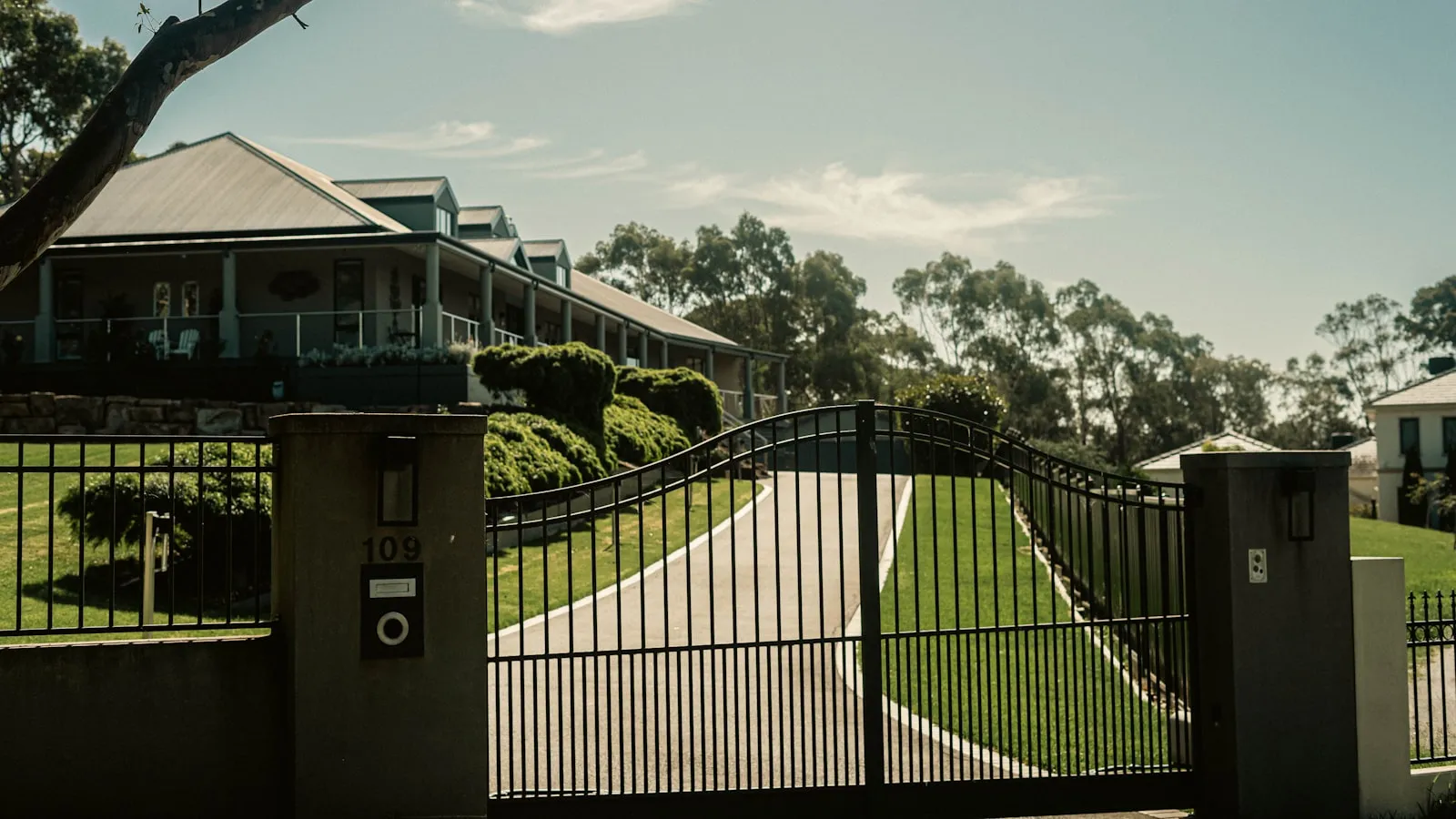
To pair Tesla HomeLink to a LiftMaster gate opener, park within 20 feet of the operator in PARK, open Controls → HomeLink → Create HomeLink, then press the LEARN button once and tap the visor button up to three times to finish the rolling-code handshake. The exact flow differs between Security+ and Security+ 2.0, and most “HomeLink won’t work” reports trace to one of three spots: wrong proximity during the sweep, stopping after a single visor press, or a radio path (a cheap LED bulb, a coated windshield, plain distance) that quietly eats the signal after the pair already took.
LiftMaster is the most common residential gate operator brand in the US, and Tesla HomeLink supports both of LiftMaster’s rolling-code platforms (Security+, Security+ 2.0). The pairing flow is well-documented for garage doors but quieter for driveway gates, where the operator is typically further from the car, the radio environment is messier, and a small mistake during pairing tends to look like total HomeLink failure.
Here’s how to do it cleanly, plus the three places it usually goes wrong.
Before you start: identify the receiver
The opener on your gate is either Security+ (released 1996) or Security+ 2.0 (released 2011). The pairing procedure differs between them, and trying the wrong one is the most common first-try failure.
How to check:
- Walk to the gate operator’s motor housing. There’s a metal cover, usually held by a single Phillips screw or a snap latch.
- Open the cover. Look at the control board (or the receiver box if it’s a separate unit).
- Find the LEARN button. The button’s color is the giveaway, per LiftMaster’s own identification chart:
- Yellow LEARN button = Security+ 2.0, 315 MHz (the round yellow button shipped on units made after 2011)
- Purple LEARN button = Security+, 315 MHz (the older rolling-code generation)
- Red or orange LEARN button = Security+, 390 MHz
- Green LEARN button = Billion Code, 390 MHz (older fixed-code era)
- Note also the receiver label or motor housing sticker — it will say something like “myQ” or “Security+ 2.0” near a model number.
For this guide, what matters is whether the button is yellow (Security+ 2.0) or any other color (an earlier Security+ generation). A remote built for one button color will not work with an opener of a different color — a recurring source of “the new remote pairs to the opener but HomeLink won’t learn it” confusion.
Write down which one you have. The rest of the procedure depends on it.
Pairing to Security+ (original)
This is the simpler flow.
- Move the Tesla within 20 feet of the gate operator’s antenna, in PARK, with the foot brake pressed.
- On the touchscreen, open Controls → HomeLink → Create HomeLink.
- Tap Add new HomeLink and follow the prompts to name the device (e.g., “Driveway Gate”).
- Press and hold the visor button you’d normally use for HomeLink until prompted.
- The car sweeps the frequency bands and identifies the gate’s signature. This step takes 30-90 seconds.
- When the touchscreen says “Press the LEARN button on your opener,” walk to the gate operator.
- Press and release the LEARN button. The LED lights for 30 seconds.
- Walk back to the car (or use the touchscreen on the way) and tap the HomeLink button on the screen within those 30 seconds.
- The gate should activate. The touchscreen confirms with “HomeLink trained successfully.”
If the gate doesn’t activate after the LEARN press, the receiver has timed out — start over from step 6.
Pairing to Security+ 2.0
This is where it gets fussier. Security+ 2.0 is a rolling-code protocol, so the receiver has to formally register HomeLink as a new transmitter at the LEARN button — and the handshake often needs more than one HomeLink press to take.
- Move the Tesla within 20 feet of the gate operator, in PARK, foot brake pressed.
- On the touchscreen: Controls → HomeLink → Create HomeLink, name the device.
- Tap Add new HomeLink and follow the prompts.
- Press and hold the visor HomeLink button until the touchscreen prompts the next step.
- The car reads the gate’s signal. This step can take longer on Security+ 2.0 — give it up to a couple of minutes before assuming it stalled.
- When prompted, walk to the gate operator.
- Press and release the yellow LEARN button once. Per LiftMaster’s documentation, the LEARN LED glows steadily and the receiver stays in learning mode for a window of about 30 seconds (some openers hold it open longer — up to a few minutes — but plan for 30).
- Within that window, press and release the HomeLink button on the visor (or the on-screen HomeLink button). Repeat the press-and-release up to three times — the rolling-code handshake often does not register on the first press, and HomeLink’s own instructions call for up to three attempts to complete training.
- The receiver confirms (the LED extinguishes, or the gate cycles). That’s the pair.
- Test by pressing HomeLink from the driver’s seat.
The most-missed step here is the finale, not the LEARN press. Owners who document multiple failed attempts almost always stopped after a single HomeLink press and assumed it failed. A Security+ 2.0 opener frequently eats the first one or two presses while the rolling-code sequence synchronizes; the third press is what takes. The official LiftMaster procedure is a single press-and-release of the LEARN button — not a 6-second hold (long holds on the LEARN button trigger other functions, such as clearing the opener’s memory).
The three places it usually goes wrong
1. Wrong proximity during the sweep
HomeLink needs a clean signal path to the receiver during pairing. If you’re 75 feet from the operator at the end of the driveway, the pair may not register or may train weakly. The 20-foot guideline is conservative — get closer if you can. Some installers will tell owners to do the entire pair from directly in front of the operator with the car door open.
2. Stopping after a single HomeLink press
A Security+ 2.0 receiver looks like a Security+ receiver from a casual glance. The LEARN press is a single press-and-release on both. The difference is the finale: on a rolling-code opener the first one or two HomeLink presses frequently do nothing while the code sequence synchronizes, and owners read that as a failed pair and start over. Press and release the HomeLink button up to three times within the LEARN window before concluding it didn’t work. Always check the button color before you start so you know which flow you’re running.
3. The pair takes, but the radio path is the real problem
This is the subtlest failure, and it is also the most common reason for “the opener flashed to confirm the pair but the button still won’t work.” The training succeeded. Something between the visor and the receiver is eating the signal. Symptoms owners describe:
- Gate opens once at the moment of pairing, then never again.
- Gate opens intermittently, with no obvious pattern.
- Gate opens only when you’re within a few feet of the receiver.
Three causes account for most of these, in the order worth checking:
- Cheap LED bulbs in the opener head. Owners consistently report that a non-rated LED bulb in the opener broadcasts RF noise on the band the receiver listens on, so the door works only when the opener light is off. It costs nothing to test: pull the bulb, try the HomeLink button, and if it fires, replace it with a garage-door-rated LED.
- IR-reflective EV windshield. Many EVs, Teslas included, use a coated windshield that attenuates the signal leaving the visor. The press has to be made from closer than you’d expect.
- Range. Owners frequently report HomeLink only reaching about 10 feet on these openers. A long driveway puts the gate operator outside that range entirely.
The fast isolation test: with the car on, stand directly under the opener and press HomeLink. If it fires there, the pair is fine and you’re looking at interference or range, not the procedure. If a re-pair is genuinely needed, delete the HomeLink entry and re-pair from within 10 feet with a clear line of sight.
What if it still doesn’t work after three tries?
Stop retrying. Three failed pair attempts at different distances and procedures means something other than the pairing flow is broken. Run through the checklist in why HomeLink stops working with your driveway gate — start with the test of whether a handheld clicker (any LiftMaster handheld, doesn’t have to be yours) also fails to open the gate.
If the handheld also fails, the opener or receiver is the problem and HomeLink can’t be the fix.
If the handheld works but HomeLink doesn’t after three pairing attempts, the radio path between the Tesla and the receiver is the root cause. Tesla windshields with metallic coatings (more common on Performance trims and the Plaid Model S) attenuate radio signal significantly, and some driveways are simply too long or too obstructed for the low-power visor transmitter to deliver a clean signal to the receiver. Before giving up, pull any cheap LED bulb in the opener head — owners report that bulb RF noise alone defeats an otherwise good pair.
When to stop fighting HomeLink
The pairing dance — single LEARN presses, three-tap finales, driving up to within 10 feet, deleting and re-creating entries, pulling bulbs out of the opener — is the cost of a 1990s radio architecture being asked to serve a 2026 car. For most owners on most properties, the procedure above works on the first or second try. For owners on long driveways, in dense neighborhoods, or with coated windshields, HomeLink is intermittent regardless of how carefully it’s paired. That’s the point where the HomeLink alternatives for Tesla become worth a real look.
Two options are worth knowing about:
- LiftMaster myQ Wi-Fi module ($50-100) wires into the opener’s terminal block and bypasses the radio entirely. It depends on home Wi-Fi reaching the gate, which on a 100-foot driveway is often weaker than the original radio path. But for properties where Wi-Fi does reach, myQ is more reliable than HomeLink and gives remote check / close functionality the visor button can’t.
- Vehicle credentials — the car itself becomes the trigger, with no visor button, no phone foreground requirement, no LEARN procedure. Proxly is one company building this model specifically for Tesla owners with residential gates, using the car’s existing presence signal to open the gate as it arrives. It works on top of an unmodified LiftMaster operator (or any other brand) via the standard low-voltage terminals.
Neither replaces HomeLink universally — they each have their own failure modes (Wi-Fi outages, vehicle integration drift). But after three failed re-pairs in a year, the math has usually shifted, and one of these is the more durable answer than re-pairing for a fourth time.
Reference
- LiftMaster: LEARN button color, security technology, and frequency identification — support.partner.liftmaster.com
- LiftMaster: remote and LEARN button programming procedure (single press-and-release) — support.partner.liftmaster.com
- HomeLink: generic training instructions, including the rolling-code learn-button procedure and up-to-three press finale — homelink.com/program/instructions
- Tesla: programming smart garage doors (HomeLink) — tesla.com
Frequently asked questions
- All Model S and Model X since 2014, Model 3 from 2018 onward with the optional HomeLink module, Model Y from 2020 onward with the optional module. The module is software-enabled but requires the physical hardware — Teslas without HomeLink hardware can't be retroactively activated via software.
- If the opener acknowledged the pair, the training likely worked and the problem is the radio path to the receiver. Owners consistently report three culprits. First, cheap LED bulbs in the opener head broadcast RF noise in the same band the receiver listens on — pull the bulb and test, and if that fixes it, swap to a garage-door-rated LED. Second, EV windshields with IR-reflective coatings attenuate the signal, so the press has to be made closer than expected. Third, range itself: owners frequently report HomeLink only reaching about 10 feet. Stand directly under the opener with the car on and press — if it fires there, it's a range or interference issue, not the pairing.
- For a rolling-code opener, HomeLink's own instructions have you hold the original remote near the HomeLink buttons to capture its signal as part of training, so a working remote helps. If you've lost the remote, the genuine Chamberlain Group replacement is the reliable choice — owners report that no-name remotes can pair to the opener yet still fail to teach HomeLink. A borrowed remote from a neighbor with the same brand model works for the capture step.
- Two reasons. First, the car must be in PARK with the foot brake pressed for the touchscreen pairing flow to enable. Second, the radio path from the visor through the windshield to the operator's receiver may be obstructed by the garage door, the house wall, or distance. Move the car to within 20 feet of the operator with a clear line of sight.
- Yes, but they're independent paths. HomeLink talks to the operator's RF receiver via radio; myQ talks to the operator's terminal block via Wi-Fi. Either can fail without affecting the other, which makes them useful redundancies. Many Tesla owners with a LiftMaster gate run both — HomeLink for the close-arrival press, myQ for remote check / close-from-anywhere.
- If you've tried pairing three times across two different procedures and HomeLink still won't work reliably, the problem isn't the procedure — it's the architecture. Long driveways, metallic windshield coatings, and other 315/390 MHz traffic in the area can all defeat the radio path. At that point, either a hard-wired Wi-Fi module (myQ) or a vehicle-credential system that bypasses the HomeLink radio entirely is the more durable answer.
Which Teslas have HomeLink?
Why does the opener flash to confirm the pair but the gate still doesn't move when I press HomeLink?
Do I need the LiftMaster handheld remote to pair HomeLink?
Why won't HomeLink train when I'm in my garage but the car is in the driveway?
Does HomeLink work with the LiftMaster Wi-Fi (myQ) bridge?
What if my Tesla HomeLink keeps failing on this gate?
Keep reading
GMC Hummer EV HomeLink: Driveway Gate Setup and Timing
The Hummer EV weighs 9,063 lbs. Most driveway gates take 15-20 seconds to open. Here's how to program HomeLink and get the approach timing right.
Why Tesla HomeLink Fails on Driveway Gates (And the Fix That Isn't a Better Button)
Tesla HomeLink works reliably on garage doors. Driveway gates are a different problem. Here is what goes wrong and what fixes it.
Cybertruck Driveway Gate: Three Ways In, One Hands-Free
Cybertruck owners have three options for a driveway gate: built-in HomeLink, Tesla's geofence, or a GPS tag that opens at 300 feet with no button press.