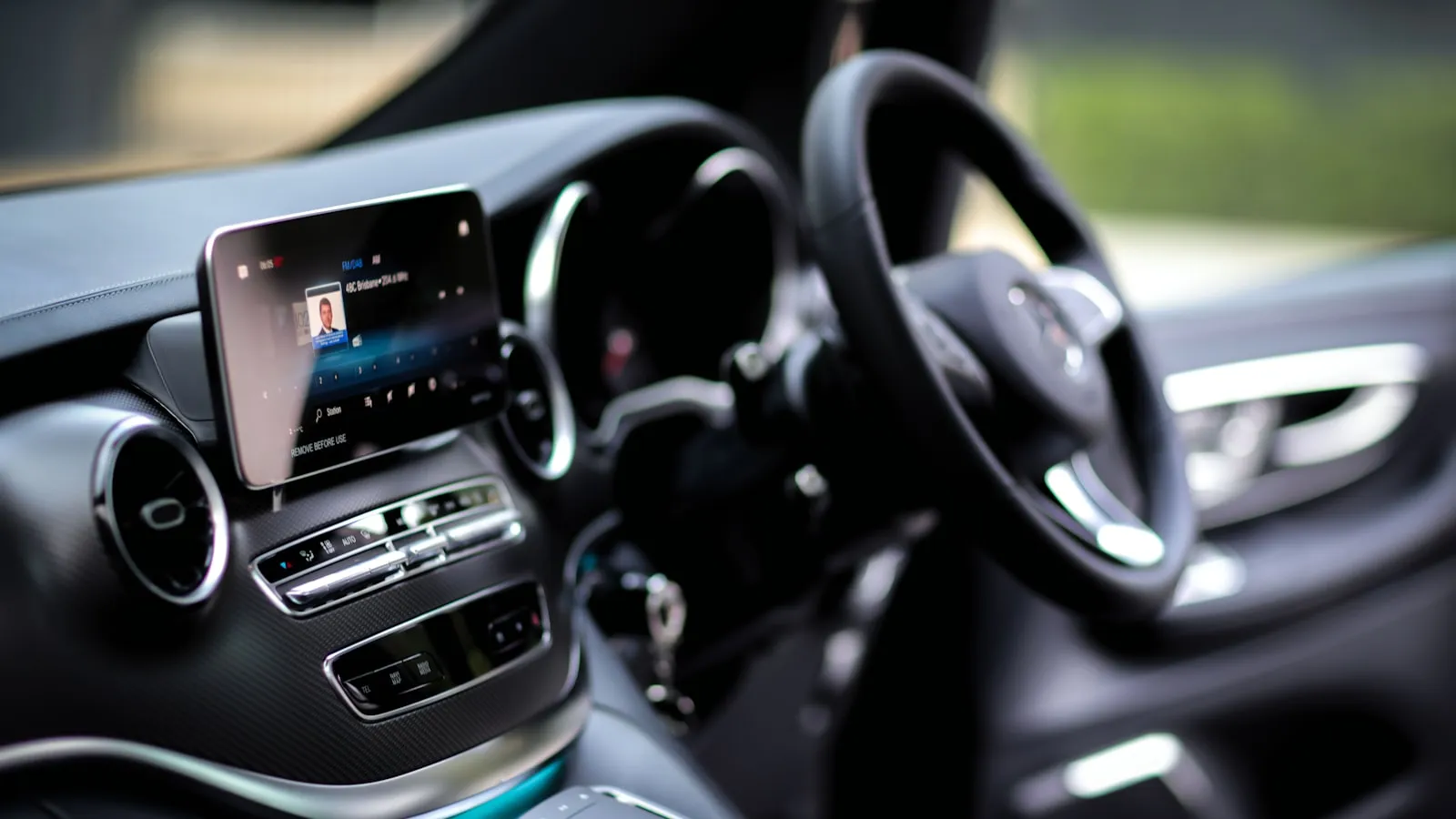
Both cars use the same Gentex HomeLink module. Both cover 288, 310, 315, and 390 MHz. Both train against a gate opener the same basic way: hold the button, press learn, test the result.
Yet Range Rover owners using HomeLink for driveway gates report fewer pairing frustrations and fewer daily-use failures than Tesla owners on the same gate operators.
The reason isn’t the hardware. The two carmakers made fundamentally different decisions about where HomeLink lives and how the driver interacts with it. One decision favors gate hardware from 2010. The other is more capable in theory but introduces software variables that older gate operators weren’t designed to tolerate.
Range Rover Put a Physical Button in a Useful Place
The Range Rover Sport, Defender, and Discovery all put HomeLink controls on the overhead console — three physical switches you can feel and hold without looking. On most models, they sit within easy reach while your hands are near the wheel.
That placement matters for driveway gates more than it might seem. Many residential gate operators — older LiftMaster slide operators and Nice Apollo swing-gate units among them — need a sustained 2-3 second button press to register the HomeLink signal during initial pairing. A brief tap doesn’t always complete the handshake. Holding the button until the operator’s indicator light changes does.
A physical button you can grip handles this without thinking. You hold it until the gate responds. No guesswork about signal duration, no tap-and-hold gesture to remember.
For a full explanation of how HomeLink’s signal protocols interact with different gate types, see how HomeLink works and why it fails on driveway gates.
Tesla Put HomeLink Into the Touchscreen
Tesla’s implementation works, but the button lives on the infotainment screen. On most models, it appears contextually when the car’s GPS places you near a programmed gate location. On recent software versions, there’s a tap-and-hold gesture alongside a standard tap.
For training, you navigate through the infotainment menu, follow screen prompts, and simultaneously press the learn button on the gate operator. More steps than the Range Rover approach, and the screen demands attention while you’re also working the opener.
For daily use, the friction is subtler. The HomeLink button appears when location detection puts you close enough to the saved address. If GPS drift adds 15-20 feet of error, the button may not appear until you’ve stopped at the gate. Some owners leave the HomeLink screen pinned to avoid the wait, or rely on the auto-open feature to work around it.
Where Tesla Got Ahead — Auto-Open
Tesla built something Range Rover doesn’t offer: GPS-triggered automatic gate opening. The car enters a geofence, and HomeLink fires without any button press.
For garage doors — especially those connected to LiftMaster’s myQ or Chamberlain cloud infrastructure — this works reliably. The garage opens as the car arrives.
For driveway gates, the feature runs into a recurring problem. The geofence trigger sends a HomeLink RF signal, not a cloud command. Gate operators that need a sustained press, or a dual-activation sequence, sometimes don’t complete the cycle from a geofence trigger. Owners report the gate beginning to open and not fully committing to the cycle.
The feature is built for the garage-door protocol. Gates are a harder target.
The Frequency Question Is Not the Issue
When Tesla HomeLink fails on a gate, frequency mismatch is a natural first suspicion. That diagnosis is rarely correct.
Both cars use the same multi-band Gentex module: 288, 310, 315, and 390 MHz. That range covers every residential gate and garage-door protocol in common use across North America. Range Rover’s implementation and Tesla’s don’t differ here.
When a gate fails to respond, the cause is almost always signal duration, timing, RF interference from a nearby device, or an operator that requires dual-button pairing — not a frequency the car can’t speak.
Frequency is the easy explanation. It’s rarely the right one.
Four Scenarios Where the Difference Shows Up
Initial programming. Range Rover: hold the overhead button for about 20 seconds until it blinks, press learn on the opener, hold again until the opener confirms. Both hands free; eyes on the operator throughout. Tesla: navigate to the HomeLink menu, follow on-screen steps, press the operator’s learn button, confirm on screen. Both work — Tesla adds steps that require screen attention at the same moment you need to watch the opener.
Daily gate entry. Range Rover: reach up, press the physical button, gate opens. No screen required. Tesla: wait for the HomeLink button to appear on the home screen based on GPS position. If location detection lags by a few seconds, you’re tapping a screen at 5 mph while approaching a gate.
An operator that needs a long press. Range Rover: hold the physical button as long as the operator needs. Tesla: use the tap-and-hold gesture, which is available on most models but requires knowing it exists and executing it on a moving touchscreen.
Replacing the car. Both approaches store HomeLink credentials in the vehicle, not in any external device. Change cars — whether Range Rover or Tesla — and the gate needs reprogramming from scratch. Neither carmaker has solved the portability problem.
For programming specifics on Range Rover models, see how to program Range Rover HomeLink for a driveway gate.
What This Comparison Shows
The hardware inside both cars is functionally equivalent. Gentex builds the module; each carmaker decides how to present it.
Range Rover made it a physical control surface. Press a real button. Hold it when the operator needs a longer press. No screen navigation, no contextual display logic, no GPS precision required.
Tesla made it a software feature. That approach is consistent with Tesla’s broader interface philosophy and usually works fine — but software adds variables that physical hardware doesn’t. Signal duration behavior, tap-versus-hold semantics, contextual display timing: any of these can interact unexpectedly with gate operators designed for a simple RF clicker.
For owners of older RF gate operators — LiftMaster CSW series, Nice Apollo, Mighty Mule — Range Rover’s approach is more predictable. For owners with newer myQ-integrated equipment, Tesla’s geofence auto-open is worth a serious look.
A breakdown of which gate operators pair reliably with HomeLink, and which don’t, is at the HomeLink-compatible gate opener list.
There is a newer category of gate credential that removes the vehicle from the equation entirely — no pairing to a car, no visor button, and no reprogramming when you change vehicles. getproxly.com/beta
Reference
- HomeLink module specifications and frequency coverage: homelink.com
Frequently asked questions
- Both use Gentex's HomeLink module operating at 288, 310, 315, and 390 MHz. The hardware is nearly identical across manufacturers. The difference lies in how each automaker integrates it — Range Rover as a physical button, Tesla as a software-rendered touchscreen control.
- Some gate operators need a sustained 2-3 second button press to register a signal during pairing. Tesla's software-based HomeLink can deliver a shorter signal than certain operators expect. A physical button you can hold eliminates that timing variable without any workaround.
- No. Range Rover doesn't include a geofence auto-open feature for HomeLink — you press the overhead button manually. Tesla's GPS-triggered auto-open is more capable in theory but works inconsistently with older gate operator RF protocols that weren't designed for geofence-timed signal bursts.
- For gates running older RF protocols, Range Rover's physical buttons are more predictable. Tesla's auto-open is the more sophisticated feature, but it's designed around garage-door protocols and fails to complete the cycle on many gate operators. For newer myQ-integrated equipment, Tesla's geofence is worth trying.
- Yes. Range Rover uses physical overhead buttons for training — hold the button, press learn on the opener, done. Tesla requires navigating through the infotainment menu to reach the HomeLink training flow. Both methods work; Tesla's process adds steps and demands screen attention during the sync.
Does Range Rover HomeLink use the same hardware as Tesla HomeLink?
Why does Tesla HomeLink sometimes fail on driveway gate operators?
Can Range Rover HomeLink trigger a gate automatically, like Tesla's geofence?
Which car handles driveway gates more reliably — Range Rover or Tesla?
Does the programming process differ between Range Rover and Tesla HomeLink?
Keep reading

Infiniti QX60 and QX80 HomeLink: Programming a Driveway Gate
Infiniti QX60 and QX80 have three HomeLink buttons in the overhead console. For a driveway gate, you need a two-step process: train from the remote, then sync rolling code at the LEARN button.

How to Pair HomeLink to a CAME Gate Opener
CAME gate openers use 433.92 MHz and their own rolling code. Here is how to pair HomeLink — and why the receiver's LEARN button is the step most guides skip.

Which Cars Have HomeLink? A Make-by-Make Reference for 2026
HomeLink availability depends more on trim than model. This reference lists which cars include it factory-fitted in 2026, and what to do if yours doesn't.