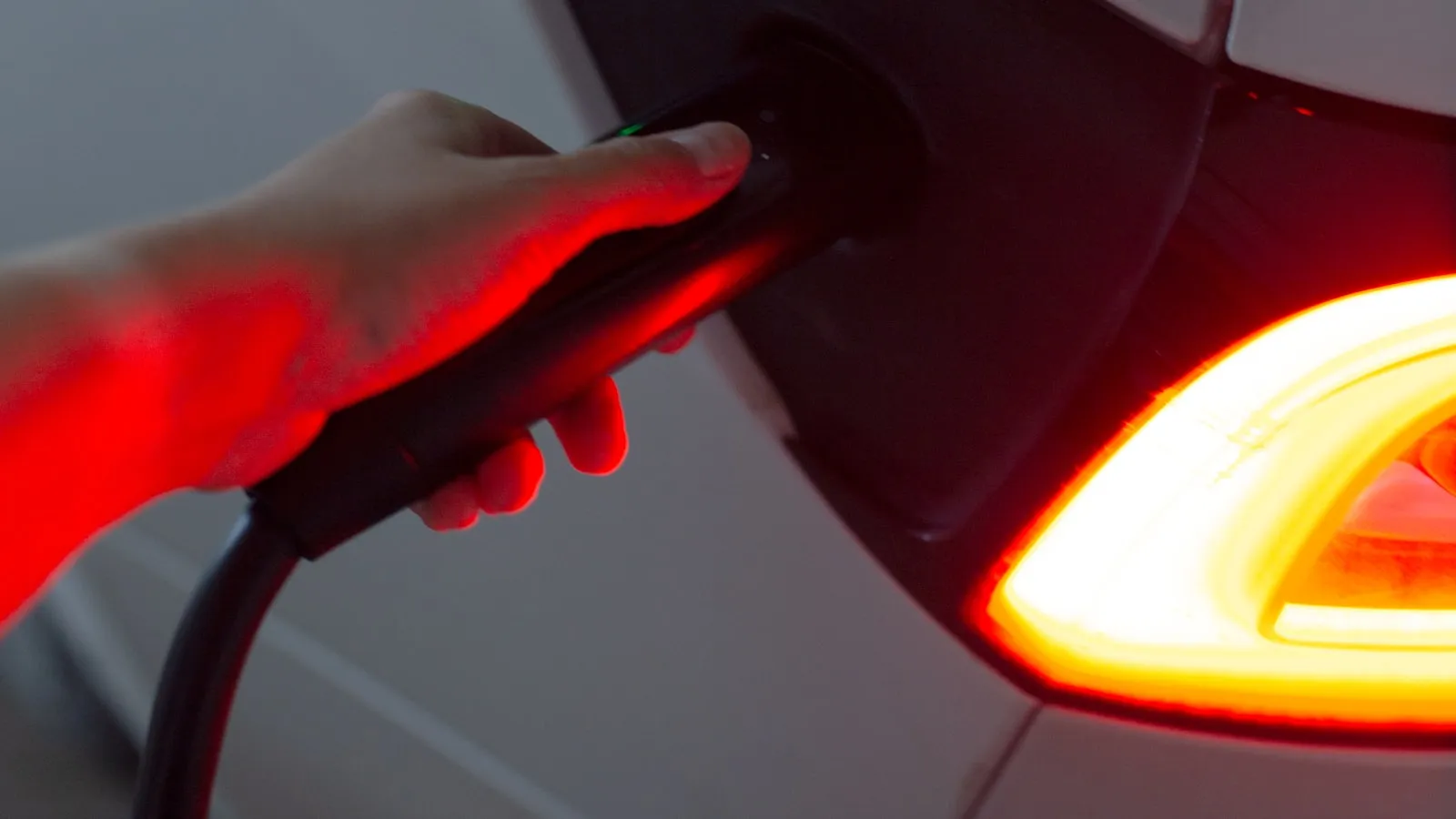
To pair a driveway gate with Tesla Model S HomeLink, put the car in Park, tap Controls then HomeLink, create a device, and hold the gate remote one to three inches from the overhead console trim near the mirror. Confirm the car actually has the module first — some 2012 and 2013 Model S builds shipped without it. Rolling-code gates from LiftMaster and Chamberlain add one catch: press the entry up to three times before you decide the pairing failed.
Does Your Model S Have HomeLink?
The Model S has been in production since 2012, and HomeLink availability varied in the early years. Some units from the first two production years did not include the module — it was part of an optional package at the time rather than standard equipment. By 2015, HomeLink was standard on US-market Model S vehicles, and it has remained standard through the 2021 Plaid refresh and the current model year.
To confirm your specific car has it: tap Controls on the touchscreen and look for a HomeLink or Garage tile in the quick-access row at the top of the screen. If the tile is present, the module is installed.
If the tile is absent:
- Check under Controls → Autopilot or Controls → Comfort, depending on your software version. Tesla has reorganized the menu structure across major software updates, and the HomeLink tile location shifts between versions.
- Log in at tesla.com/ownersmanuals with your VIN. The owner’s manual for your trim and build year will confirm whether HomeLink was standard or optional on your specific build.
- If the module is genuinely absent, third-party retrofit units — TeslaTap’s HomeLink module is a commonly referenced option in the Model S owner community — can add the hardware. The car’s software already supports the interface; only the transceiver hardware needs to be added.
The 2021 Plaid refresh brought a substantially redesigned interior: a new horizontal touchscreen, an updated center console, and the yoke steering wheel option on some configurations. HomeLink remained standard equipment on all Plaid units. The menu path looks different on the new screen, but the setup procedure is identical to pre-Plaid cars.
Where Is the Transceiver?
The HomeLink transceiver sits behind the overhead console trim, just forward of the rearview mirror. This placement is consistent across the Tesla lineup — it is the same spot on the Model S as on a Model X, Model Y, or Model 3.
During the training step, the gate remote needs to be within one to three inches of that trim piece. Training from across the dashboard or pointing the remote at the windshield increases the likelihood of a weak signal copy. A weak copy produces a HomeLink entry that appears trained but fails at operating distance or loses sync after a few cycles.
Training Procedure
The Model S stores up to three HomeLink devices. To train a driveway gate:
- Put the car in Park.
- Tap Controls on the touchscreen, then HomeLink or Garage.
- Tap Create HomeLink or the + icon.
- Name the device — Front Gate, Side Gate, or whatever label is useful.
- Hold the existing gate remote one to three inches from the overhead console trim near the rearview mirror.
- Press and hold the button on the remote until the HomeLink indicator on the screen flashes rapidly. Release.
- For rolling-code openers: press the Learn button on the gate operator’s control board within 30 seconds. The operator’s indicator LED should flash or change state to confirm a new transmitter was stored.
- From the touchscreen, tap the new HomeLink entry. The gate should respond.
For fixed-code openers — common on older Mighty Mule, some DoorKing models, and certain TOPENS units — steps 1 through 6 complete the pairing. The fixed code is copied during training; no Learn button step is needed.
Driveway Gates: Where the Extra Work Is
The procedure above works without additional steps for most overhead garage doors. Driveway gates add complexity in two places.
The Learn button location. On a ceiling-mounted garage motor, the Learn button is visible and reachable from inside the garage. On a driveway gate operator, the control board lives inside a weatherproof enclosure — mounted on a post, set into a masonry pillar, or at knee height on a fence post. Open that enclosure and locate the Learn button before sitting in the car. The 30-second window does not leave time for searching once the training step starts.
The rolling-code handshake. LiftMaster and Chamberlain gate operators with a yellow Learn button use Security+ 2.0 rolling code. After pressing Learn on the operator, press the HomeLink entry on the touchscreen up to three times in succession. The rolling-code handshake sometimes requires two or three presses before the receiver fully accepts the new transmitter code. Stopping after one press and concluding the pairing failed is the most common mistake with Security+ 2.0 systems. Delete the entry, re-pair, and press all three times before testing.
For a detailed breakdown of why certain gate operators — particularly those transmitting at 288 MHz fixed code — pair at close range but go silent at 40 feet, why HomeLink stops working with your driveway gate covers frequency mismatch and rolling-code drift in sequence.
When the Gate Does Not Respond
Trained, but gate does not move. Delete the entry and re-pair with the car positioned within 20 feet of the operator’s antenna wire. A stronger proximity during training forces a lock onto a more reliable frequency band.
Works once, then stops responding on the next attempt. Rolling-code sync drift. Delete the HomeLink entry, press the operator’s Learn button to clear any partial entries, and re-pair from the beginning. The step-by-step sequence for Security+ and Security+ 2.0 protocols specifically is in HomeLink rolling code programming.
Gate responds at 15 feet, silent at 40 feet. The operator is likely transmitting at 288 MHz — the lowest end of HomeLink’s range. Some control boards include a DIP switch or jumper to select a higher frequency band. The board label or the manufacturer’s installation manual will indicate whether the option exists.
Gate starts opening, then reverses midway. This is not a HomeLink problem. The operator received the signal and started a cycle, then triggered a safety reversal — usually a limit switch out of calibration or a photo-eye sensor misaligned by weather or debris. Diagnose at the gate operator, not the car.
A Newer Category of Gate Access
Standard HomeLink on the Model S requires a touchscreen tap each time. The car has no native awareness of its distance from the gate — it cannot detect an approach 200 feet out and begin the open sequence automatically. The gate moves when you press the button.
There is a newer category of hardware that routes gate-open through vehicle proximity rather than a manual RF signal: a small device at the gate operator detects the car’s approach and triggers the open cycle before the driver does anything. It is one of the HomeLink alternatives for Tesla that addresses the distance the visor button cannot reach. The premium EV arrival stack covers what that full automated sequence looks like across gate, garage, and charge start — and where each layer currently breaks down. Proxly is building in that direction, with support for the major gate operators covered in this guide.
References
- Tesla Model S Owner’s Manual — HomeLink section: https://www.tesla.com/ownersmanuals
- HomeLink technology and compatibility reference: https://www.homelink.com
Frequently asked questions
- Not every build. Early Model S vehicles — particularly those delivered in 2012 and 2013 — had HomeLink as optional equipment, and some shipped without it. Confirm by tapping Controls on the touchscreen and looking for a HomeLink or Garage tile. If absent, third-party retrofit modules can add the hardware.
- Behind the overhead console trim, just forward of the rearview mirror — the same location used across the current Tesla lineup. During training, hold the gate remote within one to three inches of that spot to ensure the RF signal is captured cleanly rather than through the full cabin interior.
- The most common cause is an incomplete rolling-code handshake. Delete the HomeLink entry, reposition within 20 feet of the gate operator's antenna wire, re-pair, and confirm the Learn button on the gate operator's control board was pressed within 30 seconds of the training step completing on the touchscreen.
- Not with standard HomeLink. The system requires a deliberate tap on the touchscreen and has no distance awareness — it cannot detect that the car is 200 feet from the gate. Automatic gate opening on approach requires a separate device installed at the gate operator, not a HomeLink configuration change.
- Three. Each slot is named by the driver and shown on the HomeLink card on the touchscreen. A driveway gate, an overhead garage door, and a third device use all three slots. Adding a fourth device requires removing one of the existing entries — there is no way to expand beyond three.
Does every Tesla Model S have HomeLink?
Where is the HomeLink transceiver on a Tesla Model S?
Why does Model S HomeLink show trained but the gate won't respond?
Can the Model S open a driveway gate automatically on approach?
How many HomeLink devices can the Tesla Model S store?
Keep reading
GMC Hummer EV HomeLink: Driveway Gate Setup and Timing
The Hummer EV weighs 9,063 lbs. Most driveway gates take 15-20 seconds to open. Here's how to program HomeLink and get the approach timing right.
Why Tesla HomeLink Fails on Driveway Gates (And the Fix That Isn't a Better Button)
Tesla HomeLink works reliably on garage doors. Driveway gates are a different problem. Here is what goes wrong and what fixes it.
Cybertruck Driveway Gate: Three Ways In, One Hands-Free
Cybertruck owners have three options for a driveway gate: built-in HomeLink, Tesla's geofence, or a GPS tag that opens at 300 feet with no button press.