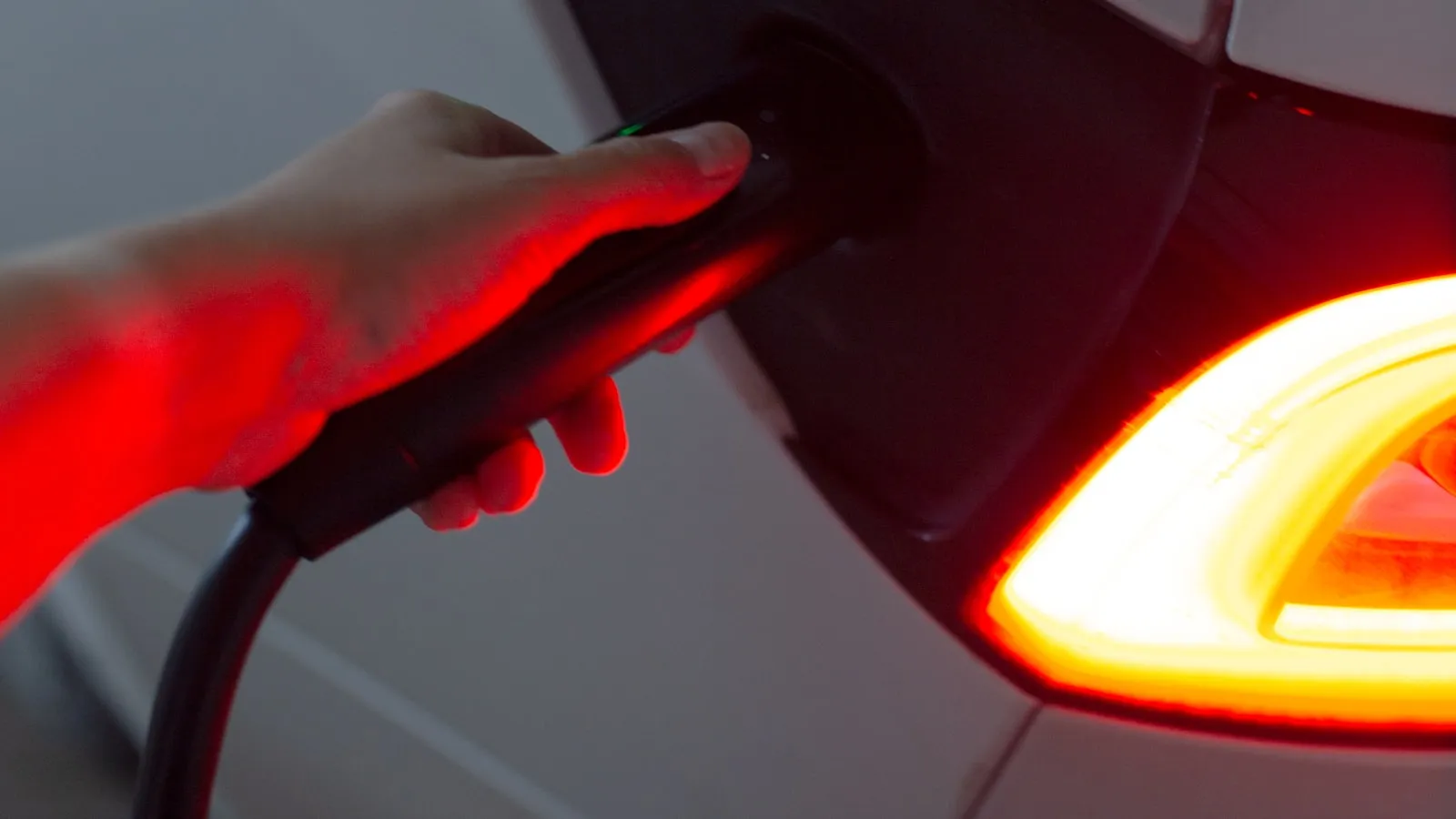
What happens when a premium EV pulls into a wired residential driveway can be broken into four distinct layers: position detection, gate trigger, garage open, and charge session start. Most EV owners manage all four manually without thinking about it. The interesting question is why automating all four in sequence turns out to be harder than it looks.
This piece maps each layer — what technology drives it, what breaks it, and what the current state of the art actually looks like for a 2026 setup.
The Four Layers
Position detection is the first problem: something needs to know the car is approaching at the right distance to trigger the gate. Not parked in the driveway, not two miles away — approaching, somewhere between 50 and 300 feet from the gate, heading toward it.
Gate trigger is the second: the opener needs a signal to start its open cycle in time for the car to pass through without stopping.
Garage open is the third: if there is a separate driveway gate and a garage, the garage door needs its own trigger, typically delayed by the transit time from the gate to the garage.
Charge session start is the fourth: once the car is parked and plugged in, the charge session begins — either immediately or on a schedule.
Most EV owners handle all four manually. Press the HomeLink button for the gate, drive up, press it again for the garage, pull in, plug in. That sequence takes about 90 seconds on a typical residential setup, with most of it spent waiting for the gate to finish its cycle. The full automation goal is to bring that to zero manual steps. What makes it difficult is that each layer runs on different technology with different timing requirements. For context on the mechanical side of what the gate trigger is actually telling the opener to do, how a residential gate opener actually works covers the control board and input circuit in detail.
Layer 1 — Position Detection: The Hardest Problem
Position detection is where most automatic-arrival systems fail. The gap between what EV owners expect and what the technology delivers is widest here.
HomeLink has no position awareness
HomeLink is a visor-mounted radio transmitter. When the driver presses the button, it sends a coded RF signal to the gate opener’s receiver. There is no GPS, no geofence logic, no positional awareness — just a button press at whatever distance the driver chooses. To automate gate-open via HomeLink, something external must decide when to fire that button press on the driver’s behalf. That something is usually a geofence app running on the phone.
Geofence apps: close but inconsistent
Geofence apps — including the ones built into Tesla vehicles for garage doors and similar setups in Rivian and Lucid — use the phone’s or vehicle’s GPS to define a radius around the home. When the vehicle enters that radius heading inbound, the app fires the gate opener.
The problem is radius size. A phone GPS lock in a moving vehicle is accurate to roughly 3-5 meters under clear sky, but the radius needs to be large enough to account for GPS jitter and the gate’s operating time. Most recommended configurations use a 50-100 meter radius. At 10 mph — a typical residential approach speed — 50 meters is about 11 seconds of lead time. A swing gate driven by a linear actuator commonly takes 15-25 seconds to open fully. The math doesn’t work reliably.
The second problem is directionality. A simple geofence radius doesn’t know whether you are arriving or leaving. A car that pulls out of the driveway, drives to the end of the block, and returns will trigger the geofence on the return regardless of what the driver intended. Some apps add directional logic, but that logic requires careful configuration and doesn’t always hold up against GPS multipath error.
For a detailed account of how Tesla’s native geofence specifically fails on driveway gates — including the edge cases where it fires the wrong direction or at the wrong moment — the article on why Tesla’s geofence feature won’t open your driveway gate covers each failure mode.
What reliable position detection actually requires
Three properties characterize a reliable position-detection system for gate automation:
- Range accuracy of roughly ±10 meters at the trigger point
- Directional awareness (arriving vs departing)
- Consistency across GPS multipath conditions and phone lock states
No consumer geofence app today meets all three reliably for driveway gate use. Short-range RF systems that trigger when the car is within a defined physical distance — rather than within a GPS radius — can meet the first two, but they require hardware mounted at the property.
Layer 2 — The Gate Trigger: RF vs Dry Contact
Once position is detected, the gate opener needs a signal. There are two paths, and they have meaningfully different reliability profiles.
RF path (HomeLink and compatible remotes)
HomeLink sends a rolling-code or fixed-code RF signal on one of several frequencies: 288, 310, 315, 390, or 433 MHz depending on the opener model. The opener’s built-in receiver decodes the signal and starts the open cycle.
For automated arrival, this requires either an RF transmitter that can be triggered programmatically — as myQ, Remootio, and iSmartGate do — or a hardware controller that emulates a remote press when it receives a position event. The RF path has a real limitation: signal attenuation at distances over 100 feet through walls, dense vegetation, or rain can cause intermittent failures. Gate opener manufacturers rate their receivers for open-sky conditions; real-world residential driveways can cut usable range by a meaningful margin.
For a step-by-step on pairing HomeLink to a rolling-code gate opener — specifically LiftMaster and Chamberlain openers that use Security+ 2.0 — the guide on programming HomeLink for rolling-code gate openers covers the two-step handshake in detail.
Dry-contact path
Almost every residential gate opener — LiftMaster, FAAC, Nice Apollo, Mighty Mule, DoorKing — includes a set of terminals on the control board. A momentary closure across these terminals produces the same result as a button press on the remote: the gate opens, runs its full cycle, and auto-closes after the configured delay.
Dry-contact is more reliable than RF at close range because there is no signal attenuation or rolling-code decoding step. A controller that produces a 1-second closure — 12V or voltage-free depending on the specific board — triggers the gate every time with no range limitation. This is the path that most vehicle-paired arrival systems prefer, because the controller can be mounted near the opener and hardwired directly.
The tradeoff is installation: dry-contact requires running two wires from the controller to the opener’s control board. On a gated residential property where the opener is already wired into 120V AC at the post, adding two low-voltage wires is a minor addition to the scope. For most swing and slide gate openers, the terminal block is accessible from the front of the control board with no special tools.
Layer 3 — Garage Open: Sequencing Is Everything
For homes with a separate driveway gate and a garage, Layer 3 is the garage door trigger. The mechanics are identical to Layer 2 — RF or dry-contact, with the same tradeoffs.
The unique challenge is timing. If both the driveway gate and the garage door are automated, the garage trigger needs to be delayed by roughly the transit time from the gate to the garage. On a 150-foot driveway at 5 mph, that delay is about 20 seconds. Getting this right requires either a controller with configurable trigger sequencing or two independent automation systems that can coordinate timing.
HomeLink handles this cleanly when operated manually — the driver presses the gate button, drives up, presses the garage button. The challenge is replicating that sequenced two-step automatically. Most geofence apps fire a single location event, not a timed two-trigger sequence.
Layer 4 — Charge Session Start: The Patient Layer
The charge session starts when the car is parked and plugged in. This is technically the simplest layer to automate: most EVs support “charge immediately when plugged in” as a default setting, and others use scheduled departure charging that handles timing without any arrival-stack integration.
What makes charge start complex is rate management. Many owners are on time-of-use electricity rates that make off-peak charging cheaper. Others want a specific state of charge by a morning departure time. These preferences interact with arrival time in a way that is independent of the gate and garage layers: if you arrive at 6 pm and want to start charging at midnight, the arrival automation has nothing to do with the charge curve — it just needs the car plugged in, which most drivers handle manually.
This is why the charge layer usually runs independently. Layers 1-3 are time-sensitive and need tight coordination within a 30-second window. Layer 4 is not time-sensitive at arrival — it can wait for a manual plug connection.
The arrival-stack framing clarifies where to invest optimization effort: position detection and gate trigger sequencing have the most leverage. Charging automation is mostly a preference setting, not an arrival-stack engineering problem.
Where the Stack Actually Breaks
The four layers are individually solvable. The failure mode is coordination across them:
- Geofence fires too early → gate opens, starts auto-closing before the car arrives at the gate
- RF trigger attenuates at distance → gate doesn’t open, car waits at a closed gate
- Garage trigger fires without gate-position context → garage door opens while the car is still at the driveway gate
- HomeLink pressed during mid-cycle → opener receives a second trigger and reverses direction mid-travel
Most “my HomeLink sometimes works and sometimes doesn’t” reports trace back to one of these coordination failures rather than a faulty HomeLink module. The button works; the sequencing and timing logic around it breaks.
A Path Through
The cleanest way to automate all four layers without manual input is a controller that:
- Detects the vehicle at a specific range, not a GPS radius
- Fires the gate trigger early enough for the gate to complete its open cycle before the car arrives
- Sequences the garage trigger with a configurable delay after the gate fires
- Does not depend on the phone being awake, connected, or unlocked
For owners troubleshooting the specific failure mode where Tesla HomeLink works on a garage door but not a driveway gate — which is typically a Security+ 2.0 rolling-code pairing issue, not a HomeLink hardware failure — the guide on pairing Tesla HomeLink to a LiftMaster gate operator covers the exact sequence.
For owners who want a hands-free approach without the geofence coordination problems: Proxly is building a vehicle-paired credential system for residential gates. It wires into the gate opener’s dry-contact terminals and detects the vehicle via a windshield tag — no geofence, no phone unlock, no HomeLink pairing required. It is pre-launch, and the waitlist is at getproxly.com/beta.
Frequently asked questions
- The EV arrival stack is the sequence of automated steps a home performs when a premium electric vehicle approaches: detecting the car's position, opening the driveway gate, opening the garage door, and starting the charge session. Each layer runs on different technology and they rarely coordinate automatically.
- A geofence uses a GPS radius — typically 50-100 meters — that fires when the vehicle enters the zone regardless of approach angle or gate cycle time. At 10 mph, 50 meters is about 11 seconds of lead time, which is not enough for most swing gate open cycles to complete before the car arrives.
- A dry-contact trigger is a momentary switch closure on the gate opener's control board — the same electrical signal a wall button produces. Most residential gate openers have two-terminal dry-contact inputs accepting a 12V pulse or a voltage-free closure. Any controller that produces a 1-second closure can open the gate.
- Most premium EVs still ship with HomeLink as of 2026, including Tesla Model 3, Y, S, X, and Cybertruck, Rivian R1T and R1S, Lucid Air, Ford F-150 Lightning, and several GM vehicles. Some newer models have removed the module. Confirm in the vehicle's owner documentation which button activates it.
- Operating time varies by gate type and mechanism. Swing gates with linear actuators typically take 15-25 seconds for a full open cycle at a safe residential speed. Slide gates on rack drives can run faster for short runs or slower for heavy gates on long tracks. These times determine how far out the arrival trigger should fire.
What is the EV arrival stack?
Why doesn't a geofence open a driveway gate reliably for EVs?
What is a dry-contact trigger on a gate opener?
Which premium EVs ship with HomeLink for gate automation?
How long does a residential driveway gate take to open?
Keep reading

Tesla HomeLink vs Rivian HomeLink: Two Different Philosophies
Tesla and Rivian both ship HomeLink, but they implement it differently. Here is what changes in practice — and where both fall short at the driveway gate.
HomeLink Alternative for Tesla: Free, $30, $150, and $350 Options Ranked
Tesla owners frustrated with the $350 HomeLink module have seven real alternatives — from a free physical clicker to a $30 smart controller to $45/year myQ — compared honestly with the trade-offs.
Tesla Sentry Mode and Your Driveway Gate
Sentry Mode activates every time your Tesla parks. Here is what that means for driveway gate hardware, how to avoid false alerts, and how to set a home exclusion zone.