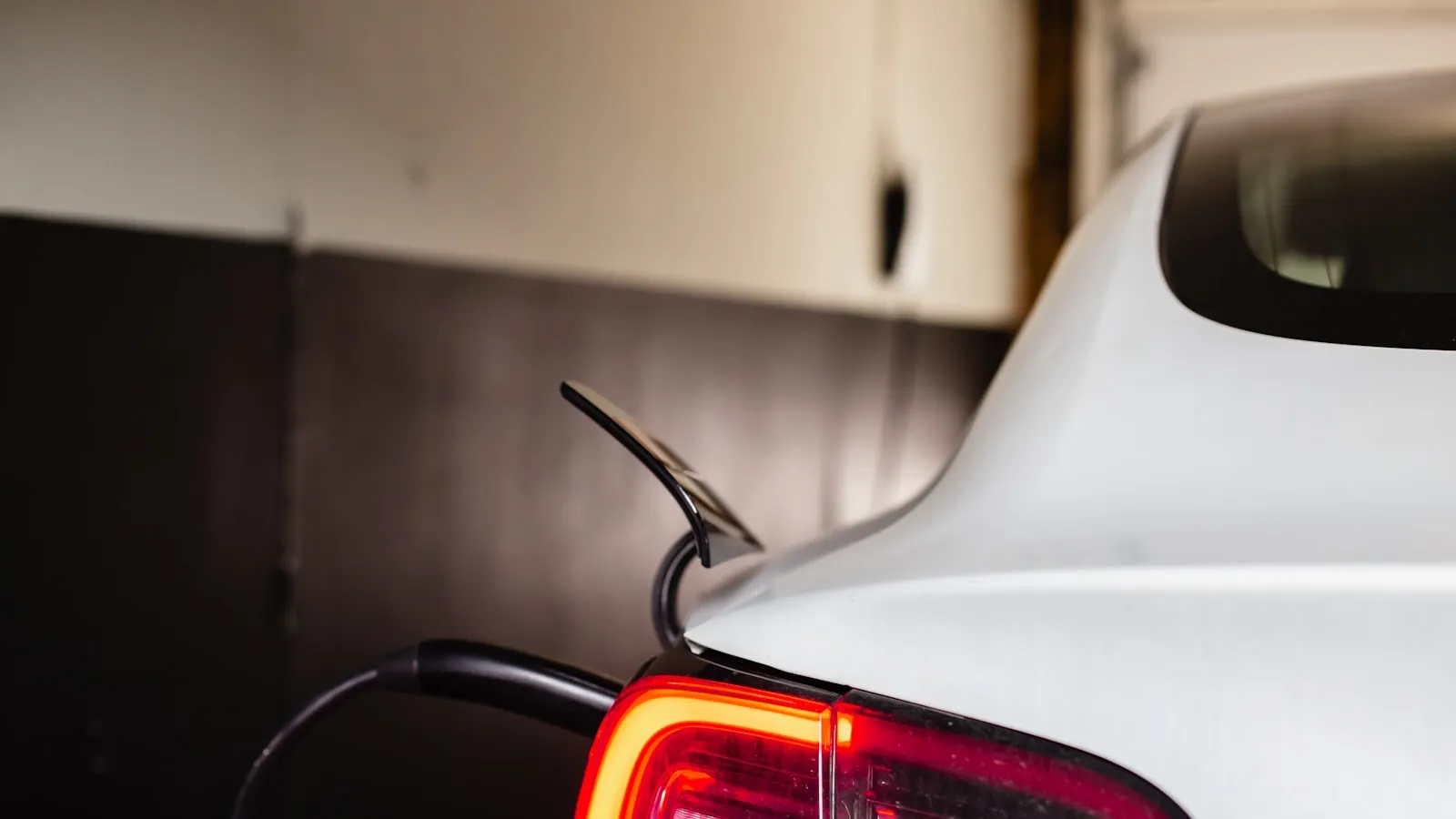
Sentry Mode activates every time your Tesla parks. For most owners, it runs without incident. For owners with driveway gates, it introduces a recurring friction: gate panels and actuator arms moving through the car’s camera field log recording events, and anyone approaching the gate — a neighbor, a delivery driver, a family member in a second vehicle — registers as a proximity event. Without a home exclusion configured, the battery drains overnight at a rate that adds up.
This is a solvable configuration problem. It takes about two minutes.
What Sentry Mode Actually Does
When your Tesla is in Park, Sentry Mode monitors the surrounding area using the car’s exterior camera array. Detected activity is classified into three tiers:
- Minimal threat — a person walking past, distant movement. Logged as a clip; the owner receives an app notification. No alarm.
- Medium threat — someone leaning against the car, loitering nearby for an extended period. The alarm sounds.
- High threat — an impact, an attempted break-in. Full alarm, immediate notification.
The recording clips require either a formatted USB drive connected to the car or a Tesla Premium Connectivity subscription for cloud storage. Without one of those, Sentry Mode still monitors and alarms but does not save footage.
The feature is designed for public parking. It is genuinely useful there. At home, near gate hardware that cycles throughout the day, it generates notifications that quickly lose meaning — and it draws battery the entire time.
How Gate Hardware Triggers Sentry Events
Two patterns account for most gate-related Sentry events:
Gate panel and actuator movement. On a swing-gate opener, the actuator arm arc and the gate leaf itself can pass through the Tesla’s front or rear camera field when the gate opens or closes. This is most common when the car parks close to the gate mechanism — within 10 to 15 feet. An auto-close timer cycling the gate every few hours produces a steady stream of minimal-threat recordings.
Slide gates typically move laterally and are less likely to cross the camera field directly, but the gate leaf sliding past the rear camera at close range can still register. For an overview of how gate openers move and sense vehicles, the mechanics differ significantly by gate type.
Approaching vehicles and people. A second vehicle pulling up to the gate entrance, a pedestrian pressing the call box, a contractor waiting for the gate to respond — all of these appear in the camera field when the Tesla is parked inside. Sentry Mode classifies them according to proximity and dwell time. Most will fall into the minimal category, but the volume of notifications in a busy household makes the alerts effectively meaningless.
The result is not a security failure. It is noise that erodes the feature’s usefulness at the one location where it matters most.
Setting Up a Home Exclusion
Sentry Mode exclusions disable the feature at specific addresses. The car still monitors everywhere else.
From the touchscreen:
- Controls → Safety → Sentry Mode
- Tap Exclude (or Excluded Addresses, depending on firmware version)
- Type your home address and confirm
From the Tesla mobile app:
- Tap the lock icon at the bottom of the screen (Security)
- Select Sentry Mode
- Tap Excluded Locations → Add Location
- Enter your home address
After saving, check that the exclusion is active: park the car at home and verify the Sentry Mode icon in the app shows as disabled or inactive. The exclusion applies by GPS location, not strictly by the saved address string, so it will cover the full property area rather than a single parking spot.
If you park at two distinct positions on the property — for example, inside the gate in one spot and in a detached garage at the back — both are typically covered by a single address exclusion, since the location radius is generous. Confirm this the first time by checking app status from both positions.
When the Interaction Does Not Happen
The gate-related Sentry friction is specific to a parked car. If the gate opens before the car arrives, the Tesla drives through in motion — Sentry Mode is off, and no event is logged.
This is the behavior with approach-based arrival systems: the gate is already moving at 200 to 300 feet out, and the car rolls through without stopping. The car then parks inside, and if home exclusion is active, Sentry Mode never activates at all. The overlap between gate hardware and Sentry Mode is eliminated at both ends.
For owners using a visor clicker or HomeLink, the same principle applies: you press the button while driving, the gate opens, you pass through. The car parks inside. Sentry Mode then either activates (if no exclusion) or doesn’t (if exclusion is set). The gate cycle you triggered is already finished by the time the car is stationary. For background on why HomeLink sometimes fails to pair with driveway gate hardware — a separate but related frustration — the cause is usually at the RF layer, not the Sentry layer.
Battery Drain at a Gated Property
Tesla recommends setting up home and work exclusions specifically to preserve battery. The guidance appears in the Sentry Mode configuration section of the car’s support documentation.
The practical impact depends on how long the car sits. A household where the Tesla parks inside the gate from 10 PM to 7 AM — nine hours — with no exclusion set is running Sentry Mode the entire time. Community measurements put the typical power draw at roughly 0.5 to 1 kWh per hour depending on model and conditions. Over nine hours, that is 4 to 9 kWh consumed by monitoring an empty driveway.
On a Model 3 Long Range (82 kWh usable), 4 to 9 kWh is a moderate overnight cost — equivalent to about 15 to 35 miles of range. On a Standard Range variant, it is a more meaningful fraction of the pack.
The exclusion eliminates this entirely. After adding home to the exclusion list, the car parks and nothing draws on the battery for monitoring purposes. The charge state in the morning reflects only the passive systems.
For the broader picture of how arrival timing and energy use interact — including why the sequence of gate open, park, plug in matters — see the guide to the full EV home-arrival stack.
FAQ
Does Sentry Mode activate while a gate is opening?
No. Sentry Mode only runs when your Tesla is in Park. As you drive through an opening gate, Sentry Mode is inactive. The friction described here occurs when the car is already parked inside a gated property and gate hardware moves through the camera field.
Can Sentry Mode trigger a gate to open?
No. Sentry Mode is a passive monitoring system. It uses the car’s cameras to detect and record nearby activity. It does not transmit radio signals or communicate with gate hardware in any form.
Does adding my home to Sentry Mode exclusions reduce security at other locations?
No. Exclusions are address-specific. Sentry Mode continues operating normally at every other location. The only effect is that Sentry Mode skips activation when the car is parked at the registered home address.
How much battery does Sentry Mode drain overnight at a gated property?
Tesla recommends setting up home exclusions specifically to preserve battery. Community measurements put the typical draw at roughly 0.5 to 1 kWh per hour, depending on model and ambient conditions. An 8-hour overnight stay without an exclusion can leave a Model 3 Standard Range noticeably depleted by morning.
For owners where the preferred solution is a gate that opens before the car arrives — so the car never parks near cycling gate hardware in the first place — there is a newer category of proximity-based arrival systems built for that use case. Proxly is one project in this space, currently in early access: getproxly.com/beta.
References
- Tesla Sentry Mode documentation and configuration: tesla.com/support
Frequently asked questions
- No. Sentry Mode only runs when your Tesla is in Park. As you drive through an opening gate, Sentry Mode is inactive. The friction described here occurs when the car is already parked inside a gated property and gate hardware — panels, arms, approaching vehicles — moves through the camera field.
- No. Sentry Mode is a passive monitoring system. It uses the car's cameras to detect and record nearby activity. It does not transmit radio signals or communicate with gate hardware in any form. Sentry Mode cannot command a gate opener to do anything.
- No. Exclusions are address-specific. Sentry Mode continues operating normally at every other location. The only effect is that Sentry Mode skips activation when the car is parked at the registered home address. You can remove or adjust the exclusion at any time through the Tesla app.
- Tesla recommends setting up home exclusions specifically to preserve battery. Community measurements put the typical draw at roughly 0.5 to 1 kWh per hour, depending on model and ambient conditions. An 8-hour overnight stay without an exclusion can leave a Model 3 Standard Range noticeably depleted by morning.
Does Sentry Mode activate while a gate is opening?
Can Sentry Mode trigger a gate to open?
Does adding my home to Sentry Mode exclusions reduce security at other locations?
How much battery does Sentry Mode drain overnight at a gated property?
Keep reading
Tesla HomeLink vs Rivian HomeLink: Two Different Philosophies
Tesla and Rivian both ship HomeLink, but they implement it differently. Here is what changes in practice — and where both fall short at the driveway gate.
HomeLink Alternative for Tesla: Free, $30, $150, and $350 Options Ranked
Tesla owners frustrated with the $350 HomeLink module have seven real alternatives — from a free physical clicker to a $30 smart controller to $45/year myQ — compared honestly with the trade-offs.
Tesla 1114984-00-B Guide: HomeLink Module Cost, Install, and Which Models It Fits
What the Tesla HomeLink module 1114984-00-B is, which Teslas it fits, real pricing, DIY install, and the vopt2 software activation that often gets skipped.