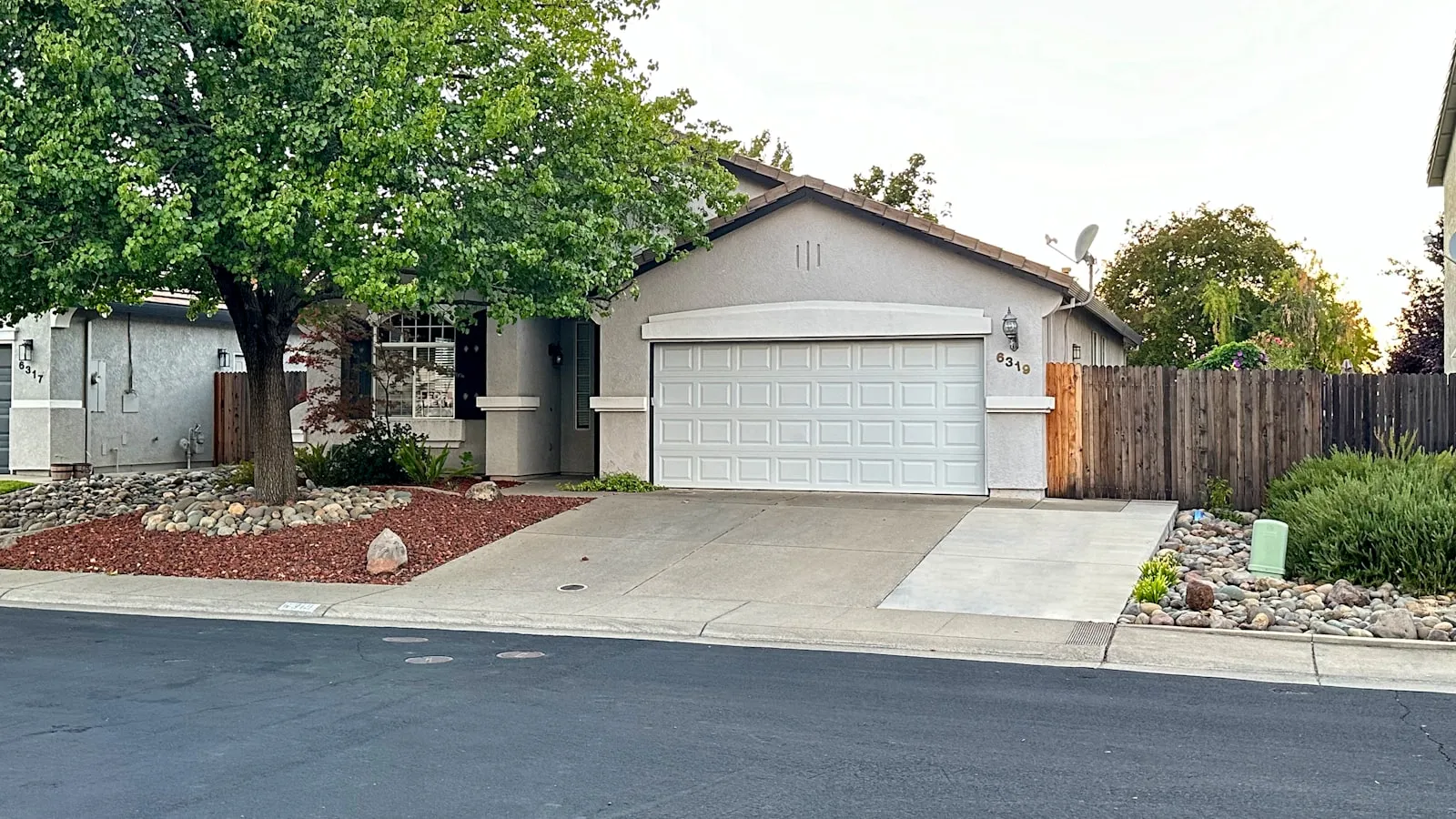
The Mustang Mach-E ships with a 3-button HomeLink unit in the overhead console. Most owners train the garage opener within the first week. Driveway gates are a different situation — they often use rolling-code protocols that require an extra step at the motor unit, and the overhead antenna placement changes the training angle compared to visor-mounted systems.
This guide covers the complete programming sequence for 2021–2024 Mach-E models, including the step most owners skip when they have a Security+ or Security+ 2.0 gate operator.
Where HomeLink lives on the Mach-E
The HomeLink module sits in the overhead console, between the map lights. Three unlabeled square buttons with an indicator LED between the first and second positions.
Unlike visor-mounted HomeLink in some GM and Toyota vehicles, the Mach-E’s overhead placement positions the antenna about 8 inches higher from the seat. During initial training, hold the original gate remote close to the overhead console — not to the windshield or visor area, which is where people aim by instinct.
Programming a fixed-code gate opener
Fixed-code remotes transmit the same signal on every press. These train quickly.
Step 1. Clear any stored programs: hold the two outer HomeLink buttons simultaneously for about 20 seconds, until the LED blinks rapidly, then release.
Step 2. Choose a button — left, center, or right. Press and hold it.
Step 3. While holding the HomeLink button, hold your original gate remote 1–3 inches from the overhead console and press its button repeatedly, about once every two seconds.
Step 4. When the HomeLink indicator changes from a slow blink to a rapid blink, release both buttons.
Step 5. Test by pressing the trained HomeLink button from inside the car.
If the gate opens, you’re done. Most operators installed before 2005 use fixed code.
Programming a rolling-code gate opener
Current LiftMaster, Chamberlain, and many Nice gate operators use rolling code. Steps 1–4 above will train the HomeLink LED to blink — but the gate won’t respond. That’s the step most owners miss: you need to complete a handshake at the motor unit.
After completing steps 1–4:
Step 5. Press and hold the trained HomeLink button until the LED blinks rapidly twice (roughly 2 seconds), then release immediately.
Step 6. Within 30 seconds, go to the gate operator motor and press the LEARN button once, then release it. A small indicator on the motor confirms it entered learn mode — on most LiftMaster units, the LED stays lit for 30 seconds.
Step 7. Return to the car and press the trained HomeLink button once.
Step 8. The operator will click or the gate will cycle to confirm the code was accepted.
If it doesn’t work on the first try, repeat from step 5. Some Security+ 2.0 operators need two or three training rounds before they hold the code. For a full explanation of why the handshake is required, see the rolling-code programming guide.
LEARN button locations by brand
Finding the LEARN button is the most common point of confusion on gate operators, which mount outdoors in enclosures with less visible access panels.
LiftMaster CSW24UL: Access panel on the rear of the motor housing. LEARN button on the main circuit board — purple for Security+ 2.0.
LiftMaster LA412: Small access cover on the motor cap. LEARN button near the antenna terminal.
Nice Apollo: Button labeled “SET” on the receiver board inside the control enclosure.
Mighty Mule: Labeled “PROG” on the receiver board inside the motor housing, behind the top cover.
When the LED blinks but the gate doesn’t move
Slow blink, then stops: Training failed. Restart and hold the original remote closer, pressing it more frequently during step 3.
Fast blink, no gate response: Training succeeded but the rolling-code handshake wasn’t completed. Go through the LEARN button sequence at the motor unit.
LED blinks 9 times and stops: HomeLink received an RF signal but couldn’t complete rolling-code training. This is the signal that the LEARN button handshake is required.
Gate opens once, then stops responding: The operator accepted the code but is now out of sync. Press LEARN again on the motor to re-pair from scratch.
For additional failure modes including interference and frequency mismatch, the HomeLink programming troubleshooting guide covers the next steps.
Range from the overhead console
HomeLink transmits on 315 MHz for most US-market gate operators, and on 288, 310, 390, and 433 MHz for older or European systems. The Mach-E’s overhead console positions the antenna at approximately head height.
Practical range in clear conditions: 75–150 feet, depending on the operator’s receiver sensitivity and any metal in the path between the car and the operator antenna.
On driveways over 200 feet, the gate may not respond until the car is 100–150 feet from the operator. This is a characteristic of all RF-based gate access — not specific to the Mach-E. How HomeLink actually works explains the signal path and receiver sensitivity variables in more detail.
The overhead console placement does have one practical advantage: the antenna points more directly toward an operator mounted at wall height at the entrance, rather than angling through the door panel as a visor-mounted unit would.
Notes on dual-Ford households
If you also have an F-150 Lightning and both vehicles need to access the same gate, the programming procedure is identical — the Lightning uses the same overhead HomeLink unit and the same LEARN button handshake sequence. Program each vehicle separately from scratch; they can both hold the same rolling code without interfering.
Other EV arrival options
HomeLink covers most driveways reliably within 150 feet. If your driveway length or gate placement makes RF-based access inconsistent, or you want the gate opening before you reach the button-press range, the EV home arrival stack covers the range of approaches — from geofence apps to vehicle-paired systems — and what each handles well.
Reference
- Ford Mustang Mach-E Owner’s Manual — ford.com
- HomeLink programming support — homelink.com
- LiftMaster LEARN button reference — liftmaster.com
Frequently asked questions
- HomeLink is included on most 2021–2024 Mustang Mach-E trims sold in the US market. The 3-button array sits in the overhead console between the map lights. Verify your trim level against the owner's manual if the array isn't present at that location.
- Garage doors often use older fixed-code remotes that train easily. Driveway gate operators commonly use rolling-code protocols (Security+ or Security+ 2.0) that require an extra handshake at the motor's LEARN button. Without that step, the HomeLink LED blinks but the gate ignores the signal.
- Nine blinks means HomeLink received an RF signal but can't complete rolling-code pairing without the LEARN button handshake. Go to the gate operator motor, press the LEARN button, then press the trained HomeLink button again within 30 seconds to finish the pairing.
- On most LiftMaster gate operators, the LEARN button is inside the motor housing, accessed through the panel cover. It's color-coded: purple for Security+ 2.0, yellow for older Security+, orange for myQ models. It's usually near the antenna wire or under a small light cover.
Does every Ford Mustang Mach-E have HomeLink?
Why does Mach-E HomeLink work on the garage but not the driveway gate?
What does it mean when the Mach-E HomeLink LED blinks 9 times and stops?
How do I find the LEARN button on a LiftMaster gate operator?
Keep reading

GMC Hummer EV HomeLink: Driveway Gate Setup and Timing
The Hummer EV weighs 9,063 lbs. Most driveway gates take 15-20 seconds to open. Here's how to program HomeLink and get the approach timing right.
Why Tesla HomeLink Fails on Driveway Gates (And the Fix That Isn't a Better Button)
Tesla HomeLink works reliably on garage doors. Driveway gates are a different problem. Here is what goes wrong and what fixes it.
Cybertruck Driveway Gate: Three Ways In, One Hands-Free
Cybertruck owners have three options for a driveway gate: built-in HomeLink, Tesla's geofence, or a GPS tag that opens at 300 feet with no button press.