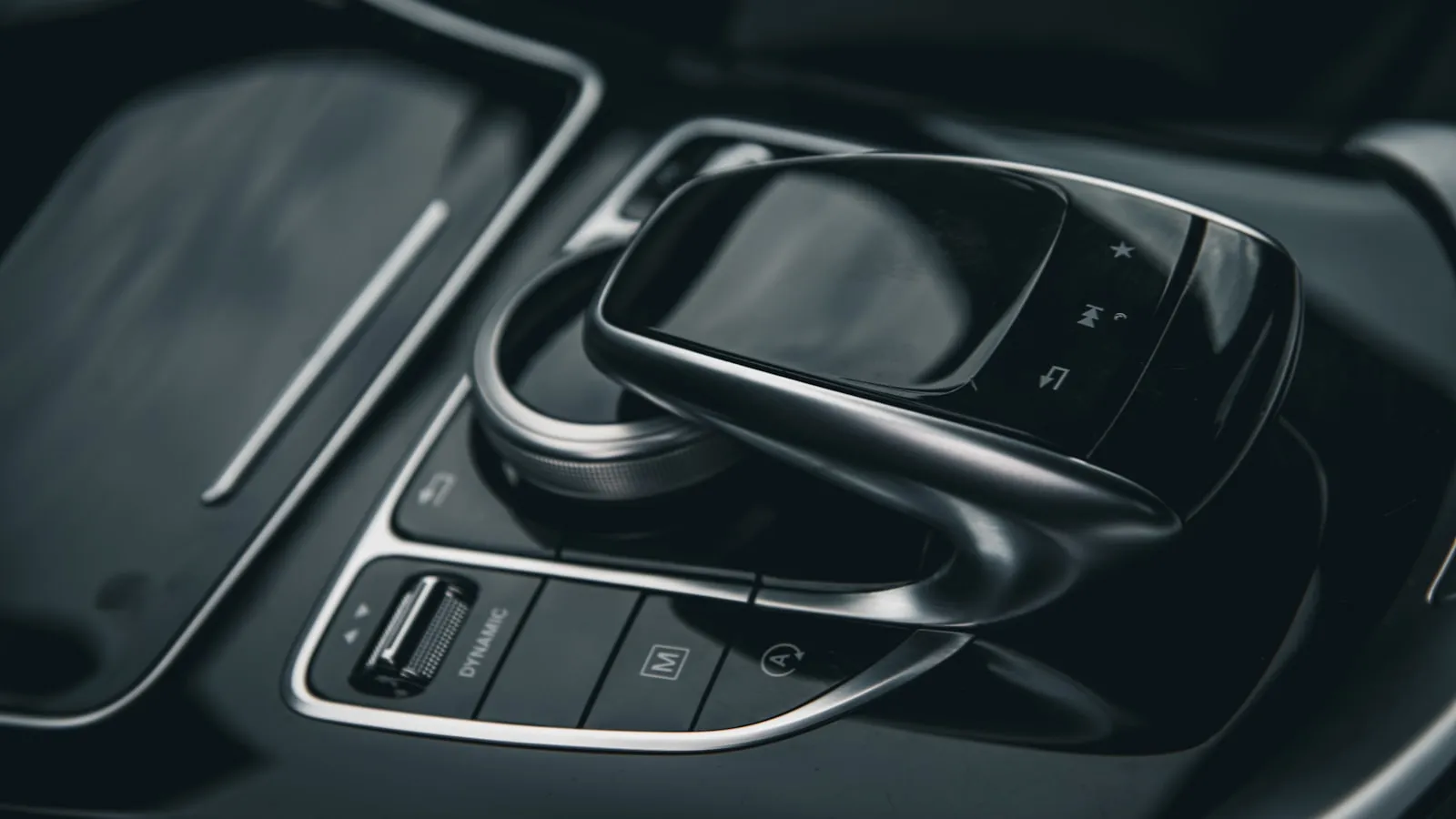
To program BMW HomeLink on an X5, X7, i4, or iX, find the three buttons in the overhead console (not the sun visor), then run the two-phase pairing: capture the remote signal at the car, then sync the rolling code at the opener’s Learn button. On the i4 and iX with iDrive 8, one prerequisite trips up most owners. HomeLink has to be switched on under Vehicle settings before the overhead buttons will enter training mode. Without that toggle, the buttons ignore every training attempt no matter how long you hold them.
Once located, programming follows the same two-phase process as every other HomeLink system. The BMW-specific variables are an iDrive prerequisite on EV models and a sequence timing window that most guides compress past the point of usefulness. BMW continues to include HomeLink across its current lineup — this differs from some premium brands quietly removing the feature — but where the hardware sits in the cabin and how to activate it on newer models differs enough to warrant its own walkthrough.
If you have a BMW iX or i4: start here
On the iX and i4 with iDrive 8, HomeLink requires a one-time software activation before the overhead buttons will enter training mode. Navigate to Vehicle > Settings > Convenience > HomeLink and confirm the toggle is set to active. Without this step, the buttons won’t respond to training regardless of how long you hold them.
This setting may also appear on some 2020+ X5 and X7 models with updated iDrive software. If initial training attempts produce no response from the overhead buttons, check the Vehicle settings menu before assuming a hardware fault. On pre-2020 models, the buttons respond immediately without any prerequisite.
Clear existing programming first
If the channels were previously trained, start clean. Hold all three HomeLink buttons simultaneously for about 10 seconds until the indicator LED changes from a slow blink to a rapid flash, then release. All three channels are cleared. If this is a new vehicle with no prior programming, skip this step.
Phase 1 — Capture the remote signal
- Sit in the car. Hold the HomeLink button you want to program (Button 1, 2, or 3 — your choice of channel).
- Simultaneously hold your handheld remote 1–3 inches from the HomeLink buttons, close enough that the signals overlap.
- Hold both until the HomeLink indicator changes from a slow blink to a rapid blink. This typically takes 20–30 seconds.
- Release both.
For fixed-code openers — pre-1996 units, some older gate motors, and certain commercial operators without rolling codes — Phase 1 alone completes programming. Press the button; the gate or door should respond.
For rolling-code openers (LiftMaster Security+, Security+ 2.0, Chamberlain myQ, Genie Intellicode, and virtually all residential openers built after 1996), the LED blinks rapidly but the opener won’t yet respond. That is expected behavior, not a failure. Phase 2 synchronizes the rolling code.
Phase 2 — Rolling-code sync at the motor unit
This step happens at the opener itself. You have 30 seconds from pressing the Learn button to completing the final step at the car.
- Walk to the gate or garage-door opener’s motor unit.
- Find the Learn button — on LiftMaster and Chamberlain units, it sits beneath the light cover, colored yellow, green, orange, or purple depending on the generation. Genie Intellicode units typically use a red button. On Nice/Apollo or DoorKing models, consult the motor’s documentation, as placement varies by series.
- Press and release the Learn button once. The LED on the motor unit should illuminate.
- Return to the car within 30 seconds.
- Press the same HomeLink button three times in succession.
- On success: the opener’s light flashes twice and the gate or door cycles.
The three-press finale is where most failed attempts stop short. For Security+ 2.0 operators (yellow Learn button), a single press at the end of Phase 2 often doesn’t complete the handshake. Three presses is the documented method. The detailed breakdown of why — including what differs across LiftMaster Learn-button colors — is in HomeLink Programming for Rolling-Code Gate Openers: The Two-Step Fix.
Five reasons BMW HomeLink training stalls
1. HomeLink not enabled in iDrive (iX/i4 specifically). Check the Vehicle settings menu before anything else on 2022+ EV models. This is the most common single cause on those platforms.
2. Remote battery weak or dead. A CR2032 that still runs a remote at close range may not produce a clean enough signal for HomeLink to capture reliably in Phase 1. Replace the battery before further troubleshooting.
3. Phase 2 timing window expired. If more than 30 seconds passed between pressing the Learn button and pressing the HomeLink button three times, the motor unit closed its acceptance window. Return to the opener, press Learn again, and move quickly.
4. Wrong button used in Phase 2. BMW’s three channels are independent. If you trained on Button 2 in Phase 1, press Button 2 — not Button 1 — during Phase 2. A channel mismatch produces no response.
5. Learn button pressed twice instead of once. On most LiftMaster and Chamberlain units, a double-press clears stored codes on that channel rather than entering pairing mode. If your existing remotes stopped working after pressing Learn, that happened. Re-pair the existing remote to the opener first, then attempt HomeLink pairing.
HomeLink and driveway gates
Garage doors typically sit 20–40 feet from the car when triggered. Gate motors often mount further — 50–100 feet from the street on a typical residential approach. HomeLink’s transmit range across its operating band (288–433 MHz) covers most residential driveways, but signal strength at distance is real. Gates positioned far from the road, or behind masonry pillars, can respond inconsistently even after a clean pairing.
If the gate responds when you pull close but not from the street, that is a range problem, not a programming failure. HomeLink Range Dropped? Five Causes and How to Fix Each One covers the specific diagnostics. For the broader pattern of why HomeLink and driveway gates conflict structurally — including frequency and timing issues specific to gate operators — Why HomeLink Stops Working with Your Driveway Gate covers the full picture.
For owners whose gate opens correctly but with a 2–4 second lag after the button press — the car already stopped at the gate, waiting — there is a newer approach that triggers from the vehicle’s GPS position 300 feet before arrival rather than from a button press: getproxly.com/beta.
References
- BMW owner’s manuals and iDrive documentation — bmwusa.com
- HomeLink vehicle compatibility list — homelink.com
- LiftMaster Learn button reference — liftmaster.com
Frequently asked questions
- In the overhead console — the headliner panel near the interior mirror, between the sunroof switches and the dome light. Three small buttons in a row. On the G05 generation (2019+), they sit toward the rear of the overhead console and may have minimal labeling.
- Yes. The iX includes HomeLink in the overhead console. On iDrive 8, it is also surfaced under Vehicle settings, where it must be enabled before the physical buttons will respond to training.
- LiftMaster uses rolling-code protocols. Phase 1 captures the remote's frequency; Phase 2 syncs the rolling code at the motor unit. Walk to the opener, press the Learn button once, return within 30 seconds, then press the HomeLink button three times. Skipping Phase 2 is the most common cause of failure.
- Three. Each button channel is independent and stores one opener. Button 1 might control a garage door, button 2 a driveway gate, and button 3 a community or building gate.
- The LED blinking when you press means Phase 1 completed: the car learned the remote's frequency. If the gate doesn't respond, Phase 2 (rolling-code sync) didn't complete. Press Learn at the motor unit, return within 30 seconds, then press the HomeLink button three times.
Where are the HomeLink buttons on a BMW X5?
Does the BMW iX have HomeLink?
Why won't BMW HomeLink pair with my LiftMaster?
How many channels does BMW HomeLink support?
BMW HomeLink blinks but the gate won't open — what's wrong?
Keep reading

Infiniti QX60 and QX80 HomeLink: Programming a Driveway Gate
Infiniti QX60 and QX80 have three HomeLink buttons in the overhead console. For a driveway gate, you need a two-step process: train from the remote, then sync rolling code at the LEARN button.
How to Pair HomeLink to a CAME Gate Opener
CAME gate openers use 433.92 MHz and their own rolling code. Here is how to pair HomeLink — and why the receiver's LEARN button is the step most guides skip.

Which Cars Have HomeLink? A Make-by-Make Reference for 2026
HomeLink availability depends more on trim than model. This reference lists which cars include it factory-fitted in 2026, and what to do if yours doesn't.