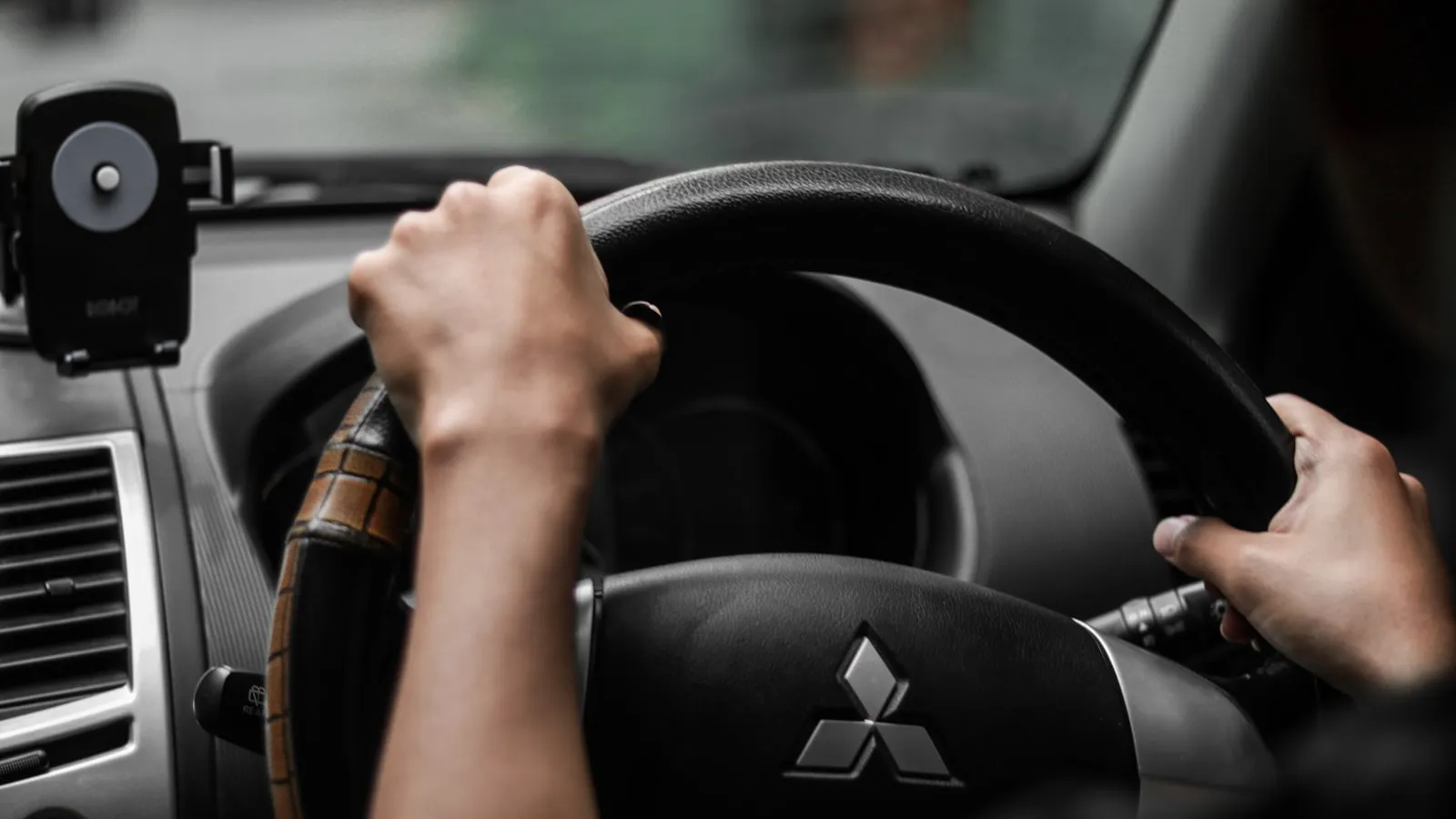
Lexus includes HomeLink across most of its US lineup — RX, LX, GX, NX, ES, IS, RC, and LC — which means the buttons are present in a wide share of Lexus-equipped driveways in North America. Unlike some BMW EV models that require a software activation step in the iDrive menu, there is no prerequisite on any current Lexus before the buttons will enter training mode. The hardware is ready as soon as the vehicle is in the accessory position or running.
The consistent source of confusion is button location. On models built after roughly 2006, the three HomeLink buttons sit in the overhead console rather than the visor. Owners who learned HomeLink on an older vehicle or a different brand spend time on the visor before looking up. This guide covers button location by model line, the two-phase programming process, and the common reasons training stalls.
Lexus has continued including HomeLink while some premium brands have quietly removed it from their lineups. The hardware is there — getting it trained correctly is the only task.
Where the HomeLink Buttons Are
Lexus RX (all generations, 2004–present): Three HomeLink buttons in the overhead console, the headliner panel positioned near the interior mirror. The buttons typically carry a small house-with-signal icon or a garage-door silhouette. On the fifth-generation RX 350/500h (2023+), the overhead console was redesigned but HomeLink remains in the same headliner panel.
Lexus LX (600, LX 570, and LX 470): Overhead console on all generations, toward the rear of the headliner panel on the larger LX platform. The three buttons are usually grouped near the interior reading-light switches.
Lexus GX (550 and GX 460): Overhead console on both generations. The 2024 GX 550 redesign moved several controls but kept HomeLink in the headliner panel. Check the panel behind the interior mirror if the buttons are not immediately visible.
Lexus NX, ES, IS, RC, LC: Overhead console on all current models. On smaller platforms like the NX and IS, the overhead console is compact; the HomeLink buttons may occupy the rearmost section of the panel or be integrated into a narrower strip alongside the map lights.
Pre-2004 models (original RX 300, first-generation GX 470): Driver-side sun visor — a padded strip with three small recessed buttons near the visor spine. This placement was phased out as the platform moved to the overhead console.
Clear Existing Programming First
If the vehicle was previously owned, or if you need to reassign a channel to a different opener, erase stored codes before retraining. Hold all three HomeLink buttons simultaneously for approximately 10 seconds until the indicator LED switches from a slow blink to a rapid flash, then release. All three channels clear at once.
If this is a new vehicle with no prior HomeLink programming, skip this step.
Phase 1 — Capture the Remote Signal
- Sit in the vehicle with it in the accessory position or running.
- Select the HomeLink channel you want to train — Button 1, 2, or 3.
- Hold the handheld remote transmitter 1–3 inches from the HomeLink buttons.
- Press and hold both the HomeLink button and the remote button simultaneously.
- Hold until the indicator LED changes from a slow blink to a rapid blink. This typically takes 20–30 seconds.
- Release both.
For fixed-code openers — gate operators built before roughly 1996, and some budget residential units without rolling-code security — Phase 1 alone completes programming. Press the HomeLink button; the opener should respond.
For rolling-code openers (LiftMaster Security+, Security+ 2.0, Chamberlain myQ, Genie Intellicode, and virtually every residential gate operator installed in the last 25 years), Phase 1 produces a rapid blink but the opener won’t yet respond. That is expected behavior, not a failure. Rolling-code synchronization happens in Phase 2.
Phase 2 — Rolling-Code Sync at the Motor Unit
The 30-second window opens the moment you press the Learn button at the opener. Plan the walk before pressing it.
- Walk to the gate or garage-door motor unit.
- Find the Learn button on the motor housing. On LiftMaster and Chamberlain units, it sits beneath the light cover — yellow, green, orange, or purple depending on the generation. Genie Intellicode units use a red button. Nice/Apollo and DoorKing units vary by series; consult the motor’s documentation if the button isn’t obvious.
- Press and release the Learn button once. The motor’s LED should illuminate or begin blinking.
- Walk back to the vehicle within 30 seconds.
- Press the same HomeLink button three times in succession, about two seconds between each press.
- On success: the opener’s light flashes twice and the gate or door cycles.
The three-press sequence at the end of Phase 2 is where most attempts stall. For Security+ 2.0 operators (yellow Learn button), a single press often doesn’t complete the handshake — three presses is the documented method for this protocol. The full breakdown of how Learn-button colors map to rolling-code versions — and what to do when the gate opener responds intermittently — is in HomeLink Programming for Rolling-Code Gate Openers: The Two-Step Fix.
Five Reasons Lexus HomeLink Training Stalls
1. Phase 2 timing window expired. The motor closes its pairing window after 30 seconds. If more time passed between pressing Learn and returning to the car, the sync didn’t complete. Return to the opener, press Learn again, and move faster.
2. Remote battery weak. A CR2032 that still powers the handheld at close range may not produce a clean enough signal for Phase 1 capture. Replace the battery before further troubleshooting.
3. Wrong channel used in Phase 2. Lexus’s three channels are independent. If you trained on Button 2 in Phase 1, press Button 2 — not Button 1 or 3 — during Phase 2. A channel mismatch produces no response from the opener.
4. Learn button pressed twice instead of once. On most LiftMaster and Chamberlain units, a double-press erases stored codes on that channel rather than entering pairing mode. If existing remotes stopped working after pressing Learn, that happened. Re-pair the handheld remote to the motor unit first, then reattempt HomeLink pairing.
5. Interference from nearby equipment. Some gate operators near LED lighting panels or EV charging equipment experience intermittent pairing interference. Temporarily power down nearby suspects, attempt pairing, then restore.
HomeLink and Driveway Gates
Garage doors typically sit 20–40 feet from the car during programming. Gate motors often mount further back — 50–100 feet from the street on a residential approach. HomeLink transmits across a 288–433 MHz band that covers most residential driveways, but signal attenuation through masonry pillars or over extended distance is real.
If a gate responds when you pull close but not from the street, that is a range problem rather than a pairing failure. HomeLink Range Dropped? Five Causes and How to Fix Each One covers the specific diagnostics. For the structural reasons HomeLink and driveway gates conflict — including timing behavior and gate-motor characteristics that differ from garage doors — Why HomeLink Stops Working with Your Driveway Gate covers the full picture.
For Lexus owners whose gate opens correctly but only after stopping at the gate and pressing the button — the car already at the threshold — there is a different category of approach: vehicle-paired auto-open that triggers from the car’s GPS position as it approaches, not from a button press at the gate. If that is what you are looking for: getproxly.com/beta.
References
- Lexus owner resources — lexus.com/owners
- HomeLink vehicle compatibility list — homelink.com
- LiftMaster Learn button reference — liftmaster.com
Frequently asked questions
- On all generations of the Lexus RX through the current fifth-gen RX 350/500h, three HomeLink buttons sit in the overhead console — the headliner panel near the interior mirror. On pre-2004 models, check the driver-side sun visor. The buttons usually carry a house-with-signal icon.
- Yes. The 2024 GX 550 includes HomeLink in the overhead console. Programming follows the standard two-phase process — Phase 1 captures the remote's frequency, Phase 2 syncs rolling-code openers at the motor unit. No software activation is required beforehand.
- LiftMaster uses rolling-code protocols requiring Phase 2 at the motor unit. After Phase 1 (LED blinks rapidly but opener doesn't respond), walk to the opener, press the Learn button once, return within 30 seconds, and press the HomeLink button three times. Skipping Phase 2 is the most common cause of failure.
- Hold all three HomeLink buttons simultaneously for about 10 seconds until the indicator LED changes from a slow blink to a rapid flash, then release. All three channels clear at once. Do this before reprogramming a previously owned vehicle or reassigning a channel to a different opener.
- The LED blinking confirms Phase 1 completed: the vehicle recorded the remote's frequency. If the opener doesn't respond, Phase 2 — rolling-code sync at the motor unit — didn't finish. Return to the opener, press Learn once, come back within 30 seconds, then press the HomeLink button three times.
Where are the HomeLink buttons on a Lexus RX?
Does the Lexus GX 550 have HomeLink?
Why won't Lexus HomeLink pair with my LiftMaster gate opener?
How do I reset Lexus HomeLink programming?
Lexus HomeLink blinks when pressed but the gate won't open — what does that mean?
Keep reading
What FCC Part 15 Governs — and Why It Determines Which HomeLink Frequencies Work
Your HomeLink visor button is an FCC-regulated radio transmitter. Here's what Part 15 actually governs, why the frequency stack is fragmented, and what that means for pairing.
Programming HomeLink for a Mighty Mule Gate Opener
Most residential Mighty Mule gate openers use fixed-code 315 MHz remotes — no rolling-code dance required. Here is the exact HomeLink training procedure and what to do when range falls short.

How to Program GMC HomeLink (Sierra, Yukon, Canyon, and Hummer EV)
Step-by-step guide to programming GMC HomeLink on Sierra, Yukon, Canyon, and Hummer EV — button location by model year, the rolling-code two-step, and five reasons training stalls.