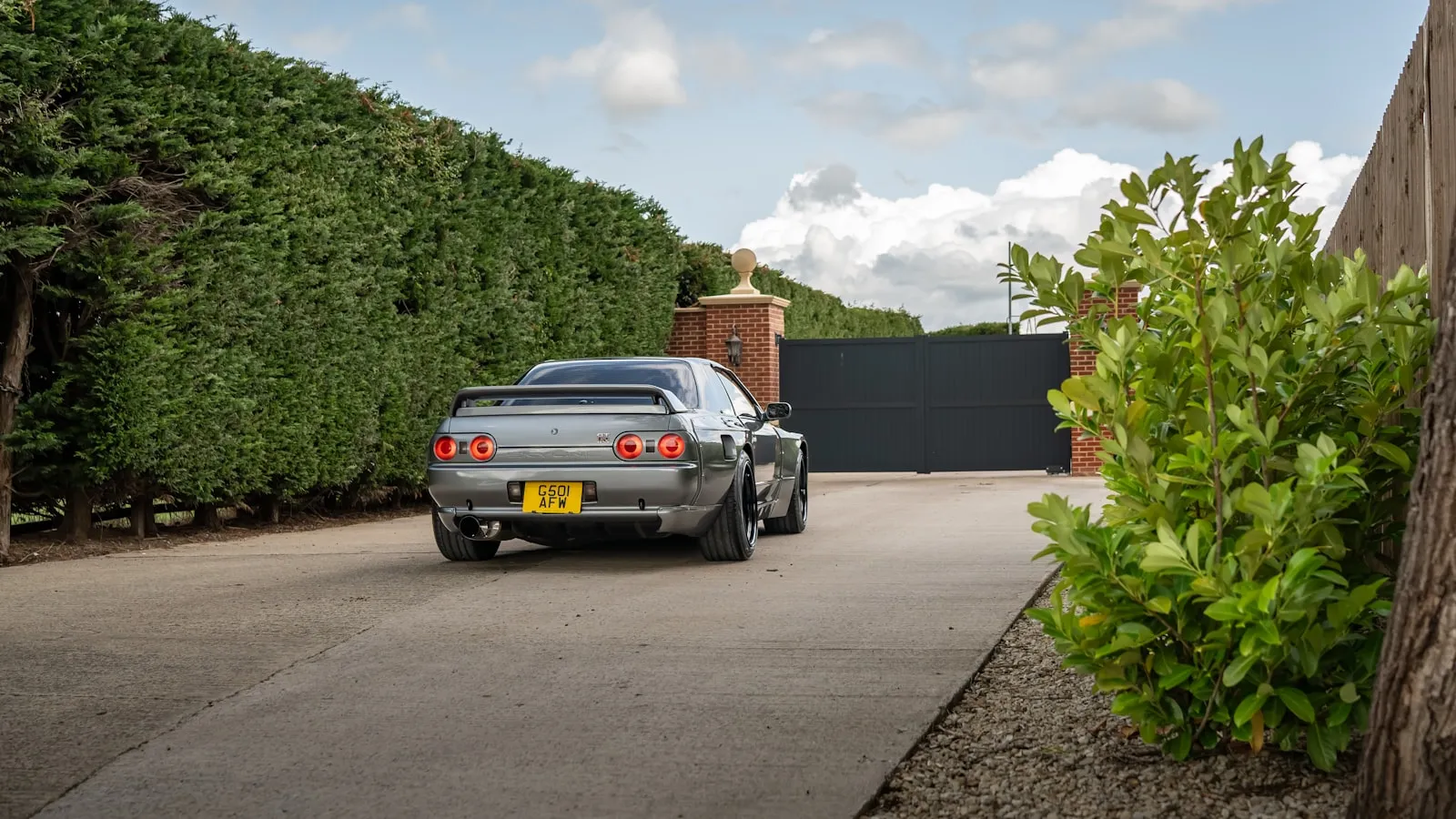
Mighty Mule makes some of the most common DIY residential gate openers in the US. Their remote protocol — fixed-code, 315 MHz — is one of the more cooperative targets for HomeLink. No rolling-code handshake, no trip out to the opener’s control board to press a learn button. The pairing procedure stays entirely in the car.
Fixed code vs. rolling code: why it matters here
Most residential Mighty Mule models use fixed-code 315 MHz remotes. Fixed-code means the transmitter sends an identical RF signal on every press. HomeLink captures that signal once during training and replays it on demand.
This is different from rolling-code systems — LiftMaster Security+ 2.0, Genie Intellicode, and similar — where the transmitted code changes with each press. Those require a secondary handshake at the opener’s LEARN button during pairing. With Mighty Mule fixed-code, that step does not apply. For a full walkthrough of the rolling-code pairing process, see HomeLink Programming for Rolling-Code Gate Openers: The Two-Step Fix.
One way to confirm your Mighty Mule remote is fixed-code: open the battery compartment. If there is a bank of DIP switches inside, those switches define the transmitted code — each position sets one bit of the signal. Fixed-code. For background on how HomeLink’s radio module stores and replays codes across different system types, HomeLink Review: Features, Compatibility & Alternatives covers the architecture.
What you need
- A HomeLink-equipped car. Any generation of factory HomeLink works with fixed-code systems.
- The Mighty Mule remote that currently opens your gate.
- A fresh battery in the remote. Most Mighty Mule handheld remotes use a CR2032. A battery that has been in service for two years may still open the gate from 20 feet but produce insufficient signal strength for HomeLink training.
- Vehicle ignition in Accessory or Run position.
Step 1: Clear a HomeLink button
Hold all three HomeLink buttons simultaneously until the indicator light blinks slowly, then transitions to a rapid blink — approximately 20 seconds. Release all three once the rapid blink starts. This clears stored codes from all three channels.
If you want to keep existing codes on other buttons, skip this step and go directly to Step 2 on an unused button.
Step 2: Train the button
- Hold the Mighty Mule remote 1–3 inches from the HomeLink button panel.
- Press and hold the Mighty Mule button you want to capture and the HomeLink button you are training — simultaneously.
- Keep both held until the HomeLink indicator changes from slow blink to rapid blink. This typically takes 20–30 seconds.
- Release both buttons.
The rapid blink confirms the signal was captured. Keep the remote as close as possible during this step — fixed-code remotes transmit at relatively low power, and a remote held 6 inches away may produce a captured signal too weak to activate the receiver reliably from any meaningful distance.
Step 3: Test from the car
Press the trained HomeLink button. The gate should respond.
Some Mighty Mule models toggle on a single code — one press opens, the next press closes. Others use separate buttons for each direction. If the gate opens on the first press but does not respond on the second, wait for the gate to complete its full open cycle before pressing again. Toggle-mode receivers require the full cycle to complete before they accept the next command.
When the first attempt does not work
Remote too far during training. The signal was not captured cleanly. Start from Step 1, press the remote flat against the HomeLink panel, and try again.
CR2032 battery is borderline. Replace the battery in the Mighty Mule remote and retrain. A weak battery can pass the day-to-day “opens the gate from 20 feet” test while failing the “strong enough signal to train HomeLink” threshold.
The unit uses a different protocol. Mighty Mule’s WiFi-enabled gate openers and some commercial-grade models use a different pairing workflow. If your opener has an app pairing mode or a network configuration step, this fixed-code procedure does not apply — check the operator manual.
The range problem that survives pairing
For most driveways, pairing succeeds on the first or second attempt. The harder problem is what happens after.
Residential Mighty Mule operators house the RF receiver inside a metal enclosure — the same housing that contains the control board and battery. Metal absorbs and reflects 315 MHz RF energy. Reliable activation range from a car in motion is often 30–60 feet, compared to 100 feet or more on receivers with an external whip antenna mounted outside the housing.
The symptom: HomeLink works when the car is stopped 30 feet from the gate and misses when approaching at 5 mph from 80 feet. The remote trained cleanly; the limitation is on the receiver side, not in the training.
Two options address this:
Add an external antenna. Most Mighty Mule control boards include an antenna connector. A quarter-wave whip antenna — approximately 9.3 inches for 315 MHz — connected to that port can extend reliable range by 50–100 feet. This requires opening the housing cover and attaching the antenna cable to the board’s connector. The improvement depends on how obstructed the original internal antenna was.
Accept stop-and-press operation. For driveways short enough that a stopped car is within 40–50 feet of the gate, the range limitation is manageable. HomeLink pairing still saves reaching for a physical remote.
For a full breakdown of why range problems persist even after HomeLink trains successfully on driveway gate setups, see Why HomeLink Stops Working with Your Driveway Gate.
If the gate reverses mid-cycle after HomeLink activates it, that is a gate mechanical or sensor issue — not a pairing issue. Why Your Gate Closes Halfway and Reverses covers the most common causes.
Driveways longer than 80 feet tend to expose the structural limitation of RF-trigger-based systems regardless of opener brand. If consistent activation from an approaching vehicle at normal speed is the goal, there is a category of gate access that uses vehicle position rather than RF range to trigger the gate. getproxly.com/beta has the pre-launch details on one approach built around that model.
References
- Mighty Mule operator manuals and support: mightymule.com/support
- HomeLink training documentation and vehicle lookup: homelink.com
Frequently asked questions
- Most residential Mighty Mule gate openers use fixed-code remotes at 315 MHz, not rolling code. HomeLink pairing is a single-step capture — no learn button on the opener is required. A small number of Mighty Mule commercial and WiFi-enabled models use different protocols; check your operator manual to confirm.
- Mighty Mule gate openers toggle on a single signal — the same button opens and closes. If both operations use the same remote button, one HomeLink button handles both. If the remote uses separate open and close buttons, train two HomeLink buttons — one for each function.
- Yes. The fixed-code receiver accepts any remote transmitting the correct code at 315 MHz. Train each car's HomeLink using the same physical remote. Both will activate the same receiver. There is no pairing limit — the receiver responds to the code, not to a specific registered remote.
- No. Mid-cycle reversal is a gate mechanical or sensor issue, not a remote control issue. The most common causes are a misaligned photo-eye or a limit switch calibrated too tightly. The HomeLink trigger is irrelevant — what happens after the gate starts moving is entirely between the opener and its sensors.
- Yes. The HomeLink Wireless Control System (the aftermarket visor module) trains identically to factory-installed HomeLink for fixed-code systems like Mighty Mule. Hold the module 1–3 inches from the remote, press both buttons simultaneously, and hold until the indicator light rapid-blinks. Procedure and timing are the same as built-in HomeLink.
Does Mighty Mule use rolling code?
Why does my HomeLink button open the Mighty Mule but not close it?
Can I pair two cars to the same Mighty Mule opener?
My gate reverses halfway after HomeLink triggers it — is this a HomeLink issue?
Does this procedure work for the HomeLink Wireless Control System add-on module?
Keep reading
What FCC Part 15 Governs — and Why It Determines Which HomeLink Frequencies Work
Your HomeLink visor button is an FCC-regulated radio transmitter. Here's what Part 15 actually governs, why the frequency stack is fragmented, and what that means for pairing.
How to Program Lexus HomeLink: RX, LX, GX, NX, and ES
Step-by-step guide to programming Lexus HomeLink on RX, LX, GX, NX, and ES — where the buttons are, the rolling-code two-step, and five fixes when training stalls.
How to Program GMC HomeLink (Sierra, Yukon, Canyon, and Hummer EV)
Step-by-step guide to programming GMC HomeLink on Sierra, Yukon, Canyon, and Hummer EV — button location by model year, the rolling-code two-step, and five reasons training stalls.