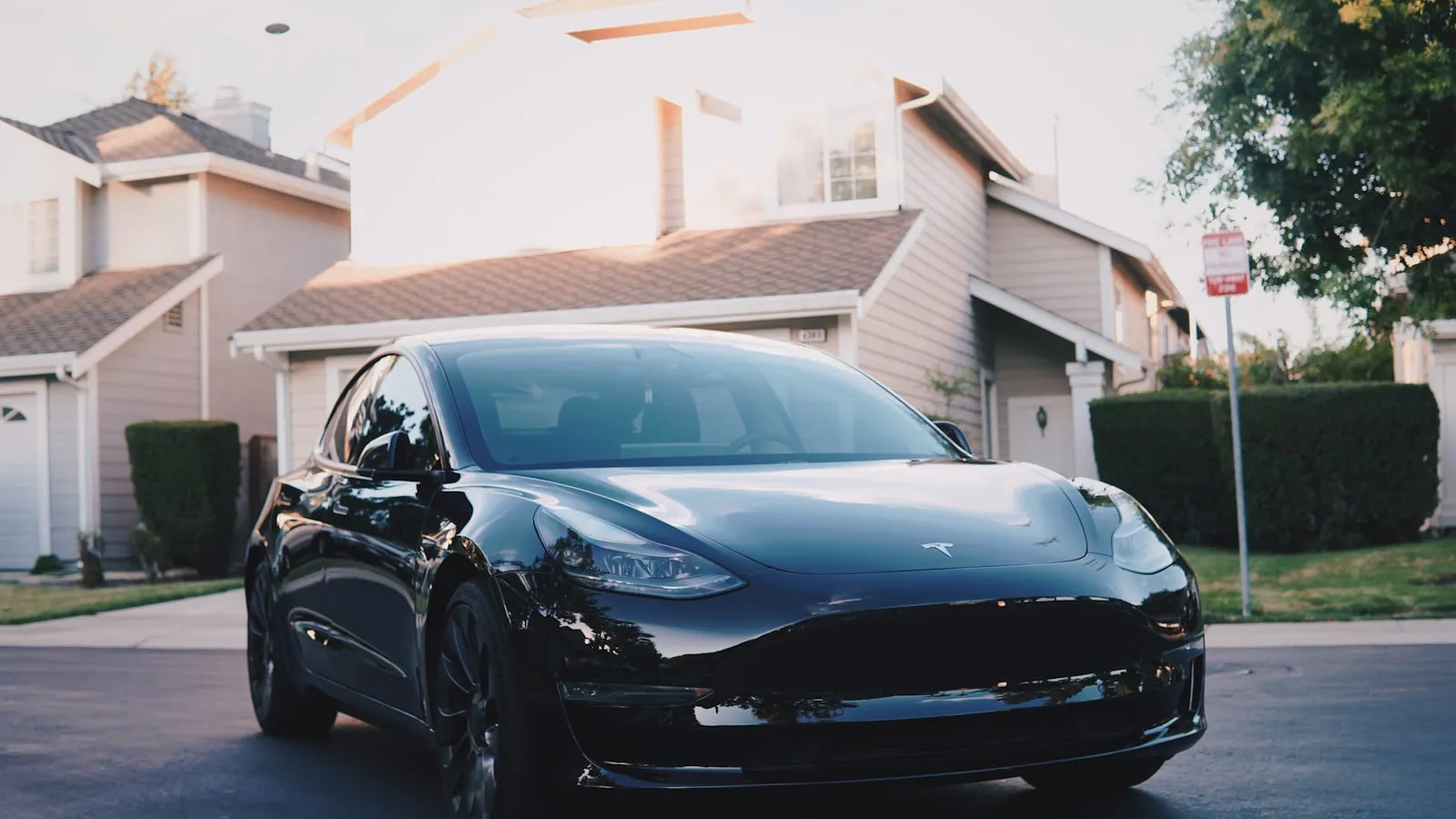
Tesla Model Y HomeLink pairs to most garage openers in two minutes. Driveway gates are harder. This guide covers setup steps, common failure modes, and what to do when pairing stalls.
Confirming HomeLink Is on Your Model Y
Not every Model Y shipped with HomeLink from the factory. A small number of early 2020 builds left the factory without the module — Tesla briefly removed it as a cost reduction before reversing that decision later in the same production year. To confirm you have it: tap Controls on the touchscreen and look for a HomeLink icon or Garage tile in the top row of quick controls. If it is there, proceed. If it is absent, a third-party retrofit module from vendors such as TeslaTap can add the hardware; the car’s software already supports it.
The transceiver sits behind the plastic trim in the overhead console, just forward of the rearview mirror. This placement matters during training: the existing remote or clicker needs to be within one to three inches of that spot.
Standard Training Procedure
The Model Y stores up to three HomeLink devices, each trained independently. For a residential gate opener:
- Put the car in Park.
- On the touchscreen, tap Controls, then HomeLink, then Create HomeLink.
- Name the device — Driveway Gate, Side Gate, or whatever you prefer.
- Hold your existing gate remote or hardwired wall-button transmitter one to three inches from the overhead console trim near the rearview mirror.
- Press and hold the button on the remote until the HomeLink indicator on the touchscreen flashes. Release.
- For rolling-code openers (LiftMaster Security+, Security+ 2.0, Chamberlain, Nice / Apollo with rolling code), press the Learn button on the gate operator’s control board within 30 seconds. The opener’s LED should flash or change color to confirm a new code was stored.
- From the touchscreen, tap the newly created HomeLink button. The gate should respond.
For fixed-code openers — common on older Mighty Mule, some DoorKing models, and several TOPENS units — steps 1 through 5 complete the pair. No Learn button step is required; the fixed code is copied in the training step.
Driveway Gates: Where It Gets Harder
The sequence above works reliably for overhead garage doors. Driveway gates add complexity in three places.
Finding the Learn button. On an overhead garage motor, the Learn button hangs from the ceiling — visible and reachable. On a driveway gate operator, the control board lives inside a weatherproof enclosure mounted on a post or set into a pillar, typically at knee height. Open the cover with a screwdriver before you sit in the car. Know where the button is and what its confirmation LED looks like before running the 30-second sequence.
Knowing the protocol. LiftMaster and Chamberlain gate operators that use Security+ 2.0 follow the same rolling-code protocol as their garage products. Nice / Apollo, FAAC, Mighty Mule, DoorKing, and TOPENS each have their own implementation — some rolling-code, some fixed-code, each with a slightly different Learn button behavior. Some require a two-second hold; others want a brief tap. The opener’s control board label or the product manual will state which.
Frequency. Most residential gate operators sold in the US since 2010 transmit between 310 and 433 MHz, which sits comfortably within HomeLink’s range (288, 310, 315, 390, 418, and 433 MHz). Some older Mighty Mule units and older multi-code boards operate at 288 MHz — the lowest frequency HomeLink supports — which can train successfully at close range but become unreliable at 30 or 40 feet. For a full breakdown of why gate pairing specifically fails, why HomeLink stops working with your driveway gate covers frequency mismatch and rolling-code drift in detail.
Two Gates, One Garage: Using All Three Slots
Homeowners with a driveway gate and a separate overhead garage can store both in HomeLink with a slot to spare. The three slots operate independently — pressing the driveway gate button does not affect the garage, and vice versa.
If you have two separate driveway gates (entry and exit, or front and side yard), each requires its own HomeLink slot if they operate on separate control boards. Two gates plus one garage uses all three slots. At that point, any additional device — a parking garage at the office, a second entrance — requires deleting one of the stored entries first.
When the Pair Fails
HomeLink says “trained” but the gate does not move. Delete the entry and re-pair with the car positioned closer to the operator’s antenna wire — within 20 feet with a clear line of sight if the driveway allows it. For Security+ 2.0 receivers, this forces a lock onto a stronger frequency band and resolves most pairing failures. The how to pair Tesla HomeLink to a LiftMaster gate operator guide covers the LiftMaster-specific sequence and the three-band issue in full.
The training step will not complete. Low battery in the remote is the most common cause. HomeLink copies the remote’s RF signal during training — if the remote’s output is weak, the copy is unreliable. Replace the battery and retry from the same close distance before assuming the transceiver or opener is the problem.
Paired and working at close range, silent at 40 feet. This almost always traces to 288 MHz compatibility. The gate operator is transmitting at the edge of HomeLink’s usable range, and signal strength drops below the threshold quickly with distance. Options: confirm whether the opener’s receiver board supports a higher frequency band (some do, with a jumper setting), or use a wall-button wired solution as a fallback.
Gate starts opening but reverses midway. This is not a HomeLink problem. The operator is receiving the open signal and starting the cycle, then tripping a safety reversal — a limit switch out of calibration or an obstruction sensor misfiring. Diagnose at the opener level, not the HomeLink level.
What HomeLink Will Not Do on Its Own
The HomeLink button on the Model Y touchscreen requires a deliberate tap. It has no positional awareness — it does not know the car is 200 feet from the gate versus parked in the street. Tesla’s native geofence feature can trigger HomeLink for garage doors when set up, but that integration has not extended reliably to standalone driveway gate operators for most users.
For a full breakdown of what automating the arrival sequence — position detection, gate timing, garage sequencing, charge start — actually requires in 2026, the premium EV arrival stack maps each layer and where each one breaks down.
There is a category of device built to open a driveway gate on vehicle approach without any button press. Proxly is one group building in that direction.
References
- Tesla Model Y Owner’s Manual — HomeLink section. Available at tesla.com/ownersmanuals.
Frequently asked questions
- Most US-market Model Ys include HomeLink as standard equipment. A small number of early 2020 builds did not ship with the module. Check your touchscreen — if Controls shows a HomeLink or Garage icon, the module is present. If not, third-party retrofit modules can add it.
- The transceiver sits behind the plastic trim in the overhead console, just forward of the rearview mirror. During training, hold your gate remote or wall-button transmitter within one to three inches of that spot for a reliable signal transfer.
- The most common cause is frequency mismatch on a rolling-code opener. The car may have locked onto a weaker band during training. Delete the HomeLink entry, move to within 20 feet of the gate operator's antenna, re-pair, and complete the Learn button step on the opener within 30 seconds.
- Tesla's built-in geofence triggers HomeLink for garage doors when configured, but it has not extended reliably to standalone driveway gate operators in typical residential use. Most owners find it unreliable for gates even when it works for the garage door on the same property.
- Three. The slots are named by the driver and shown on the HomeLink card on the touchscreen. Deleting a slot frees space for a new device — there is no way to expand beyond three without removing an existing entry.
Does every Tesla Model Y have HomeLink?
Where is the HomeLink transceiver on a Tesla Model Y?
Why does my Model Y say HomeLink is paired but the gate doesn't open?
Can Tesla's geofence automatically open a driveway gate?
How many HomeLink devices can the Model Y store?
Keep reading
Tesla HomeLink vs Rivian HomeLink: Two Different Philosophies
Tesla and Rivian both ship HomeLink, but they implement it differently. Here is what changes in practice — and where both fall short at the driveway gate.
HomeLink Alternative for Tesla: Free, $30, $150, and $350 Options Ranked
Tesla owners frustrated with the $350 HomeLink module have seven real alternatives — from a free physical clicker to a $30 smart controller to $45/year myQ — compared honestly with the trade-offs.
Tesla Sentry Mode and Your Driveway Gate
Sentry Mode activates every time your Tesla parks. Here is what that means for driveway gate hardware, how to avoid false alerts, and how to set a home exclusion zone.