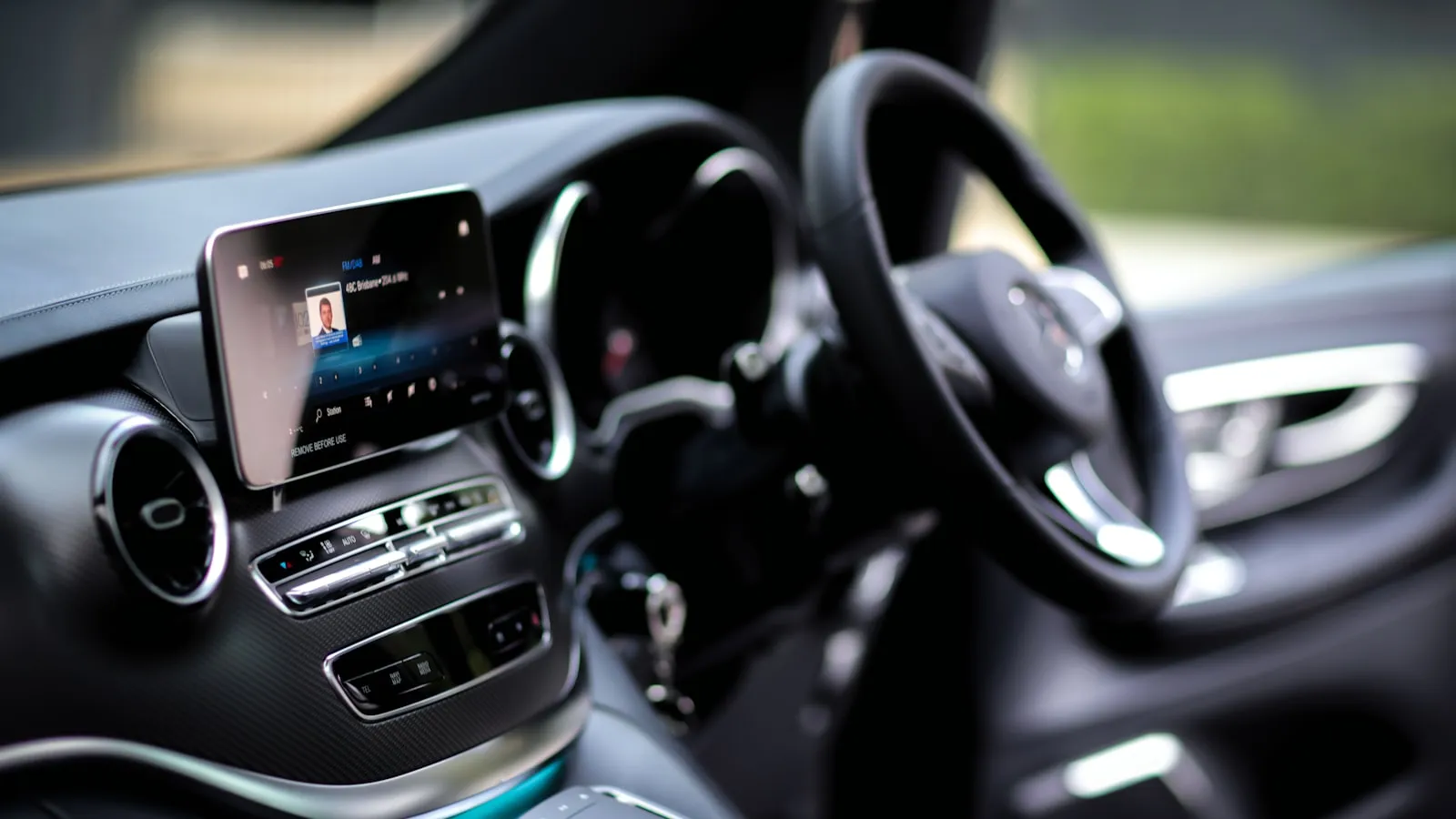
BMW includes HomeLink on most production models — including the i4 and iX — but the buttons are in the overhead console, not the sun visor. Finding them is step one. Programming for a rolling-code driveway gate takes two steps at two separate locations, and the second step is where most failed BMW pairings stop short.
The Complete HomeLink and Driveway Gate Guide covers the signal architecture and rolling-code protocol in full. This article focuses on what is BMW-specific: where the hardware sits in the cabin, the two-phase procedure for residential gate operators, and where BMW’s implementation falls short for gate owners.
Where HomeLink sits in a BMW
On most BMWs built from 2000 onward, three HomeLink buttons occupy the overhead console — the headliner panel above the rearview mirror, shared with the sunroof switch and courtesy lights. The buttons are small, typically marked with the HomeLink logo rather than numbered. The same location applies to:
- X-series SUVs (X3, X4, X5, X7): overhead console at the front of the sunroof module
- 5 Series and 7 Series sedans: overhead console above the rearview mirror
- i4 (2022 and later): same overhead console position
- iX (2022 and later): same overhead console position
A few BMWs from the late 1990s and early 2000s placed HomeLink in the rearview mirror itself. On any model built after roughly 2003, the overhead console is where to look.
On newer models, the iDrive system also surfaces a HomeLink setup screen. The path varies by software version — look under Settings → Comfort or Settings → Garage door opener. The physical buttons and the iDrive menu point to the same three channels; either works.
Clear existing channels before starting
If the car had a previous owner or was previously paired to a different address, start clean. Hold all three HomeLink buttons simultaneously for about 10 seconds until the indicator LED shifts from a slow blink to a rapid flash, then release. All three channels erase.
On a new vehicle with no prior programming, skip this step.
Phase 1 — Capture the remote signal
- Sit in the car. Hold the HomeLink button you want to program — any of the three channels.
- Hold your handheld gate remote 1–3 inches from the HomeLink buttons.
- Press and hold both simultaneously — the HomeLink button and the remote — until the indicator changes from a slow blink to a rapid blink. This typically takes 20–30 seconds.
- Release both.
For fixed-code operators — gate motors built before 1996 and a small number of older commercial units still using fixed codes — Phase 1 alone finishes programming. Press the button; the gate should respond.
For rolling-code operators — LiftMaster Security+, Security+ 2.0, Chamberlain myQ, Genie Intellicode, Nice/Apollo, DoorKing, and virtually every residential gate motor built since 1996 — Phase 1 produces a rapid blink but the gate will not open yet. That is expected. Phase 2 completes the handshake.
Phase 2 — Rolling-code sync at the motor unit
This step runs at the gate opener’s motor unit. You have 30 seconds from pressing the Learn button to completing the sequence at the car.
- Walk to the gate operator’s motor unit.
- Find the Learn button. On LiftMaster and Chamberlain units, it sits beneath the light cover and is colored yellow, green, orange, or purple depending on the model generation. Genie Intellicode units use a red button. On Nice/Apollo and DoorKing units, placement varies by series; the motor’s documentation identifies the location.
- Press and release the Learn button once. The motor unit’s LED should illuminate.
- Return to the car within 30 seconds.
- Press the same HomeLink button three times in quick succession.
- On success: the motor unit’s LED flashes twice and the gate cycles.
Three presses — not one — is the documented method for Security+ 2.0 operators (yellow Learn button). A single press at the end of Phase 2 often fails to complete the handshake on those units. Pairing HomeLink to a LiftMaster CSW24UL covers each Learn button color and what differs by gate opener brand.
Four failure modes specific to BMW HomeLink
1. Overhead console not found. If the expected headliner panel has no HomeLink buttons, the car may have been built for a market that optioned HomeLink out, or it may be a production year where the location differs. The owner’s manual under “Garage door opener” confirms whether HomeLink is standard and where the buttons are for that exact model year.
2. Weak remote battery. A remote on low charge may still open the gate at close range but fail to produce a clean signal for HomeLink Phase 1 capture. Replace the battery before additional troubleshooting.
3. Phase 2 timing expired. The motor unit’s 30-second acceptance window closes whether or not Phase 2 completes. If the window closed before the three-press sequence ran, return to the opener, press Learn again, and move more quickly.
4. Wrong channel used in Phase 2. The three channels are independent. If Phase 1 ran on Button 2, press Button 2 for the three-press sequence in Phase 2 — not Button 1 or 3. A channel mismatch produces no response and no error indicator.
Why HomeLink Stops Working With Your Driveway Gate covers additional failure modes: signal attenuation through glass, receiver-side compatibility issues, and range inconsistency at longer driveway distances.
What BMW HomeLink doesn’t provide for gate owners
HomeLink adds a reliable button inside the cabin. What it doesn’t do:
- Automatic approach detection. BMW does not include residential gate geofencing. The button requires a deliberate press, typically at 20–50 feet from the gate. There is no equivalent to voice or proximity polling for gate operators on any current BMW model.
- Remote visitor access. HomeLink works only from inside the vehicle. Visitors in another car, or delivery drivers, still need a separate keypad, intercom, or transmitter.
- Consistent signal at distance. Gates set back more than 60 feet from the curb, or positioned behind masonry pillars, can respond inconsistently even after a clean pairing. This is a signal-distance issue at the receiver, not a programming failure.
For BMW owners who want the gate already moving before the car reaches it — without pressing anything — the category is vehicle-paired auto-open: a windshield tag communicates with a hub wired to the gate operator’s dry-contact terminals at distance. Proxly is one option in this category, compatible with most residential gate operators including LiftMaster, Nice/Apollo, DoorKing, and FAAC.
FAQ
Where are the HomeLink buttons in a BMW?
On most BMW models from 2000 onward, three HomeLink buttons sit in the overhead console — the headliner panel above the rearview mirror. The buttons carry the HomeLink logo or minimal numbering. On BMW EVs (i4, iX), the overhead console location is the same; some model years also surface a HomeLink setup screen in iDrive under Settings or Comfort.
Does the BMW i4 have HomeLink?
Yes. The BMW i4 includes three-button HomeLink in the overhead console as standard. Programming follows the same two-phase procedure as any rolling-code HomeLink system: capture the remote signal at the car in Phase 1, then sync with the opener’s Learn button within 30 seconds in Phase 2.
Why won’t BMW HomeLink pair with my driveway gate?
Almost all residential gate operators use rolling code, which requires a Phase 2 step at the motor unit. If the HomeLink indicator blinked rapidly during Phase 1 but the gate doesn’t respond, walk to the opener, press Learn once, return within 30 seconds, and press the HomeLink button three times. Skipping Phase 2 is the most common failure.
How do I clear HomeLink channels in a BMW?
Hold all three HomeLink buttons simultaneously for about 10 seconds until the indicator LED changes from a slow blink to a rapid flash, then release. All three channels erase. On models with an iDrive HomeLink menu, a reset option also appears there.
Does BMW HomeLink open the gate automatically as the car approaches?
No. BMW does not include built-in geofencing for residential gate operators. HomeLink requires a deliberate button press inside the cabin, typically at 20–50 feet from the gate. The button works without an app, but the trigger is manual on every BMW model.
References
- BMW owner’s manual portal — bmwusa.com
- HomeLink vehicle compatibility — homelink.com
- LiftMaster Learn button reference — liftmaster.com
Frequently asked questions
- On most BMW models from 2000 onward, three HomeLink buttons sit in the overhead console — the headliner panel above the rearview mirror. The buttons carry the HomeLink logo or minimal numbering. On BMW EVs (i4, iX), the overhead console location is the same; some model years also surface a HomeLink setup screen in iDrive under Settings or Comfort.
- Yes. The BMW i4 includes three-button HomeLink in the overhead console as standard. Programming follows the same two-phase procedure as any rolling-code HomeLink system: capture the remote signal at the car in Phase 1, then sync with the opener's Learn button within 30 seconds in Phase 2.
- Almost all residential gate operators use rolling code, which requires a Phase 2 step at the motor unit. If the HomeLink indicator blinked rapidly during Phase 1 but the gate doesn't respond, walk to the opener, press Learn once, return within 30 seconds, and press the HomeLink button three times. Skipping Phase 2 is the most common failure.
- Hold all three HomeLink buttons simultaneously for about 10 seconds until the indicator LED changes from a slow blink to a rapid flash, then release. All three channels erase. On models with an iDrive HomeLink menu, a reset option also appears there.
- No. BMW does not include built-in geofencing for residential gate operators. HomeLink requires a deliberate button press inside the cabin, typically at 20–50 feet from the gate. The button works without an app, but the trigger is manual on every BMW model.
Where are the HomeLink buttons in a BMW?
Does the BMW i4 have HomeLink?
Why won't BMW HomeLink pair with my driveway gate?
How do I clear HomeLink channels in a BMW?
Does BMW HomeLink open the gate automatically as the car approaches?
Keep reading

Infiniti QX60 and QX80 HomeLink: Programming a Driveway Gate
Infiniti QX60 and QX80 have three HomeLink buttons in the overhead console. For a driveway gate, you need a two-step process: train from the remote, then sync rolling code at the LEARN button.

How to Pair HomeLink to a CAME Gate Opener
CAME gate openers use 433.92 MHz and their own rolling code. Here is how to pair HomeLink — and why the receiver's LEARN button is the step most guides skip.

Which Cars Have HomeLink? A Make-by-Make Reference for 2026
HomeLink availability depends more on trim than model. This reference lists which cars include it factory-fitted in 2026, and what to do if yours doesn't.