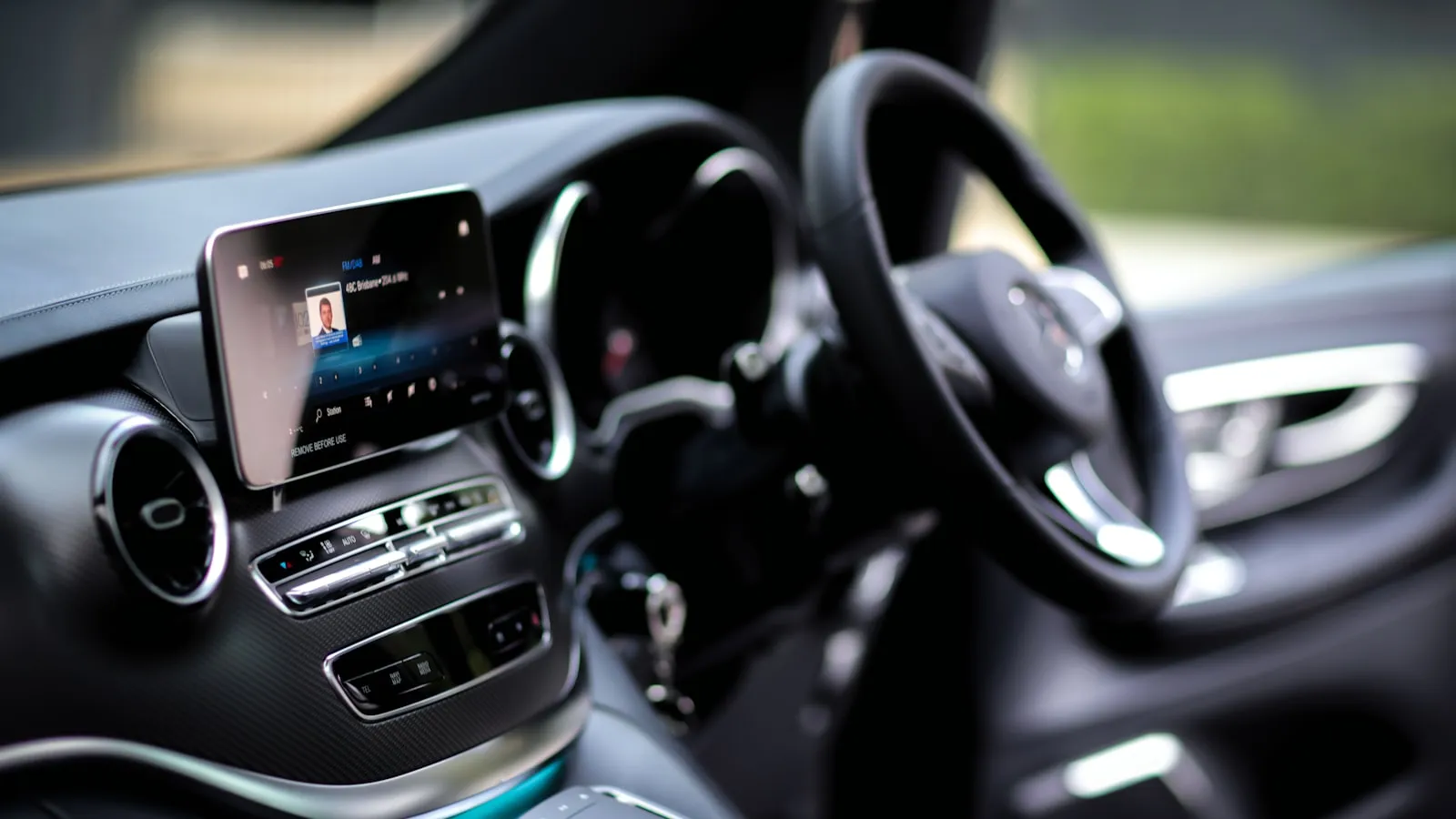
Polestar 2 is one of the few modern premium EVs that ships without HomeLink. It runs Android Automotive OS — built on Google’s platform — and that architecture never included the Gentex radio module. There’s no button on the visor. There’s no setting in the touchscreen. And there’s no software update that will change either of those things.
For a garage door, most P2 owners live with their phone. For a driveway gate, the phone workaround breaks down quickly: the app takes several seconds, the car has already overshot the stopping point, and the gate still isn’t moving. Here’s what to use instead.
Why the Polestar 2 Has No HomeLink
HomeLink is hardware — a short-range radio module that automakers license from Gentex and install behind the visor buttons. Polestar chose Android Automotive for the P2, and that platform has no HomeLink integration. The P2’s infotainment is entirely Google-based, which means no CarPlay, and also no HomeLink.
Polestar 3 (launched 2024) does include built-in HomeLink as standard equipment. Polestar 2 doesn’t, across all model years. If you want to understand how that radio technology works before picking an alternative, the HomeLink technical overview covers the frequency bands, rolling-code handshake, and Security+ 2.0 pairing procedure in detail.
Option 1: Add a HomeLink Wireless Control Panel to the Visor
The most capable retrofit for the Polestar 2 is Chamberlain’s HomeLink Wireless Control Panel, model 882LMW. It mounts to the driver-side sun visor with a friction clip and adds three programmable HomeLink buttons. They work identically to factory-installed HomeLink — same frequencies, same rolling-code training sequence, same Security+ 2.0 handshake — and they transmit through the windshield glass, so no window lowering needed.
Programming the 882LMW to a rolling-code gate opener:
- Clear existing memory: hold buttons 1 and 3 simultaneously for 10 seconds until the LED flashes rapidly, then release.
- Hold the gate’s hand transmitter 1-3 inches from the 882LMW.
- Press and hold both the transmitter button and the target 882LMW button at the same time.
- Keep holding until the LED changes from a slow blink to a rapid blink. That indicates the rolling code has transferred.
- For Security+ 2.0 openers (LiftMaster, Chamberlain, newer Mighty Mule boards): press the gate operator’s Learn button — usually amber or yellow, near the antenna wire — then press the 882LMW button within 30 seconds.
The 882LMW runs off the car’s 12V accessory outlet. It’s stocked at most home improvement stores. For rolling-code compatibility details across gate brands, see the complete HomeLink and driveway gate guide.
Option 2: Keep a Remote in the Center Console
If the 882LMW adds more hardware than you want to manage, a programmed gate transmitter stored in the console or door pocket does the same job. Most residential gate operators ship with two remotes; moving one to the car requires no installation.
Two things to check before treating this as your primary method:
Range from the street. Gate transmitters are rated for 50-300 feet depending on the model and terrain. Test that it reliably reaches your gate operator from the point where you’ll be stopping or slowing — not just close range.
Window clearance. Many transmitters need line of sight. If rain or a closed window is going to cause problems, the 882LMW is worth the one-time install, since it transmits through glass.
A replacement transmitter is straightforward if the original is missing. The guide to pairing aftermarket remotes to gate openers covers common opener brands and what to look for in a compatible unit.
Option 3: Phone App with a Cloud-Connected Gate Module
If the gate already has a cloud-connected retrofit — myQ, Remootio, iSmartGate, or a similar add-on board — the gate can be triggered from an app on the phone, or from the Android screen in the Polestar.
The catch is the round-trip time. After tapping open, the command goes to the cloud service, back down to the gate’s WiFi module, then to the motor. Most owners report 5-10 seconds from tap to movement. For a tight shared driveway or a gate near an intersection, that delay is significant.
There’s also no native Android Automotive shortcut for residential gate openers as of 2026. The app lives on the phone, not as a dash integration, so the workflow is: stop, pull out phone, open app, tap, wait. It works, but it’s the most friction-heavy option here.
Option 4: RFID Card at the Gate Reader
If the gate has an RFID reader — standard on DoorKing, Linear, and most commercial-grade residential access control boards — an RFID card or key fob works from outside the car without any car-mounted hardware.
Keep the card in the door pocket or on a lanyard near the visor. Roll down the window, hold the card near the reader, and the gate opens. Not hands-free, but reliable and maintenance-free once set up.
If the gate doesn’t currently have an RFID reader, check whether the control board has a Wiegand input port. Many residential boards do, and a gate installer can add an external reader without replacing the board.
For Polestar 2 Owners Who Want Hands-Free
The four options above all require some action: a button press, a transmitter grab, a phone tap, or a window roll. The 882LMW is the closest to effortless, but it still needs a finger.
For a gate that opens before the car reaches it, GPS-based gate systems detect the car’s approach position and send the trigger signal automatically. Proxly is one product in this category, currently in early access — an encrypted windshield tag is read by a Hub mounted at the gate, and the opener starts moving when the car is up to 300 feet out. No button, no app, no window.
Frequently asked questions
- No. Polestar 2 runs Android Automotive OS and was never fitted with HomeLink hardware. Polestar 3 (2024 and later) does include built-in HomeLink. No software update can add HomeLink to the Polestar 2 because the hardware isn't there.
- Yes. Chamberlain's HomeLink Wireless Control Panel (model 882LMW) mounts on the driver-side sun visor with a friction clip. It programs to rolling-code and fixed-code openers using the same procedure as factory HomeLink and works through the windshield glass.
- A visor-mount add-on from Chamberlain that gives any car three programmable HomeLink buttons. It trains to residential openers the same way built-in HomeLink does — hold the transmitter near the unit and press both buttons together until the LED rapid-flashes.
- Only if the gate has a cloud-connected retrofit like myQ or Remootio installed. These apps work independently of the Polestar and involve a 5-10 second server round-trip after tapping open. There is no native Android Automotive integration for residential gate openers.
- Yes. It transmits across all six HomeLink frequencies (288, 310, 315, 390, 418, and 433 MHz) and follows the full rolling-code and Security+ 2.0 handshake. Whether the gate operator is LiftMaster, Mighty Mule, or DoorKing, the training procedure is the same.
- HomeLink is licensed hardware from Gentex. Polestar built the P2 on Google's Android Automotive platform, which has no HomeLink integration. The cost and engineering complexity of adding a separate radio module wasn't included in the P2's design.
Does the Polestar 2 have HomeLink?
Can I add HomeLink to a Polestar 2?
What is the HomeLink Wireless Control Panel?
Can I use my phone to open a driveway gate from a Polestar 2?
Does the 882LMW work for driveway gates, not just garages?
Why doesn't the Polestar 2 have HomeLink?
Keep reading

Infiniti QX60 and QX80 HomeLink: Programming a Driveway Gate
Infiniti QX60 and QX80 have three HomeLink buttons in the overhead console. For a driveway gate, you need a two-step process: train from the remote, then sync rolling code at the LEARN button.

How to Pair HomeLink to a CAME Gate Opener
CAME gate openers use 433.92 MHz and their own rolling code. Here is how to pair HomeLink — and why the receiver's LEARN button is the step most guides skip.

Which Cars Have HomeLink? A Make-by-Make Reference for 2026
HomeLink availability depends more on trim than model. This reference lists which cars include it factory-fitted in 2026, and what to do if yours doesn't.