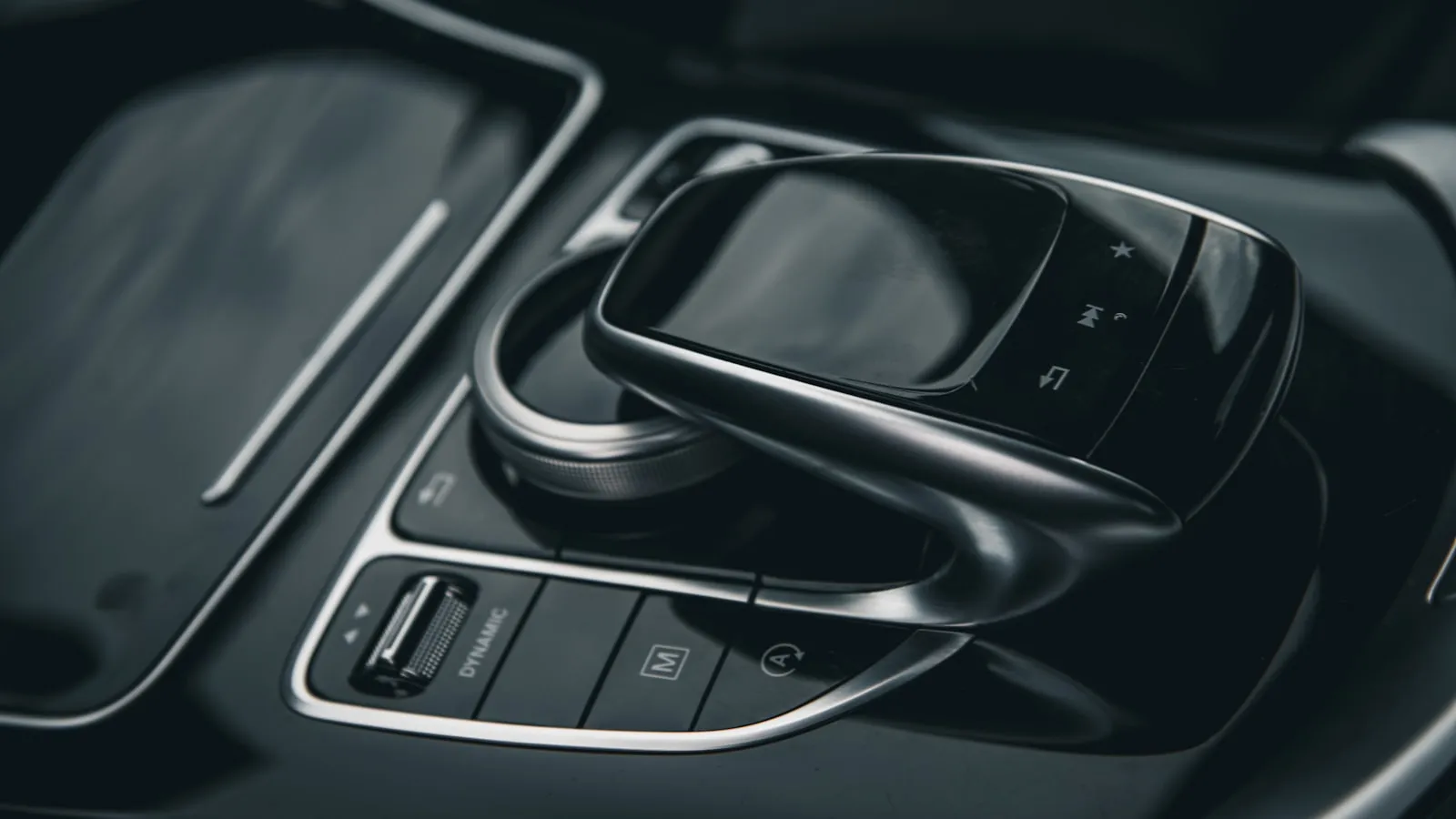
If you just found out your new car doesn’t have HomeLink — or it does, but it’s locked behind a $300 dealer mirror or a software upgrade — this article is for you. Search almost any car forum (Tesla, Honda, Acura, Volkswagen ID, even Gold Wing motorcycles) and there’s a “HomeLink alternative” thread with dozens of replies. The visor garage button that used to be standard is quietly disappearing from a lot of new cars.
Most of those threads turn into a pile of unrelated product names. The useful way to think about it isn’t a price list — it’s what actually opens the door, the “key.” There are only four kinds.
A quick note on what HomeLink even is, because it clears up half the confusion: HomeLink is a Gentex-licensed transmitter built into the car that learns your opener’s radio frequency and rolling code. It isn’t special radio — a cheap universal remote sends the same signal.
Category 1: A button you press (you’re the key)
The biggest category, the cheapest, and the most universal. You press a button and the signal goes out. It always works, and it’s always an action.
- The original clicker — $0. The remote that came with your opener already works. Keep it in the car (behind the screen, in the console). Free, offline, works with any opener it’s paired to. One caveat: a visible clicker in a parked car is a documented break-in risk — thieves take it plus the registration and have your address and a key. See Stolen Garage Opener. Keep it hidden, lock the car.
- An aftermarket HomeLink mirror — $150-300 installed. For cars that support it, a replacement mirror with genuine HomeLink built in. The closest “official-feeling” option, but availability and wiring are very car-specific, and the cost approaches paths that do more.
The honest verdict on Category 1: cheap and universal, but the clicker comes with a security cost worth considering. A garage remote sitting in a parked car is effectively a key to your house — break the window, grab the clicker and the registration from the glovebox, and a thief has your address and a way in. It’s a documented pattern, not a hypothetical. If you go this route, keep the remote out of sight and lock the car.
Category 2: Your phone’s functionality (your phone is the key)
A smart controller wired into your opener — Meross, Tailwind, iSmartGate, Wyze, or myQ — lets your phone run the door three ways: tap the app, ask a voice assistant (“Hey Siri / Hey Google”), or let a geofence open it automatically as you arrive. Most support HomeKit, Google Home, and Alexa, and most are subscription-free (myQ is the exception). This is where you gain what HomeLink never had — open from anywhere, status (“is it open?”), and voice. iSmartGate and Remootio also work on driveway gates, not just garages — and if a gate is your situation, how myQ and Remootio compare weighs the cloud and local-control routes head to head. See our Meross and Tailwind reviews.
What ties all three modes together: they lean on your phone, and usually the cloud. The app tap and the voice command both route through a server, so when your home Wi-Fi, the vendor’s servers, or your cell signal hiccups, the door doesn’t move. And the geofence runs on your phone’s background location, throttled by the OS to save battery — so auto-open fires late (you’re already parked), early (a block away), or at the wrong time (while you’re out walking and the phone drifts near home).
The honest verdict on Category 2: the most features of any category — control from anywhere, status, and voice, all genuinely useful. But every one of them leans on a phone and a cloud round-trip, which is why reliability is the recurring complaint, and why the geofence in particular rarely delivers dependable hands-free.
Category 3: Your car’s built-in system (your car is the key — if it came that way)
This is the real hands-free experience: the door opens because the car knows it’s home, using the car’s own GPS. No phone in your pocket, no button. HomeLink paired with a built-in geofence is what Tesla and Rivian do, and it’s genuinely excellent.
- On a Tesla, a self-installed HomeLink module (often ~$150-200 in parts versus dealer pricing) gives you this. See the Tesla-specific breakdown at HomeLink Alternative for Tesla.
- On other cars, an aftermarket HomeLink mirror gets you the button, but the automatic part depends on whether the car ties HomeLink to its GPS — most don’t.
The honest verdict on Category 3: the best experience, full stop — if your car supports it. The catch is the whole reason you’re reading this: a growing number of cars don’t. Cybertruck has no retrofit path at all. Many Hondas and EVs dropped it or gated it. The cost is also closer to what you’d pay for a Category 4 solution that’s more feature-rich.
Category 4: A dedicated tag that turns any car into the key
This is the newest category. You put a small Tag with its own GPS in the car, and a Hub wired into the opener. The Tag knows when the car is approaching home and triggers the door — hands-free, the moment you arrive. The car itself becomes the key, regardless of make, model, or whether it ever had HomeLink.
Proxly is built for this category:
- Hands-free on any car — any make or model, including ones like the Cybertruck.
- Its own GPS in the Tag, so it triggers on its own as you pull in — no phone, no app.
- Manual override anytime — a button to open or close on demand, or to cancel an automatic open or close in progress.
- No cloud round-trip for the core function of opening and closing the garage or gate. Optional app for remote control, schedules, and more if you connect the Hub to Wi-Fi.
- Works across opener brands, not just LiftMaster/Chamberlain.
- Anti-theft a clicker can’t match: a Tag pulled out of the car won’t open anything, so a break-in doesn’t hand a thief your garage the way a stolen visor clicker does.
The four categories at a glance
| Category | What’s the key | Examples | Cost | Hands-free | Any car |
|---|---|---|---|---|---|
| 1. Press a button | You | Clicker, HomeLink mirror | $0-300 | No | Yes |
| 2. Phone’s functionality | Your phone | App, voice, geofence (Meross, Tailwind, myQ) | $0-150 | Geofence only (unreliable) | Yes |
| 3. Car built-in | Your car | HomeLink + car GPS (Tesla, Rivian) | $150-350 | Yes | Car-dependent |
| 4. Dedicated tag | The car, via a tag | Proxly (pre-launch) | TBD | Yes | Yes |
For the broader picture of every triggering method — RF, GPS, app, and vehicle-based — see Every Way to Open a Gate or Garage From Your Car. If your car used to have HomeLink and lost it, why premium cars are dropping HomeLink covers the trend.
Bottom line
Sort the noise by what opens the door and the choice gets simple. Most people are well served by Category 1 — the clicker is free; just keep it out of sight. Category 2 (your phone) adds app, voice, and status, but leans on the cloud. Category 3 (your car) is the best hands-free experience, if your car supports it. And Category 4 — a dedicated tag that makes any car the key.
Last updated: 2026-05-31. This article reflects information available at the time of writing, drawn from publicly available sources including manufacturer documentation, retailer listings, and car-owner community discussion. Pricing, availability, opener compatibility, and product behavior change frequently — please verify current details directly with each manufacturer before buying. Proxly is an independent product and is not affiliated with, sponsored by, or endorsed by Gentex (HomeLink), The Chamberlain Group LLC, LiftMaster, Genie, Tailwind, Meross, iSmartGate, Remootio, Wyze, Tesla, Honda, or any other company mentioned. All product names and trademarks are the property of their respective owners. Spotted an inaccuracy? Email getproxly@gmail.com.
Frequently asked questions
- The options sort into four categories based on what triggers the door. Category 1, a button you press: the original clicker (free) or an aftermarket HomeLink mirror if your car supports one ($150-300). Category 2, your phone's functionality: app, voice, or geofence auto-open via a smart controller like Meross, Tailwind, or myQ ($0-150) — feature-rich but cloud-dependent. Category 3, your car's built-in system: factory or retrofit HomeLink with the car's GPS (Tesla, Rivian), if your car supports it. Category 4, a dedicated tag that makes any car the key, like the pre-launch Proxly. Which one fits depends on your car, your opener, and whether you want true hands-free.
- Free: keep the original remote that came with your opener in the car — tucked behind the screen, in the console, or clipped to the visor. The only downside is it's a button press, not auto-open, and a visible clicker is a documented car-break-in risk, so keep it out of sight and lock the car.
- Often yes, but it depends on the car. Some cars accept an aftermarket Gentex HomeLink mirror or visor module ($150-300 installed); others (like Tesla) use a brand-specific retrofit module; and some EVs gate it behind a software or dealer-mirror upgrade. A few cars have no supported retrofit path at all (Tesla Cybertruck is the common example). If a true HomeLink retrofit isn't available or isn't worth the cost, a smart controller or a dedicated-tag route works on any car.
- HomeLink is a Gentex-licensed transmitter integrated into the car (visor or mirror buttons) that learns your opener's frequency and rolling code. A universal garage remote is a standalone device that does the same radio job but isn't tied into the car's electronics — you mount it yourself. Functionally they both send the same RF signal to your opener; the difference is integration and polish, not capability. For rolling-code openers, both need the same two-step learn procedure at the opener's motor.
- No. Most alternatives are one-time hardware with no subscription: the clicker, aftermarket mirrors, Meross/Tailwind/iSmartGate/Wyze controllers, DIY Home Assistant setups, a built-in HomeLink module, and dedicated tags. The main subscription-based path is myQ Connected Services (about $45/year), which adds in-car app integration and GPS auto-open for LiftMaster/Chamberlain doors. Many owners pick a no-subscription option specifically to avoid paying monthly to open their own door.
- True hands-free splits into two categories. Category 3 is your car's own system — a built-in or retrofit HomeLink module that uses the car's GPS geofence (most reliable, but only on cars that support it, like Tesla and Rivian). Category 4 is a dedicated tag that works on any car — a small device with its own GPS, like the pre-launch Proxly, that opens the door on arrival without relying on the car's built-in electronics or your phone's location. Phone-geofence apps (Category 2) promise hands-free but are widely reported as unreliable.
What can I use instead of HomeLink?
What's the cheapest way to open my garage without HomeLink?
Can I add HomeLink to a car that doesn't have it?
What's the difference between HomeLink and a universal garage remote?
Do I need a subscription to open my garage from my car?
What's the closest thing to hands-free, where the door just opens when I arrive?
Keep reading
HomeLink in a Rental Car: Yes, You Can
HomeLink works in any rental car the same way it works in yours. Here is how to program it for your gate and clear it cleanly before returning the keys.
HomeLink vs RF Clicker: The Battery-Drawer Comparison
HomeLink and an RF clicker both open your gate from the driver's seat. This comparison covers range, reliability, battery quirks, and which one you'll actually want on a rainy night.
How to Program Ford HomeLink (F-150, Expedition, Explorer, Bronco, and Ranger)
Programming Ford HomeLink on F-150, Expedition, Explorer, Bronco, and Ranger — button location by generation, the rolling-code two-step, and five common reasons training stalls.